Email Blocklist Monitoring

Be the first to know when you land on a blocklist

Find out when you hit a listing, not when your open rate tanks. Inbox Monster scans your sending domains and IPs against all major blocklists, and tells you the moment something changes.

Inbox Monster blocklist monitoring dashboard showing active listings by severity alongside summary metrics

Why email teams choose Inbox Monster for blocklist monitoring

An insurance policy for your deliverability. Blocklist monitoring is about preventing a disaster before it happens.

Domain and IP coverage

Listings tracked against both your sending domains and your IPs, in one view.

Sender reputation monitoring, built in

Google Postmaster Tools and Microsoft SNDS IP reputation data land in the same dashboard as your blocklist data, so a reputation change gets flagged before it costs you inbox placement.

Blocklist activity ticker

A live feed of listing changes across your monitored domains and IPs, and how many days each listing has persisted, so you see movement the moment it happens.

Content link scanning

Inbox Monster scans the URLs and domains inside your email content against its own blocklist, so a bad link can't tank a clean send.

How it works in your workflow

Continuous monitoring

Be the first to know, not the last

From day one, Inbox Monster scans your domains and IPs against the blocklists that affect ISP decisions. Your dashboard surfaces active listings and tracks movement over time, so you see what's wrong, where, in time to act.
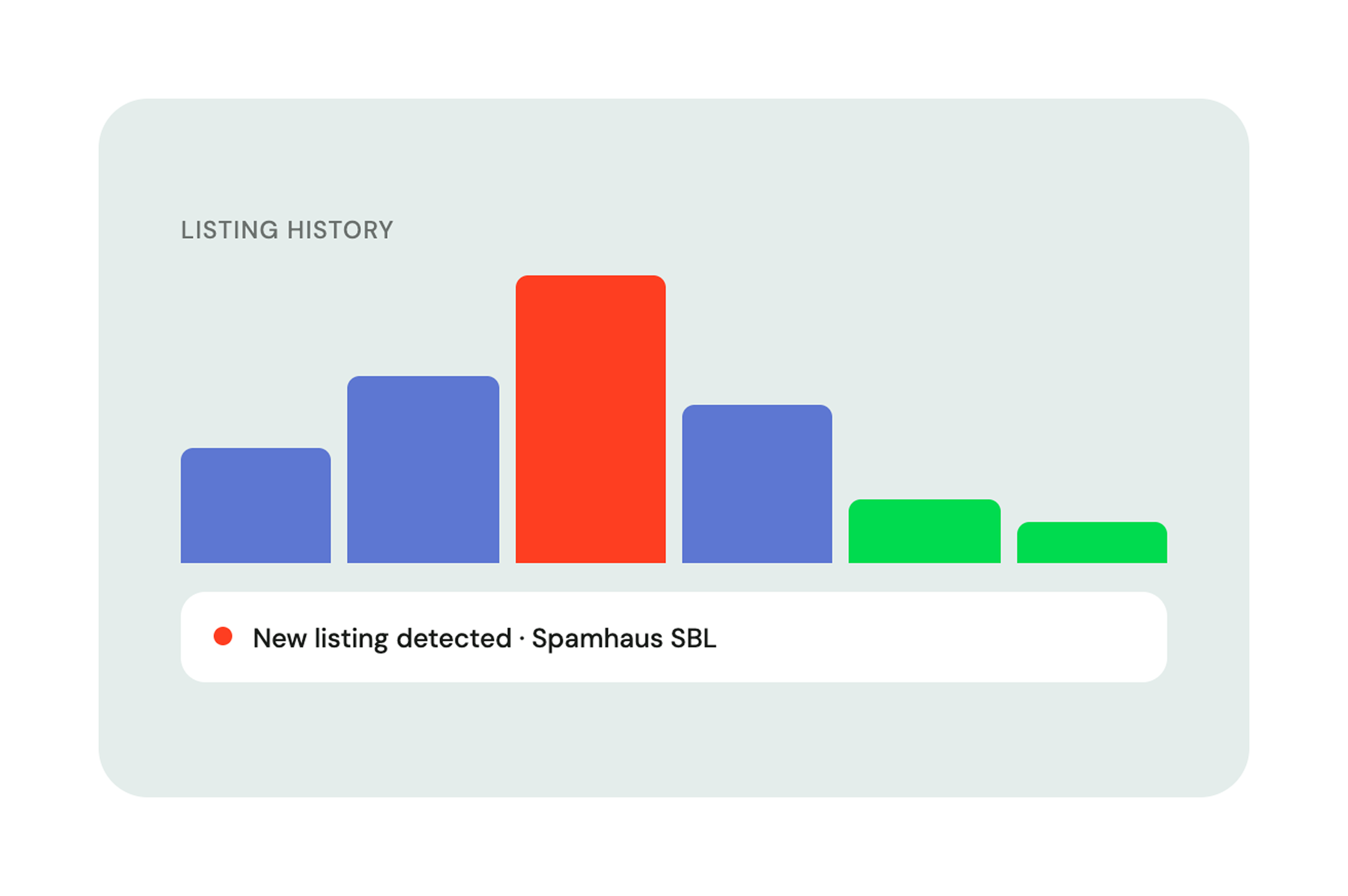
Listing history chart with a new listing detected on Spamhaus SBL
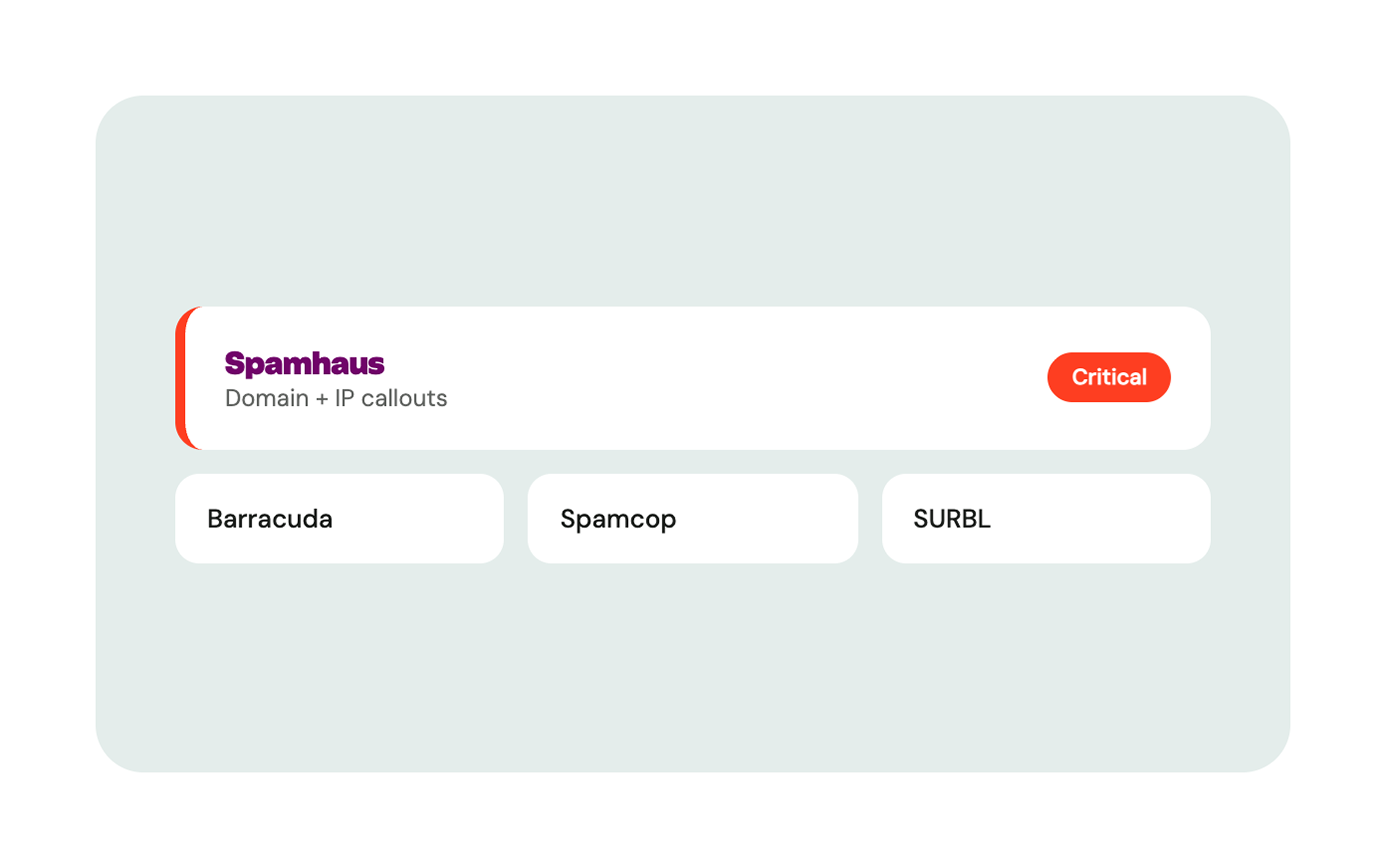
Blocklist listings prioritised by severity with dedicated Spamhaus callouts for domains and IPs
Prioritize by severity

Not every list deserves the same panic

The Overview gives Spamhaus its own dedicated callouts at both the domain and IP level, so your team can prioritize the listings that actually move inbox placement.

Industry-connection remediation

We know the operators

When a listing hits, the next question is how to get off it. Our deliverability team has direct relationships with blocklist operators, knows the delisting playbook and mitigates on your behalf for high-severity escalations.
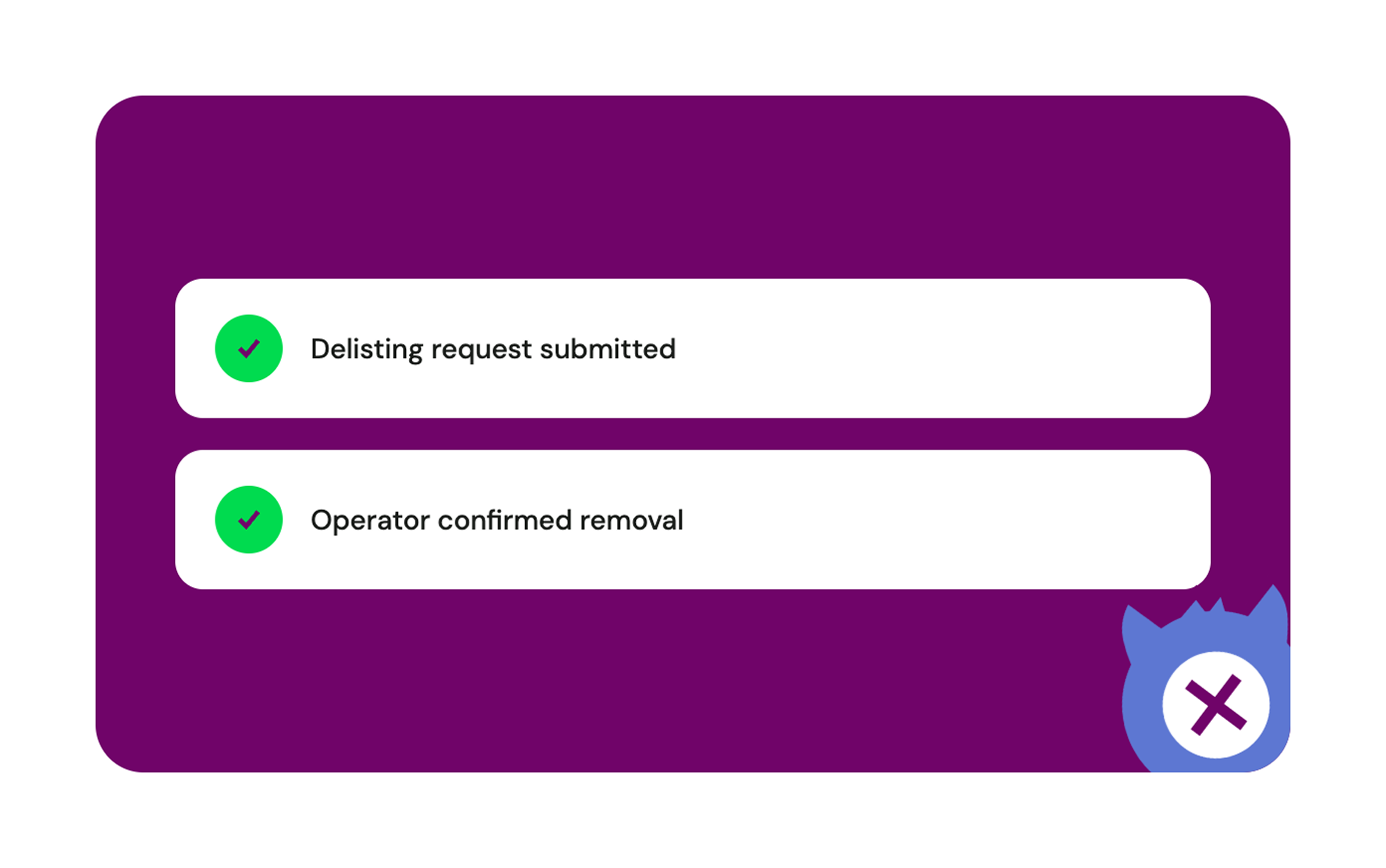
Delisting request submitted, with remediation steps tracked to completion

By the numbers

Inbox Monster mascot

Almost immediately the SpamCop listings stopped… That exercise greatly reduced our spamtrap hits.

Nigel Plaza
AI & Marketing Solutions, Newell (Yankee Candle)

Explore more email goodness

Expert Services

Proactive email delivery support so you land in the inbox, not the spam folder.

Creative Rendering

Pre-send previews across 110+ clients and devices, with diagnostics that flag problems before send.

SMS

A single snapshot of how your text messages actually land with carriers.

Research Suite

Curate creative trends and organize emails in one collaborative workspace.

Frequently asked questions

Straight answers from our email deliverability experts.

What's the difference between a blocklist and a spam filter?

A blocklist flags a sender (your IP address or domain). A spam filter flags an individual message. A listing on a blocklist can penalize every email you send. Both matter, but blocklists hit harder and last longer.

How do I check if I'm on a blocklist?

Free lookup sites only cover a handful of lists. Inbox Monster monitors the blocklists that actually affect ISP decisions and alerts you when a listing changes.

Which blocklists actually affect my deliverability?

A listing on a widely respected operator can tank inbox placement everywhere. Spamhaus is the heaviest hitter, used by Gmail, Yahoo, and Outlook. Proofpoint, Cloudmark, and Barracuda also carry serious weight across enterprise and consumer filters. Cloudmark works a little differently: it's a dynamic reputation system rather than a static list, so a listing is an early warning of list-hygiene issues. It can clear on its own as your sending improves, or be remediated manually for a faster fix.

What's included in the Deliverability Suite?

Inbox Monster's Deliverability Suite has everything you need to reach the inbox, including blocklist and spamtrap monitoring, email reputation management, subscriber insights and more.

How fast does Inbox Monster alert me when I'm blocklisted?

We monitor your sending domains and IPs continuously and alert you the moment a listing appears, so you hear about a blocklisting from us, not from a drop in your open rate.

Can one listing on a blocklist affect everything I send?

Yes, on the widely respected ones. A listing on a major operator can tank inbox placement across providers. Smaller lists may have a lower impact but are still worth investigating.

How long does delisting take?

Depends on the operator and the sender. Automated processes resolve in hours once the issue is fixed. Manual reviews can take days. The critical factor is showing the operator that the root cause is fixed.

Does Inbox Monster monitor both domain and IP listings?

Yes. The blocklist section has three views: Overview, Domains, and IPs. The Overview shows active listings across both your domains and IPs.

How does Inbox Monster integrate with Google Postmaster Tools and Microsoft SNDS?

Our integration is built-in. Google Postmaster Tools and Microsoft SNDS reputation data lands in the same dashboard as your blocklist and seedlist data, so you read one view instead of three.

What email service providers does Inbox Monster integrate with?

Inbox Monster currently integrates with the following email service providers: Iterable, Braze, Bird, Twilio SendGrid, and Salesforce Marketing Cloud. Inbox Monster also offers a Chrome Extension for select ESPs. Sign up for our marketing newsletter to receive the latest news on integrations and product updates.

What is blocklist monitoring?

Blocklist monitoring tracks whether your sending IP or domain has been flagged by services that ISPs consult when deciding if your message reaches the inbox, lands in spam, or never arrives.

Blocklist illustration