
No commitment


Self-Service Creative Suite
Start your best
email workflow
Get to perfect faster with flexible,, no commitment pricing on essential pre-send tools. Maximize email performance–and impact the bottom line–starting today.
Supporting world-class email makers








01
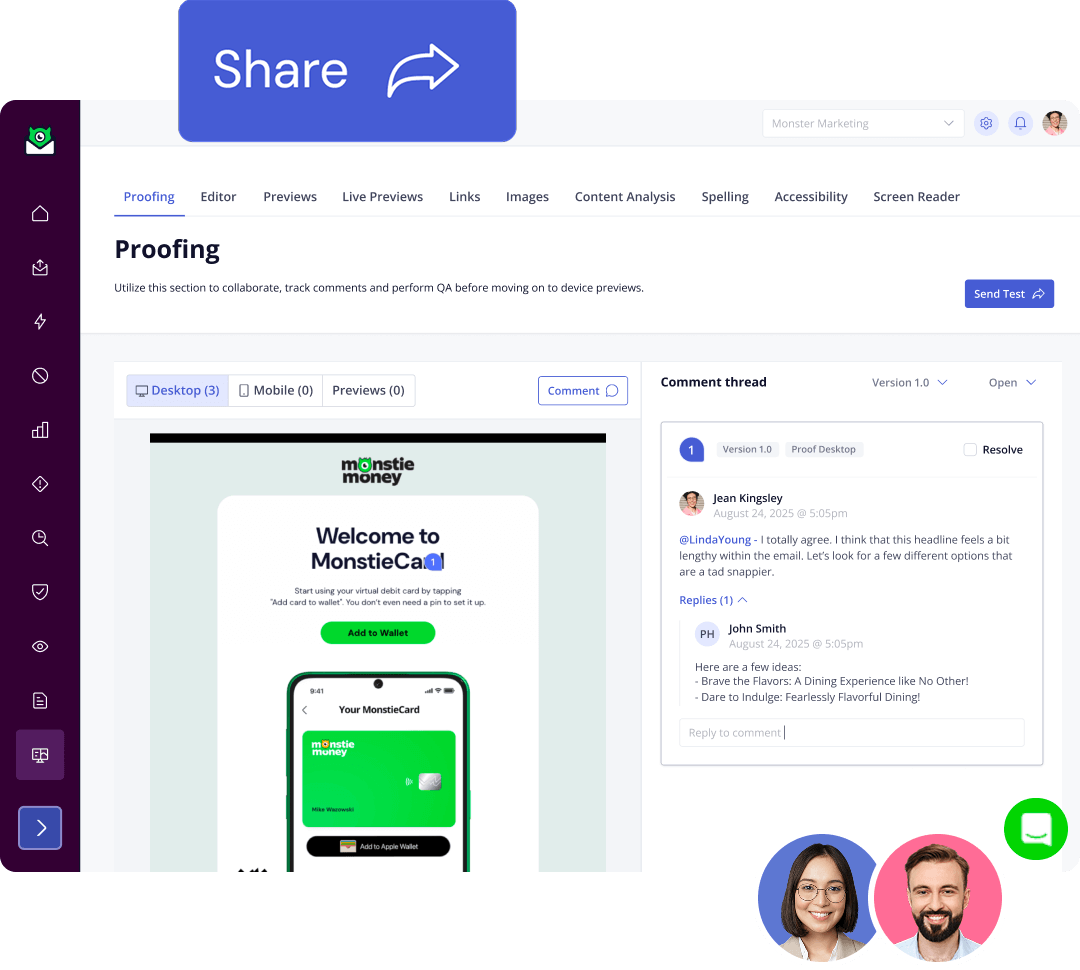
Team QA & collaboration tools
Team QA & collaboration tools
Say goodbye to endless spreadsheets and email chains with proofing and approvals built for email teams. Get a shareable link so other stakeholders can chime in, too.
02
device renderings
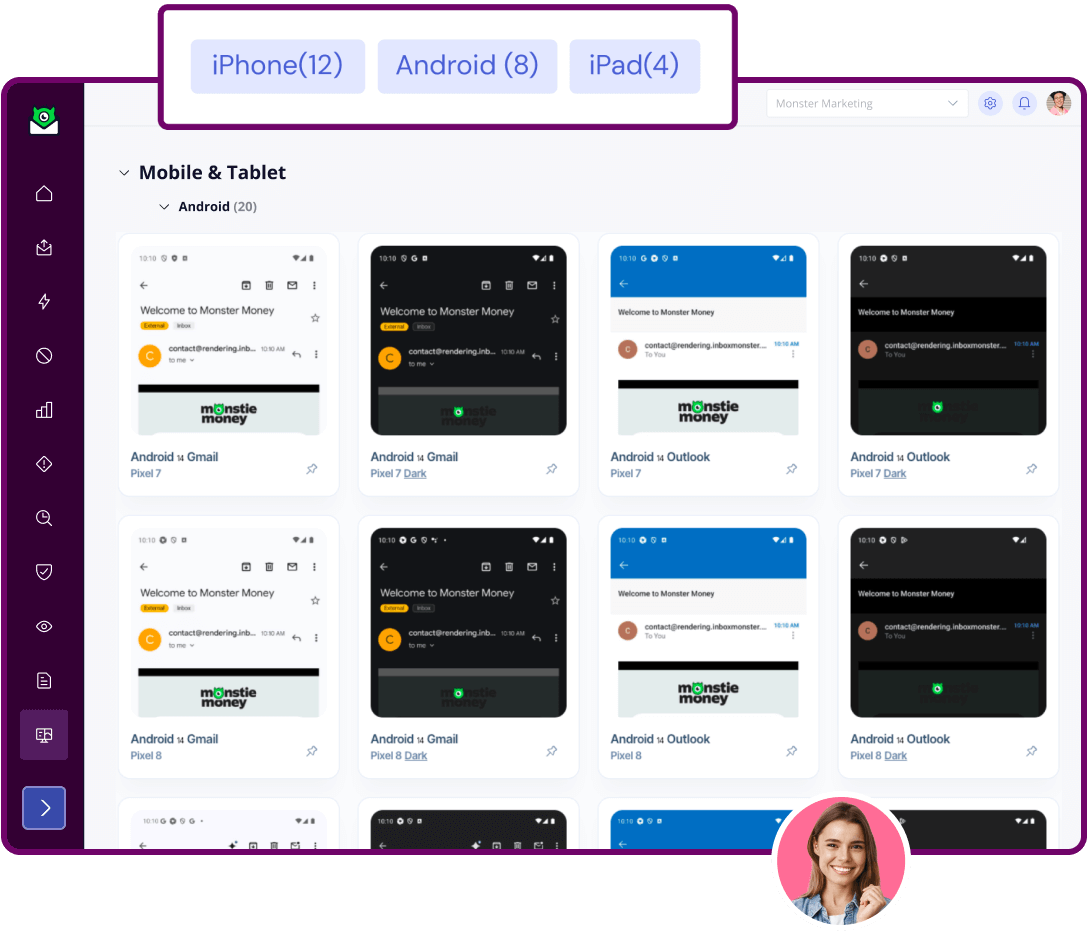
110+ modern device renderings
Get essential previews of every modern email client, including dark mode, so you know how your message shows up.
03
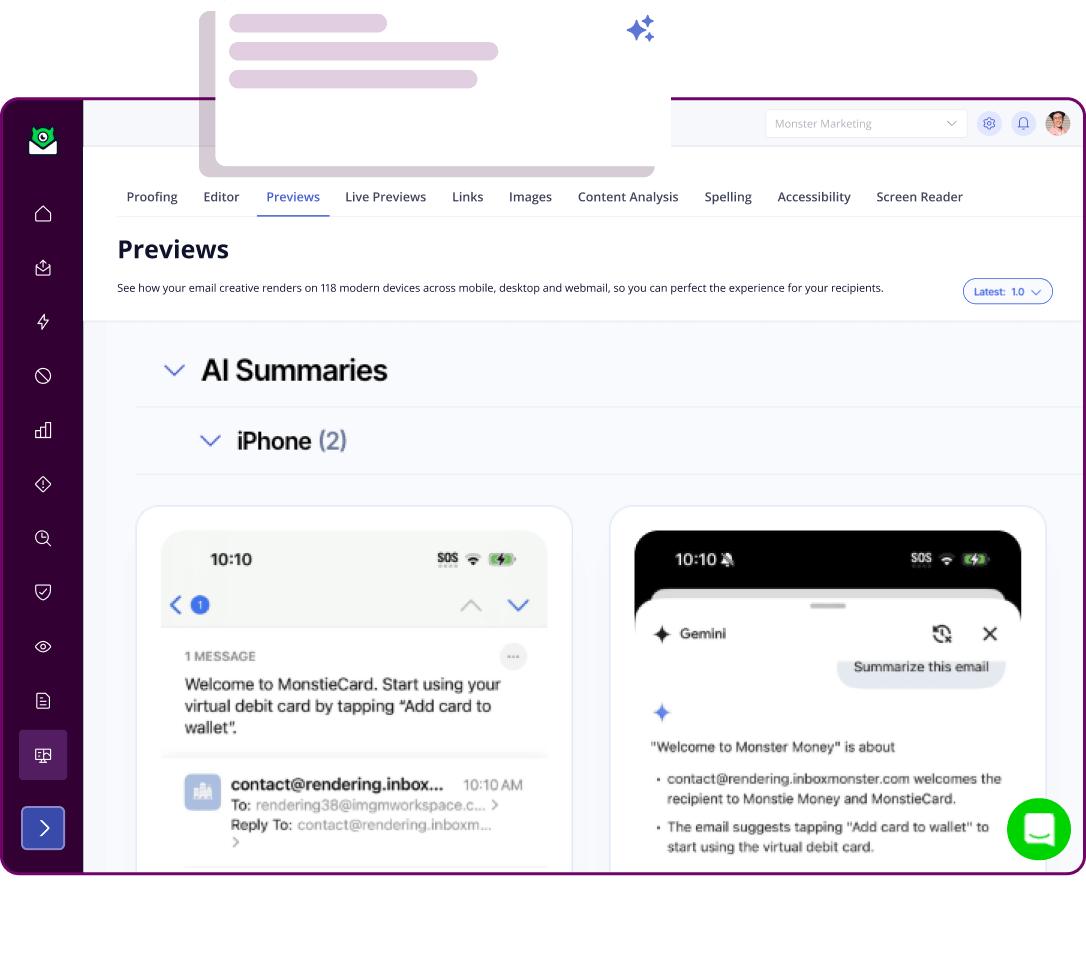
Apple & Gmail AI summaries
AI summaries
See how AI is interpreting your email before you press send, so you can optimize for this new reality.
04
Enterprise diagnostic tools
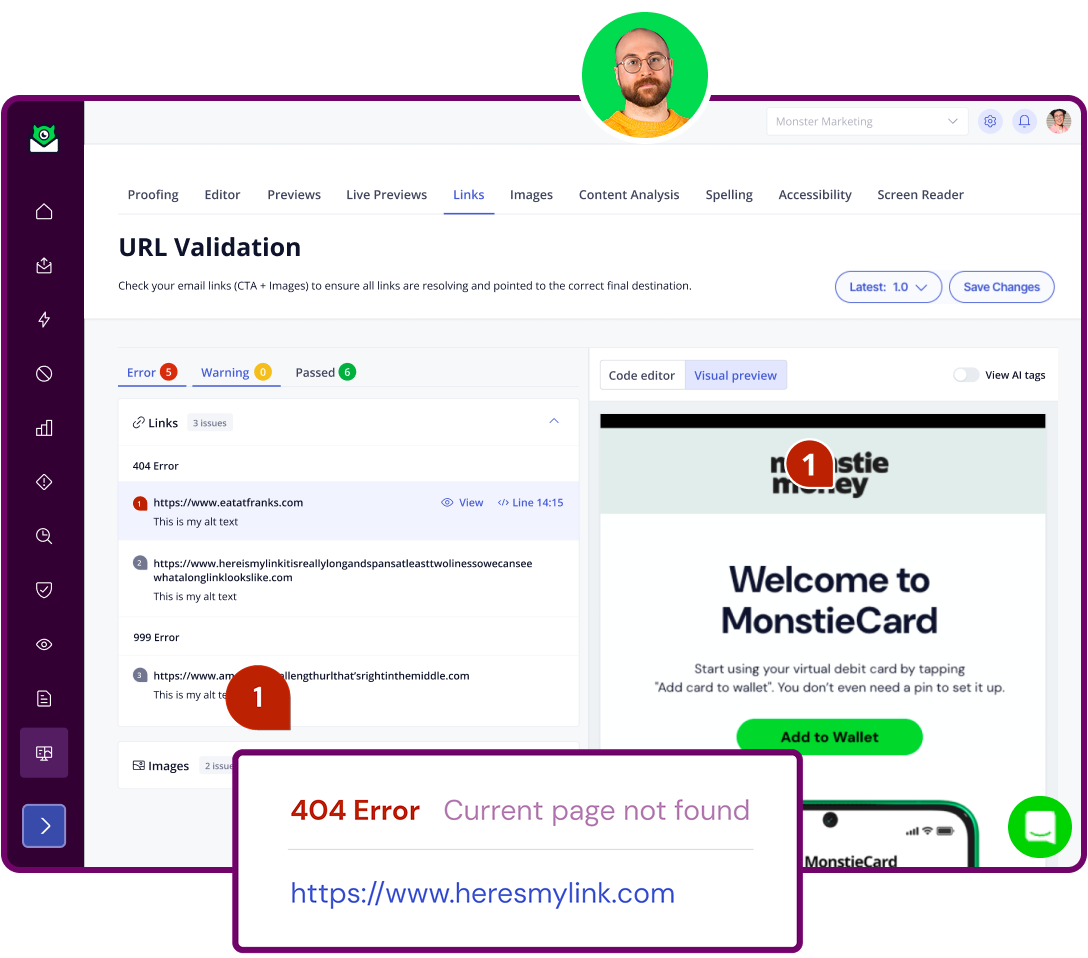
Enterprise diagnostic tools
Make sure every image and link are functioning as intended, so your email works its hardest and you don’t lose out on revenue.
05
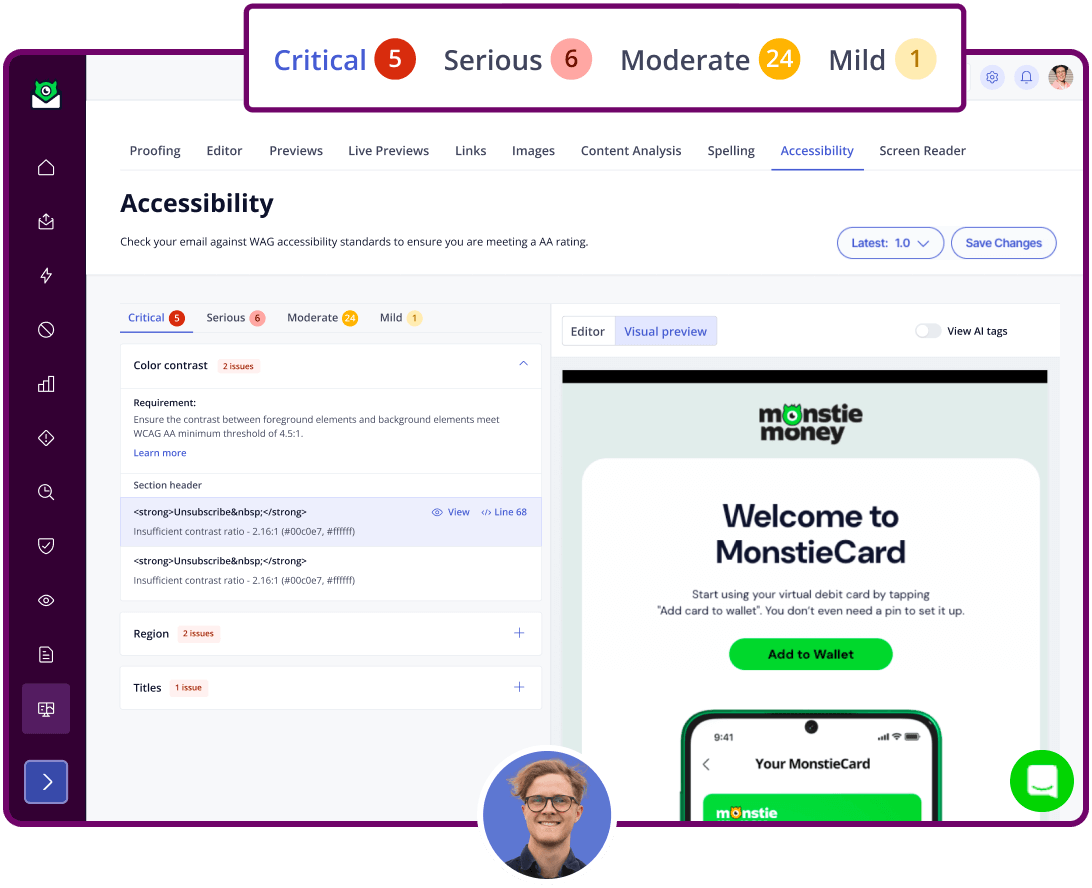
Accessibility analysis
Accessibility analysis
Build emails that work for everyone with critical WCAG AA checks, including a nifty screen reader.
06
ESP integrations
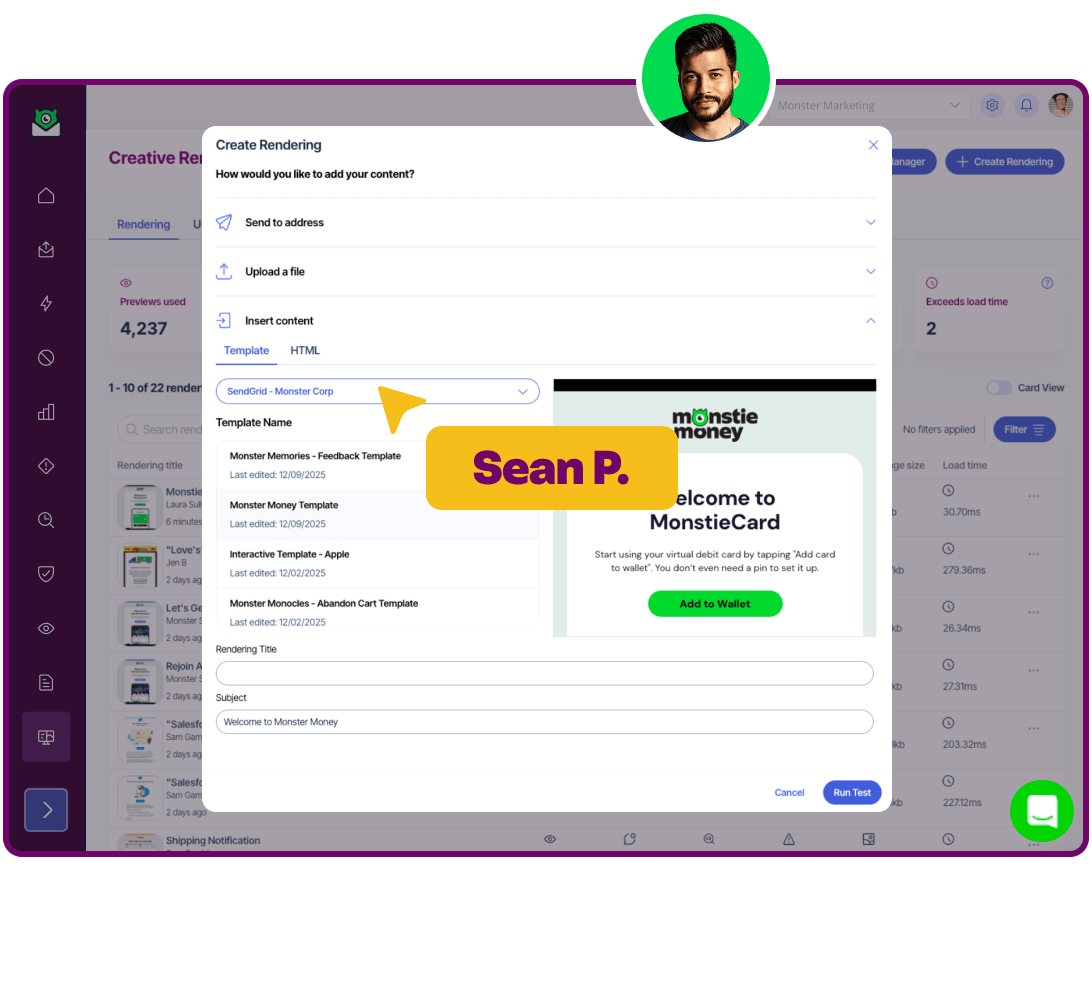
ESP integrations
Push and pull creative from your favorite tools, with built-in integrations with Salesforce, Braze, Iterable, SendGrid and more.






Start your new email workflow
Getting started with the On Demand Creative Suite, so you can start sending pixel-perfect emails faster.
- Sign up in a just a few minutes.
- Create your account.
- Start your first project.
- Proof, preview and collaborate away.
Making emails team work
Enterprise email teams are loving our creative tooling, and we love that!
Ready to get started?
Sign up for a flexible, no commitment monthly plan.