In the last post of our sendability blog series, we discussed how we define sendability, how it differs from deliverability and what it means for the future of email QA.
Here was our quick vocab lesson as a refresher:
Deliverability tracks where your email landed, whether in the inbox or spam folder.
Sendability, on the other hand, calculates whether your email should be sent in the first place.
Now that you know what sendability is, in this post, we’re breaking down the core components of sendability. You’ll walk away knowing what separates an email QA workflow that’s “good enough” vs. one that makes you stand out in the inbox.
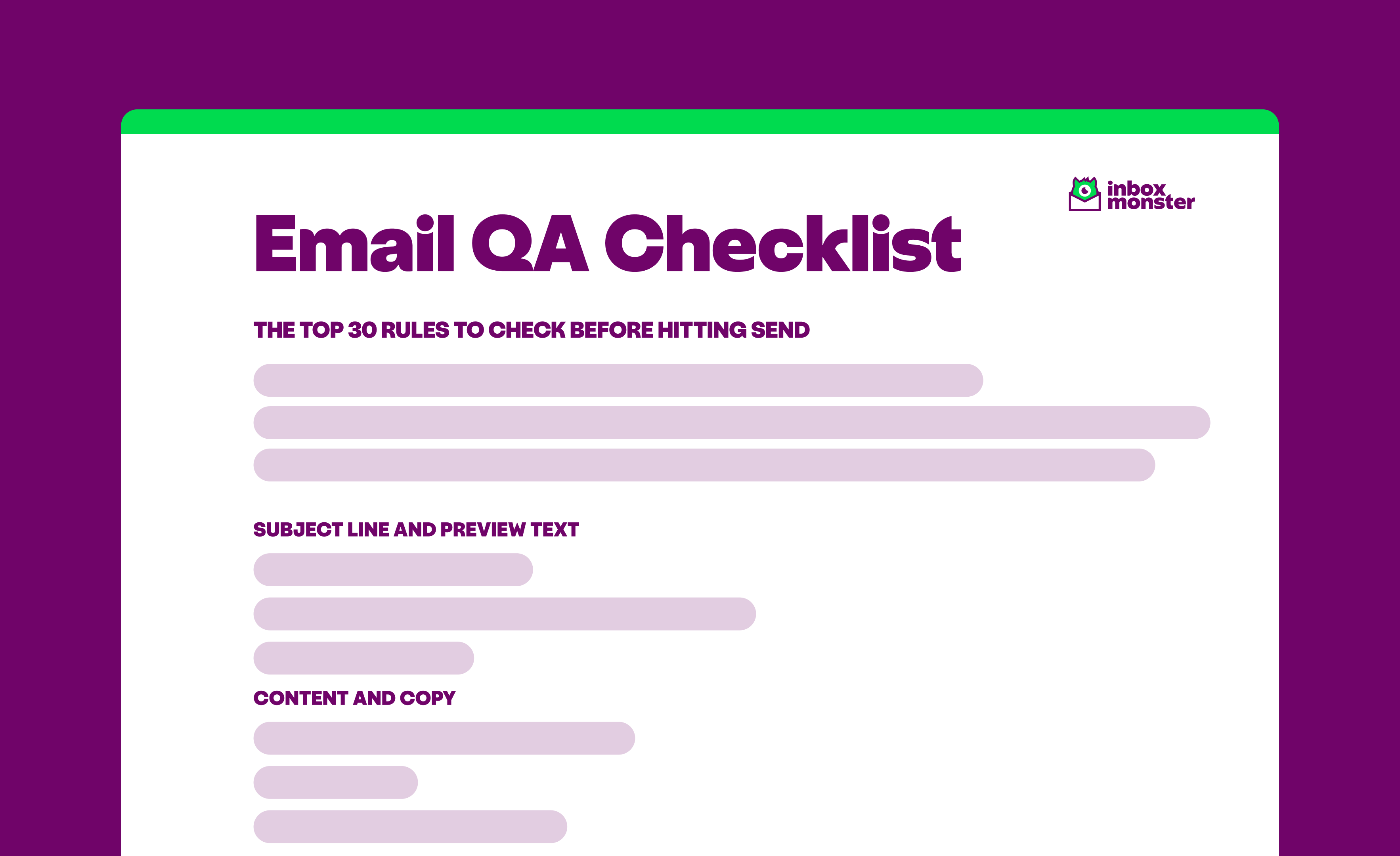
Need the TL;DR? Download our email QA checklist with the top 30 rules to check before hitting send.
{{qa-checklist="/blog-ctas"}}
The Core Components of Sendability
If you consider your team’s email QA process, it likely involves many stakeholders and moving parts. Sendability is about tracking all those elements and determining whether an email is ready for deployment.
But what are those elements that make up a message that’s good to go? Here are ten core components of excellent sendability:
- Subject line and preview text. First impressions are everything, and emails are no exception. Many organizations have distinct rules, such as capitalizing the first letter of each significant word in a subject line or maintaining a certain character count. Don’t know what yours should be? We recommend title case and preview text between 85 and 200 characters.
- Content and copy. Obviously, email marketers know to run a spelling and grammar check on their copy. But content checks also include making sure CTA button text is consistent and removing any placeholder Lorem Ipsum. And don’t forget that footer: verify that the copyright year matches the year we’re actually in!
- Design and brand. Every business will maintain its own brand guidelines, but there are also design best practices to consider. These include an email width that’s between 600px and 700px, a balanced image-to-text ratio and using a web-safe fallback font like Arial or Helvetica.
- Links and tracking. Let’s face it: If your links aren’t working properly, you might as well not have sent that message in the first place. Protect your conversion rate by verifying that every URL has a valid domain, secure HTTPS, the right UTM parameters and no syntax errors.
- Compliance and legal. Email QA isn’t just about sending error-free messages. It’s also about following the law. No QA workflow is complete without compliance checks, such as ensuring a physical address is included in the footer and that unsubscribe and privacy policy links are visible.
- Accessibility. Emails that can be read by anyone are better for everyone. Accessibility checks that immediately improve sendability include descriptive alt text for all images, a color contrast ratio above 4.5:1 and a primary body text with a font size of 14px or larger.
- Technical and rendering. Technical and rendering checks go beyond simple design guidelines to ensure an optimal user experience across all devices. This means making sure your email is mobile-responsive, dark mode compatible and properly links to social media profiles.
- Personalization. 3 in 5 consumers will abandon a brand after an irrelevant experience, so cross-channel personalization is essential. Modern email QA checks that all merge tags are syntactically correct, dynamic content blocks have defined audience conditions and every personalization token has a fallback value.
- ISP-specific. Most email marketers know to avoid Gmail clipping, but each mailbox provider has its own rules to follow. Outlook has 14 the last time we counted! Whether it’s checking for 1x1 tracking pixels for Apple Mail Privacy Protection or VML fallbacks for background images, sendability is about rendering across email clients.
- Industry-specific. No email QA process is the same between companies, since compliance requirements can vary widely across industries. This could involve HIPAA-sensitive language checks for healthcare organizations, past performance disclaimers for financial institutions or geographic restrictions for retail offers.
Boost Your Sendability With Our Email QA Checklist
You now know the core components of sendability, so to make them tangible, we’ve created this email QA checklist. It includes the top 30 standards that email teams incorporate into their QA workflows.
Grab a copy of the checklist so you can send with confidence.
{{qa-checklist="/blog-ctas"}}
Want to add more rules and automate your QA process entirely? Inbox Monster's Custom QA lets you create specialized rule catalogs all within a single workflow. Start with 80+ common rules with email best practices baked in, then customize your own rule set to match the way your team works.
Every email is also given a Sendability™ Score to prove it's ready for prime time. After an email is analyzed against an organization’s custom ruleset, Inbox Monster generates the Sendability Score based on how well that message meets those standards. Failed rules are clearly identified for remediation, so teams can quickly fix issues lightning-fast.
With Custom QA, you can boost your sendability—with all the bells and whistles.
Book a demo of Inbox Monster and find out how Custom QA allows email teams to send up to 53% faster without sacrificing quality.
{{less-time="/blog-ctas"}}