Email testing tools are software that checks an email across four jobs: how it renders across clients and devices, whether it reaches the inbox, whether your list and authentication are clean, and how it holds up under sending volume. Most teams use more than one, matched to the job at hand. The guide below is organized the same way.
Jump to the use case you care about, whether that is rendering and QA, inbox placement, list verification or A/B testing. For each one, we name the tools worth knowing, what they are best at, and what they cost if pricing information is available.
Looking for a testing tool that handles email deliverability, rendering and more? Request a demo to see everything Inbox Monster can do.
The Winners at a Glance, by Category
- Email preview and rendering (QA): Inbox Monster. Renders across 120+ modern clients and devices with AI summaries, live previews, accessibility, translation and unlimited seats for team collaboration.
- Deliverability and inbox placement: Inbox Monster. Weighted inbox placement testing and reputation management with real-time monitoring and designated deliverability support, across all major sending platforms.
- Email verification and list hygiene: Kickbox. Conservative handling of borderline addresses so your team decides what to cut, built for marketers and ESP teams, at a lower per-email cost on large lists.
- A/B and campaign testing: Iterable. A/B and multivariate experiments across broadcast and triggered campaigns, with multi-armed bandit optimization and cross-channel testing.
Email Preview and Rendering (QA) Tools
Rendering and QA tools show you how an email will look and behave in a real inbox before you send it. They preview across modern clients and devices in both light mode and dark mode, catch responsive failures like clipped content and broken spacing, validate links and image loading, flag accessibility problems including color contrast, missing alt text and color-blind rendering, and check translated versions for proper localization.
An email QA platform lets you fix a message’s HTML in the same view, run your own pre-send rules against every campaign and route the proof through comments, versioning and approvals so the whole team signs off in one place.
For Salesforce Marketing Cloud teams, it also means testing AMPscript and personalization, so dynamic content renders the way you built it.
What matters here: coverage across modern clients and devices including dark mode, responsive and accessibility analysis, link and image validation, AI summary previews, in-platform HTML fixes, configurable QA rules you define yourself, translation testing, proofing and approval workflows and a pricing model with unlimited seats that does not punish you for testing.
Inbox Monster
Inbox Monster is a modern rendering and QA platform built for enterprise email teams. It previews your email across 120+ modern clients and devices, including AI summaries that show how AI tools like Google Gemini, Microsoft Copilot and Apple Intelligence interpret your message. It also flags accessibility issues with multiple color-blind filters, alt-text checks and WCAG analysis.
Two things change the daily workflow for high-volume teams:
- First, Easy Edit lets you fix HTML and make easy edits directly in the platform, so you spot an issue and correct it in the same view. With many preview tools, fixing an issue means going back to your email service provider (ESP), re-exporting and re-testing.
- Second, the pricing model uses tiered annual previews with unlimited seats, so you can pull previews as you need them without a per-user fee or a surprise bill.
The deeper differentiator is Custom QA. You define the rules your email has to pass, then the platform tests each campaign against them and reports exactly where it passed and where it failed, down to the line of code that broke, so you can fix it on the spot. The rules can be as small as capitalizing the first letter of every subject line or as consequential as confirming an unsubscribe link is present on every send.
Teams in regulated industries use it for the internal review criteria someone would otherwise check by hand, campaign after campaign. Each run returns a Sendability ScoreTM, so a proof carries one number showing how close the email came to your own pre-send standard instead of a generic one. The standard stays yours. Inbox Monster tests what you tell it to test.
Inbox Monster also covers deliverability, which we get to in the next section, so a team can run pre-send QA and inbox monitoring in one platform instead of stitching two vendors together.
Best for: high-volume and enterprise email teams that want pre-send rendering QA and inbox placement testing in a single platform, with integrations to support ESPs like Salesforce Marketing Cloud, Iterable and Braze.
Pricing: Essential and Advanced plans are self-service with instant credit-card signup, no contract and no onboarding, starting at $3,750 annually and scaling on preview volume. The Enterprise plan is sales-assisted with custom pricing. Every tier includes unlimited seats, so the price tracks how much you test, not how many people test.
Litmus
Litmus is a long-established name in email previewing and is now part of Validity, which also acquired Return Path and 250ok. That changes what you are buying. Litmus is no longer a standalone rendering and QA tool; it is one component of a larger email stack, with the product and pricing complexity that brings.
Litmus shows how your email renders across 100+ email clients and devices, and adds spam testing, the Litmus Builder, analytics and team collaboration. Large marketing teams use it for design consistency across Gmail, Outlook and Apple Mail, on both desktop and mobile.
Best for: teams whose email production is built around Litmus Builder and its design workflow.
Pricing: Pricing not public.
Mailgun Inspect (formerly Email on Acid)
This entry is in transition, so the facts below are labeled by which tool they belong to.
Email on Acid was the recognized pre-send rendering and QA tool that major email testing lists cited. It was known for previews across a wide range of desktop, web and mobile clients, HTML validation, link and image validation, spam-filter testing, accessibility checks and heat mapping.
Mailgun Inspect is the tool that now succeeds it. Sinch has rebuilt Email on Acid from the ground up on the Mailgun platform and named the result Mailgun Inspect, "built with the best of Email on Acid."
Mailgun Inspect previews email across 100+ clients and devices, runs accessibility checks aligned to ADA and the European Accessibility Act, validates images and links, analyzes spam and offers API access. Because it is new, it does not yet have an independent ratings track record of its own.
The succession you should know about: Email on Acid is being retired and replaced by Mailgun Inspect. Email on Acid contracts and subscriptions began transitioning in June 2026; the move is required, and existing previews and tests do not transfer during migration.
Pricing runs from a free tier (100 emails per day, one user) to Basic at $99/mo (1,000 previews per month, unlimited users), Premium at $199/mo (2,000 previews per month, with accessibility), and custom contract pricing. Each client or device you test counts as one preview, and overages bill at $0.15 per preview.
If you are an Email on Acid customer, the required migration and the fact that your saved previews and tests will not carry over make this a natural moment to compare alternatives. If you are comparing options during the migration, weigh the per-preview billing model against flat-tier pricing before you re-commit.
Best for: teams already in the Mailgun ecosystem, and current Email on Acid users being migrated.
Pricing: free tier; paid from $99/month; custom contract.
Mailtrap
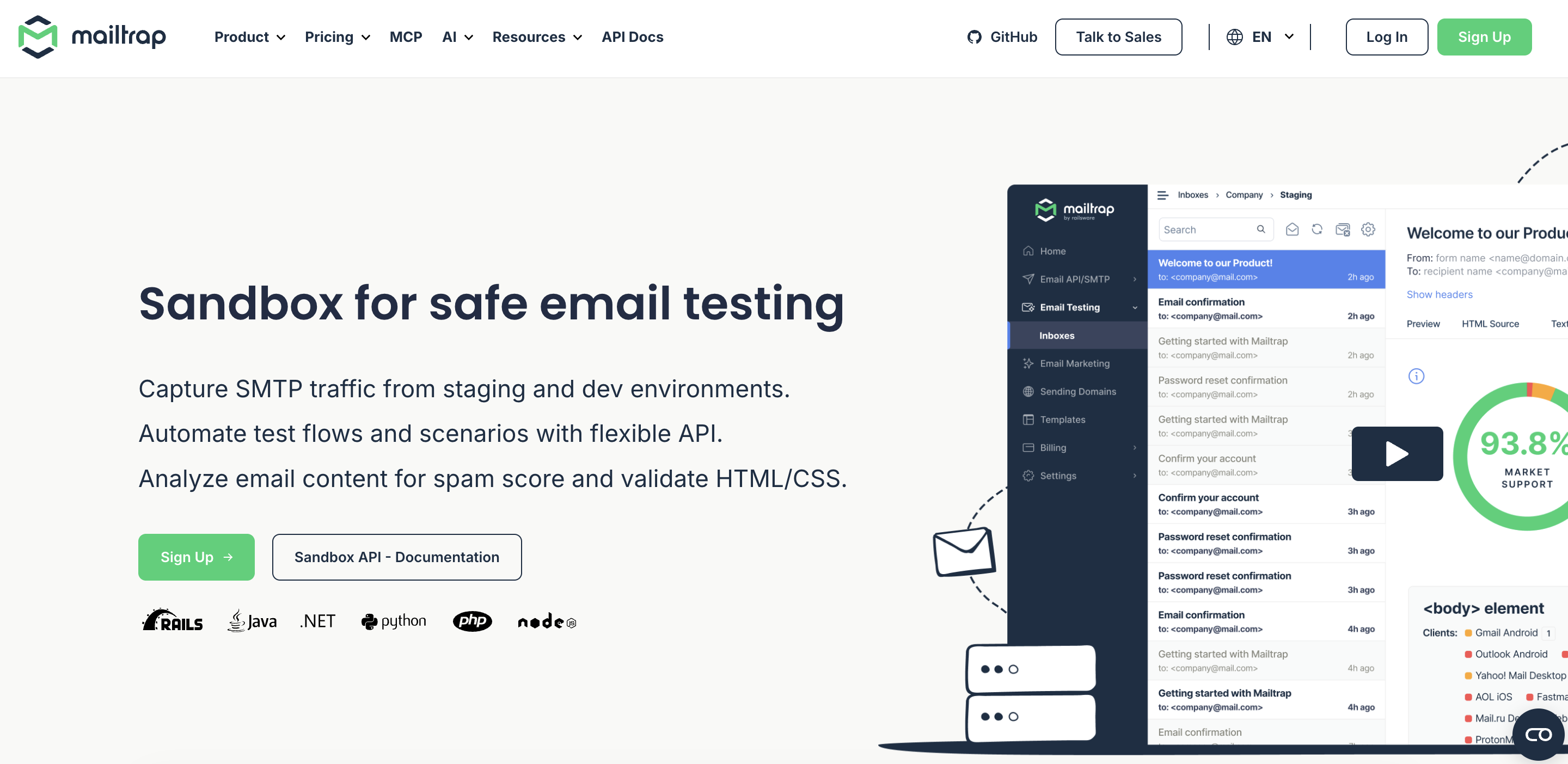
Mailtrap is an email delivery platform best suited for product and dev teams. It provides Email API/SMTP that handles transactional and bulk emails on separate streams, with SPF, DKIM and DMARC setup, automatic bounce suppression and webhooks. Official SDKs cover Node.js, PHP, Ruby, Python, Java, .NET, Go and Elixir.
Also, there is an Email Sandbox for testing emails on staging. It offers device previews that show each message on mobile, tablet, and desktop screens, and HTML Check flags markup that popular email clients don't support. You also get a spam score, a blacklist check and header analysis, and the same Sandbox is available over API for automated tests.
A typical workflow is to point your staging environment at Sandbox, review the emails, then switch the credentials to Email API/SMTP and send to real recipients. AI agents can handle the same test-and-send steps through Mailtrap's MCP server or CLI.
Best for: developers, not drag-and-drop marketers.
Pricing: Both products have free plans: Email API/SMTP 4,000 sending emails per month and 50 test emails per month. Paid sending starts at $15/month, and paid Email Sandbox plans starts at $14/month on annual billing.
Deliverability and Inbox Placement Tools
Deliverability tools show whether your email lands in the inbox or the spam folder, using seed lists, reputation and blocklist monitoring, and authentication checks.
Mailbox providers weigh your sender reputation behind the scenes, so the goal is a clear external read on inbox placement, plus early warning when something slips.
What matters here: seed-list breadth across providers, reputation management, blocklist and spamtrap monitoring, real-time alerting, and access to designated deliverability support.
Inbox Monster
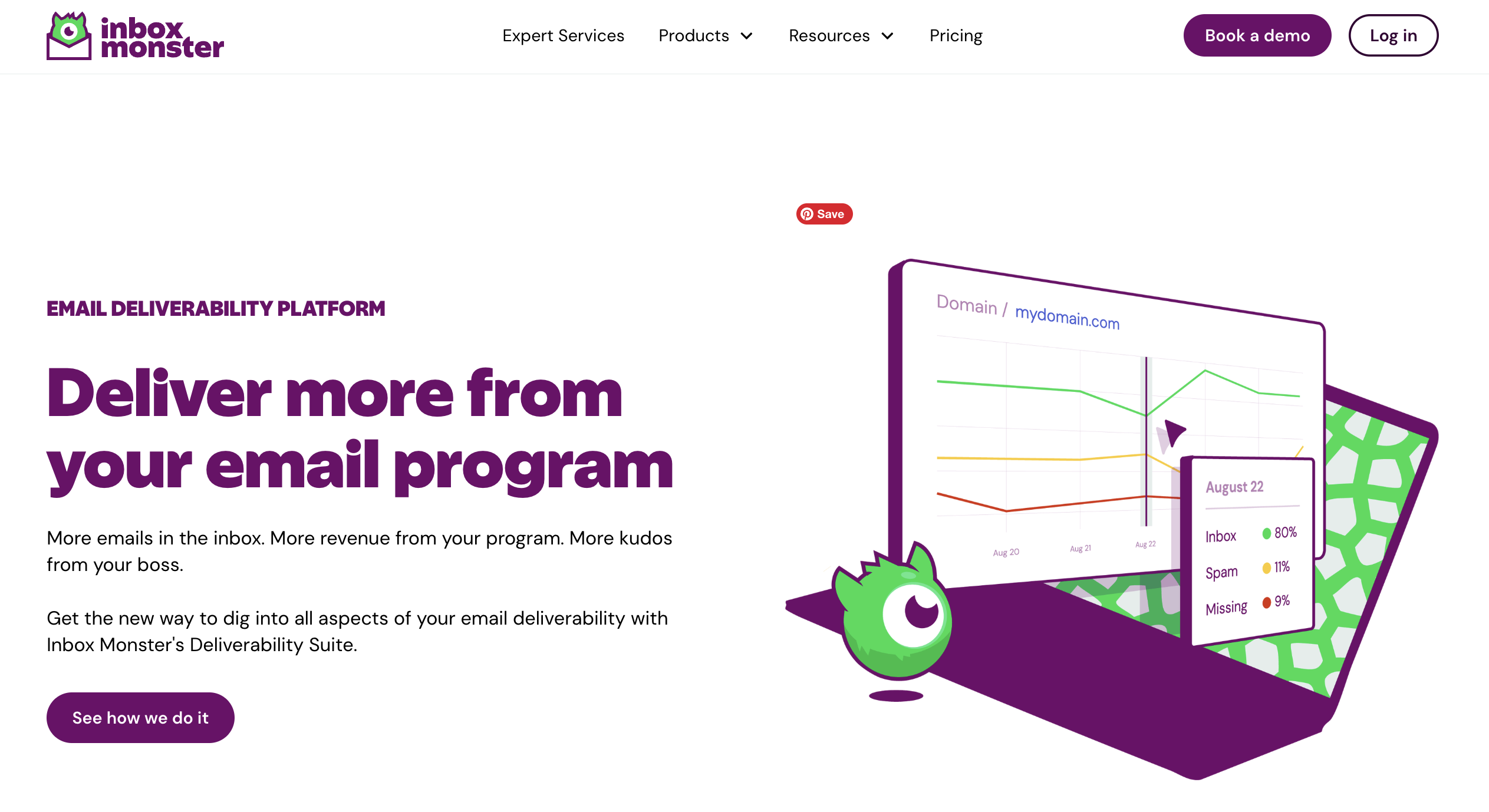
Inbox Monster’s Deliverability Suite is an enterprise-grade deliverability platform with support from a team of email experts. It reports weighted inbox placement across 90+ mailbox providers; monitors spamtraps, blocklists and sender reputation; and sends triggered notifications the moment placement drops.
For high-volume senders, that alerting is the point: Most days you log in and see strong placement, and when it changes you want to know immediately.
Inbox Monster integrates with major email service providers, including Salesforce Marketing Cloud, Iterable and Braze, with auto-seeding so placement tests run without manual setup.
AI enablement also runs across the Deliverability Suite. Monster Agent answers questions about your own data in plain language. Instead of digging through dashboards, you ask what your average inbox placement was last month, or how many spamtraps you hit over the holiday season last year.
AI summaries and observations sit throughout the suite as well, covering inbox placement testing, blocklist and spamtrap monitoring, sender reputation, subscriber insights and DMARC, turning raw deliverability data into a readable account of what changed and what it means.
None of the Deliverability Suite is paywalled. All customers get the same access, features can be switched off by users who would rather not use them, and the platform is ISO 42001 certified for AI security and governance.
Because Inbox Monster also handles creative rendering and QA, covered in the previous section, your team can connect the entire pre-send and post-send email testing workflow.
Best for: enterprise and high-volume senders who need inbox placement testing, real-time monitoring and hands-on deliverability support, not just a dashboard.
Pricing: starts at $15,000 annually and offers custom enterprise pricing.

GlockApps
GlockApps is a dedicated deliverability and spam testing platform. It sends your test email to real seed addresses across major providers and reports whether each lands in the inbox, spam or blocked, then adds blocklist monitoring across 50+ databases and authentication analysis with fixes. It is a strong pick for smaller senders who are conscientious of their budget.
Best for: smaller senders and agencies that want affordable seed testing and blocklist monitoring.
Pricing: free tier, paid from $59/month.
Validity (Everest)
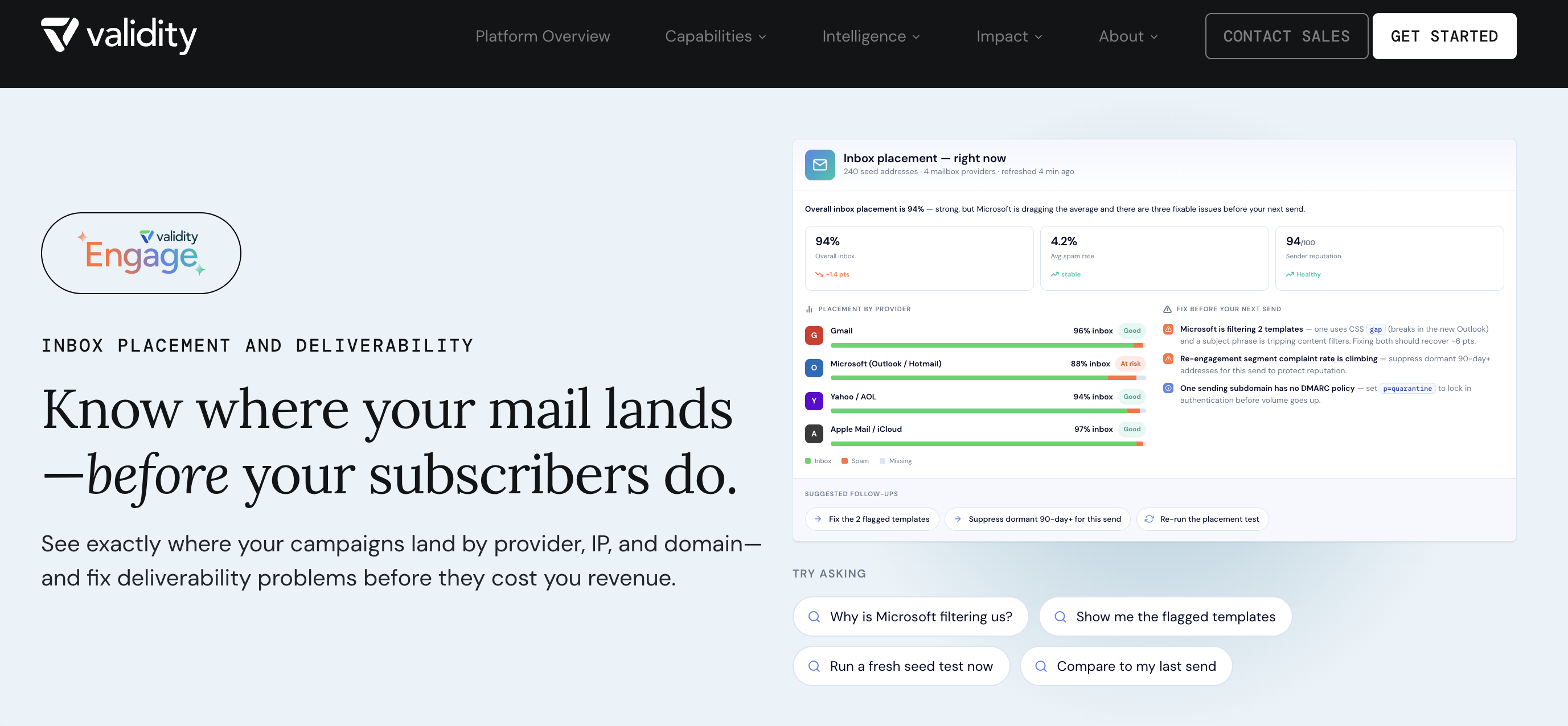
Everest is Validity's deliverability platform, offering inbox placement, sender reputation and infrastructure monitoring, blocklist and spamtrap protection, and campaign analytics.
The context a buyer should have: Validity has been private-equity backed since PSG Equity invested in 2019, and Everest is one of five products in its portfolio, sitting alongside CRM data management, address verification and grid applications. Deliverability is a line item there, not the mission.
The company has spent those years acquiring rather than building, absorbing Return Path, 250ok and now Litmus, which means the platform you buy today is an assembly of products that were once separate companies with separate roadmaps. Pricing is custom and quoted to your volume, so scope carefully what is included.
Best for: enterprise teams already standardized on Validity's wider data-quality stack.
Pricing: custom, not publicly available.
Mailgun
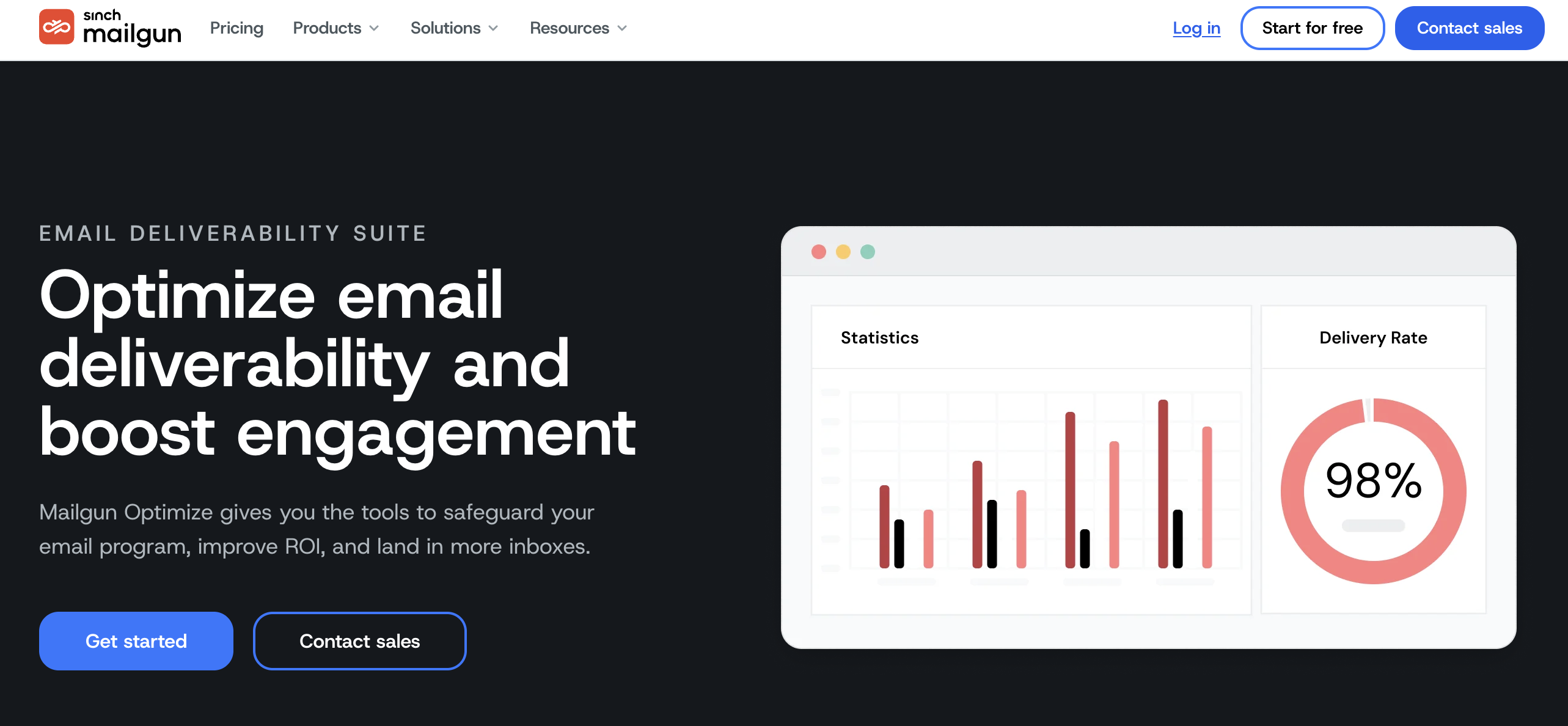
Mailgun is a developer-focused email platform, and its Mailgun Optimize product handles the deliverability testing side. It runs inbox placement testing with seed lists, monitors domain and IP health, checks blocklists and validates lists, with managed deliverability services available for teams that need dedicated infrastructure support.
Best for: developers and technical teams that want sending infrastructure and deliverability testing together.
Pricing: from $49/month.
Email Verification and List Hygiene Tools
Verification tools check whether the addresses on your list are real and safe to send to, removing invalid, spamtrap, disposable and catch-all addresses before they damage your sender reputation.
Verification is a separate job from deliverability monitoring: It cleans the list you send to, while monitoring tells you where those sends land.
What matters here: how aggressively a tool treats borderline addresses, spamtrap and abuse detection, real-time API performance, cost per thousand at your volume and whether you need enrichment data on top of validation.
Kickbox
Kickbox has focused on verification since 2014 and is built for email marketers rather than data teams. Where other tools discard borderline addresses for you, Kickbox labels them risky and leaves the call to you, so an aggressive filter never quietly cuts engaged subscribers from your list.
It covers syntax, domain, disposable, catch-all and role-based detection, with abuse identification from an internal threat network. Spamtrap detection runs on partner data. It adds no enrichment, which keeps cost per address low.
Best for: teams that want control over how borderline addresses are handled, at a lower per-email cost on large lists.
Pricing: free tier of 100 verifications; roughly $8 per 1,000, so about $4,000 for a million addresses.
ZeroBounce
ZeroBounce pairs validation with data enrichment. Alongside syntax, domain, disposable, catch-all and role-based checks, it detects spamtraps and abuse complaints, applies AI-enhanced risk scoring, tracks email activity and appends data such as name, location and IP.
It supports real-time API, bulk uploads, webhooks, FTP and SFTP transfer and wide ESP and CRM integration. Reporting stays focused on validation results rather than broader deliverability analysis.
Best for: teams that want the deepest spamtrap and abuse detection, plus enrichment and engagement data on top of validation.
Pricing: free tier of 100 verifications; roughly $10 to $15 per 1,000 thereafter.
NeverBounce
NeverBounce, acquired by ZoomInfo in 2018, is the most aggressive of the three. It marks more borderline addresses invalid, which cuts risk but shrinks your list further than the others would. It does not specifically flag known spamtraps or abusers.
Its API is fast and commonly used for real-time validation on signup and lead forms, and it handles high-volume bulk jobs quickly. Scheduled Sync connections keep lists clean inside connected CRMs and ESPs automatically.
Best for: high-volume senders who want maximum hygiene, accept a stricter cut and need fast real-time form validation.
Pricing: pay-as-you-go credits that fall with volume, from roughly $0.008 per email at 10,000 addresses to $0.0025 at a million and $0.002 above two million, so about $2,500 for a million addresses.
All three carry SOC 2, GDPR and CCPA compliance with EU data center options, so the decision usually comes down to how strictly you want borderline addresses treated and whether you need enrichment alongside validation.
A/B and Campaign Testing Tools
A/B testing happens inside your sending platform, not in a separate tool. For enterprise senders that means the testing capability you have is the one your ESP ships, so it is worth knowing what each of the major platforms supports before you design an experiment around it.
What matters here: how many variants you can run, which elements you can test, how the winner is selected and whether testing extends past a single send into the full journey.

Iterable
Iterable runs A/B and multivariate tests from an experiments dashboard, across broadcast and triggered campaigns alike.
You control group sizes, experiment length and the elements under test. You can split traffic evenly across variants, or let multi-armed bandit algorithms shift traffic toward the best performer to maximize opens, clicks or conversions over time.
Send-time experiments test timing alongside content, and because Iterable is cross-channel you can test the same content across email, SMS and push.
Best for: teams running continuous multivariate testing across more than one channel.
Pricing: custom, quoted by Iterable.
Braze
Braze supports multivariate and A/B tests with a holdout control group and a confidence measure that strengthens as volume accumulates.
Intelligent Selection goes further on recurring and triggered campaigns, continuously shifting traffic toward the variant that is winning rather than waiting for a test window to close.
Experiment Paths inside Canvas extend testing beyond a single message to entire journey branches, so you can test sequences rather than subject lines.
Best for: lifecycle teams testing whole journeys, not just individual sends.
Pricing: custom, quoted by Braze.
Salesforce Marketing Cloud
Email Studio runs A/B tests on subject line, content, sender name and send time. You set the share of the audience that receives the test, pick open rate or click-through rate as the winning metric, and the platform sends the winning version to the remaining audience automatically once a winner is declared. Results track in real time on the A/B Test dashboard.
Best for: enterprise teams running structured two-variant tests inside the platform where their journeys already live.
Pricing: by edition, quoted by Salesforce.
Whichever platform runs your experiment, every variant still has to render correctly and reach the inbox. A subject line test is wasted if the winning version breaks in Outlook or lands in spam.
Inbox Monster's AI analysis also forecasts open rate, click-through rate and conversion rate before you send, and suggests subject line alternatives, so you can narrow the field before committing your audience to a test.
What Are Email Testing Tools?
Email testing tools are software that checks an email across a few distinct jobs: how it renders across clients and devices, whether it reaches the inbox, and whether the content performs.
Rendering tools catch visual and accessibility issues before send. Deliverability tools show inbox placement and monitor sender reputation. Verification tools help keep your list clean, and A/B tools optimize content.
About Inbox Monster
Inbox Monster helps email teams send with confidence. Turn insights into action with complete visibility into email performance and dedicated support that roots you on every step of the way.
The Inbox Monster platform makes it easy to test creative in record time, deliver to the inbox as intended and analyze messages to make faster, smarter decisions.
With Inbox Monster’s Creative Suite, you can streamline your entire pre-send workflow and cut your QA time in half. Collaborate with your team in real time, test interactive content and render across 120+ modern clients and devices.
Think of Inbox Monster’s Deliverability Suite as the ultimate email insurance policy, ensuring more emails in the inbox, more revenue from your program—and more kudos from your boss. From spamtrap and blocklist monitoring to reputation management and subscriber insights, Inbox Monster reports on all the metrics that matter most to you.
Inbox Monster is the enterprise email testing platform that brings creative rendering and deliverability into one place, so you can test smarter and send better.
Find Your Email Rawwwr
Ready to test smarter? Talk to an email expert to see how Inbox Monster handles rendering and deliverability in one place.
FAQs About Email Testing Tools
What is the difference between email testing and email verification?
Email testing checks whether an email renders correctly and reaches the inbox, while email verification checks whether the addresses on your list are real and safe to send to. You typically use both: Verification keeps your list clean, and testing confirms the email itself is ready to send.
What is inbox placement testing?
Inbox placement testing sends your email to a panel of seed addresses across major mailbox providers and reports whether it lands in the inbox, spam or a tab like Promotions. It gives you a read on where real recipients are likely to see your message before you send it to your full list.
Do free email testing tools work for enterprise senders?
Free email testing tools can be useful for a quick one-off check, but enterprise senders usually outgrow them because they lack ongoing monitoring, alerting and designated customer support. High-volume senders generally move to a platform that monitors placement continuously and warns them when something changes, alongside a support team that guides them on sending best practices.
How often should you test your emails?
Test every email for rendering and content before you send it, and monitor deliverability continuously if you send at high volume. One-time testing catches design issues; ongoing monitoring catches reputation and placement problems as they develop.
What is the best email testing tool for Salesforce Marketing Cloud (SFMC)?
Inbox Monster is built for Salesforce Marketing Cloud teams, and how it connects depends on which version you run.
On Marketing Cloud Engagement, the Chrome Extension previews, compares and version-controls email inside SFMC, renders AMPscript and dynamic content, and auto-seeds inbox placement tests so they run without manual setup.
On Marketing Cloud Next, Inbox Monster is available through the Salesforce AppExchange and renders natively in Growth and Advanced environments, the first creative rendering solution integrated directly with the platform. You preview across 120+ modern clients and devices from inside the Preview and Test module, with configurable device settings, HTML and dark mode checks, thumbnail and full-width previews, and AI summary previews showing how Google Gemini and Apple Intelligence will interpret your email before it reaches the inbox. Proofing, accessibility, visual diagnostics and link validation come at no additional charge.
Either way, rendering QA and deliverability monitoring stay in one suite, and Inbox Monster supports other enterprise platforms, including Iterable and Braze.