Every email program looks different, even to members of the same team. The deliverability metrics you need daily aren’t the same ones your CMO wants in a monthly readout, and neither matches what an agency sends its clients.
Now, you can create a dashboard that’s as unique as you are.
Our release of Custom Dashboards lets you assemble exactly the view you need from Inbox Monster’s deliverability data. You can add your own commentary and turn it into a clean, shareable report—no spreadsheets, screenshots or copy-paste.
With Custom Dashboards, you can:
- Drag and drop from a library of modules
- Get reports with executive summaries and notes
- Share with anyone—no login required
What You Get With Custom Dashboards
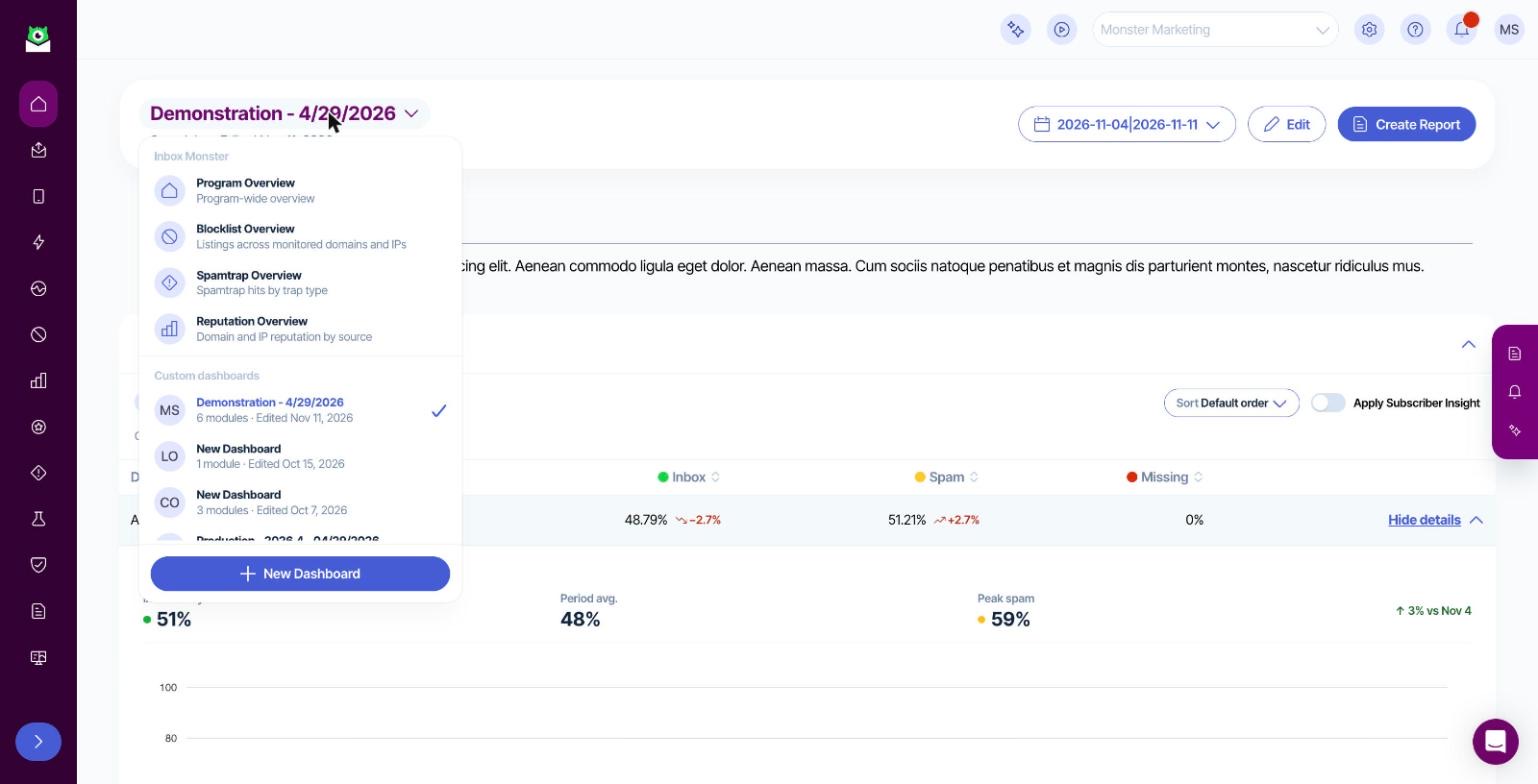
Custom Dashboards allows you to treat Inbox Monster’s Deliverability Suite like your own personal canvas. Simply choose from a library of modules, and drag and drop them onto the dashboard builder in any order.
You can edit or remove any module at any time. Each dashboard respects the date range you pick, and comparison periods are calculated automatically.
From the data modules, you can select views like:
- Campaign
- Inbox placement
- Blocklist
- Spamtrap
- DMARC
- Reputation
- Complaint
Now, you don’t need to flip between various pages to piece together the full story. You can understand your email program at a glance, with one click.
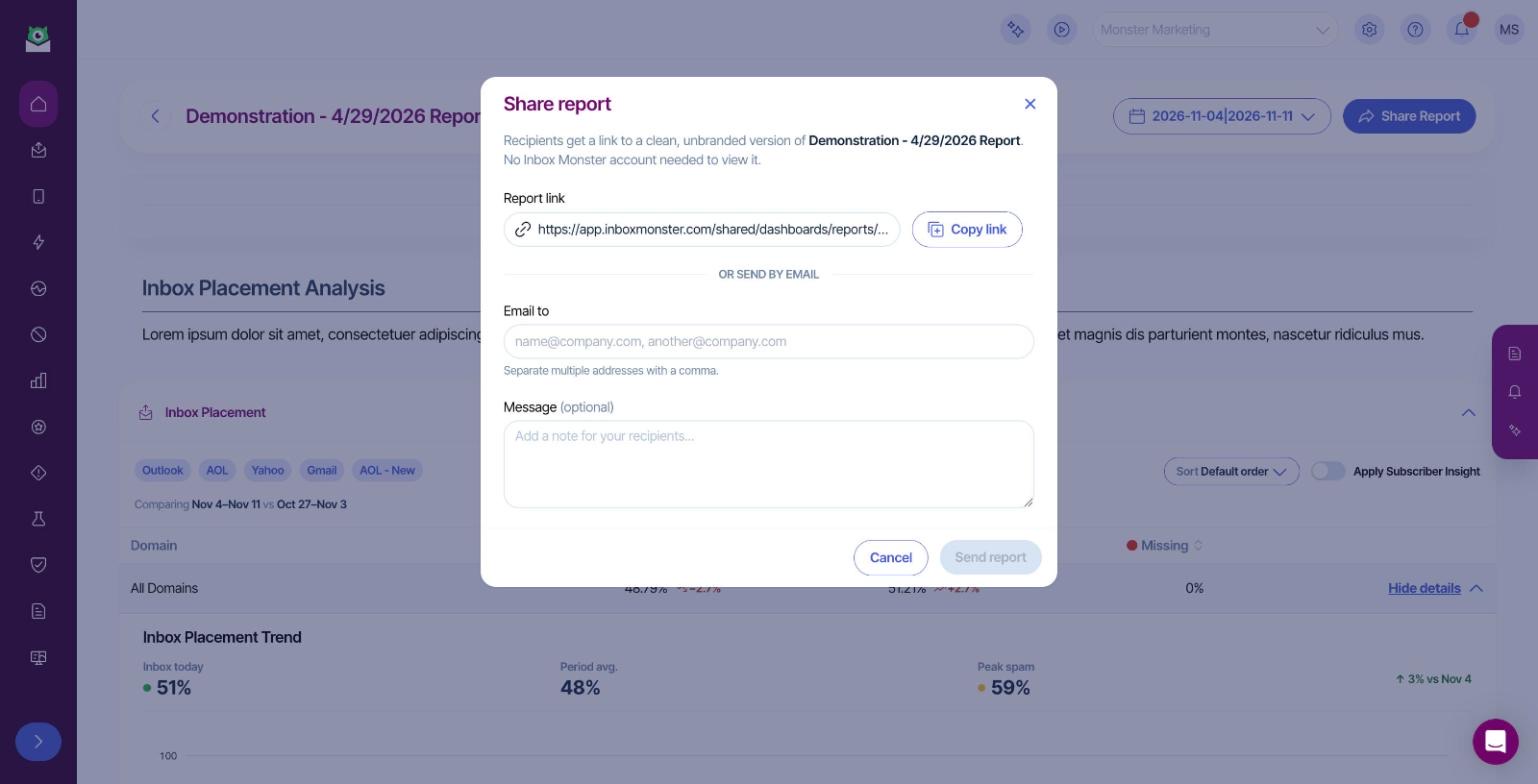
You can also turn any dashboard into a report that’s shareable with anyone on your team, whether or not they log into Inbox Monster.
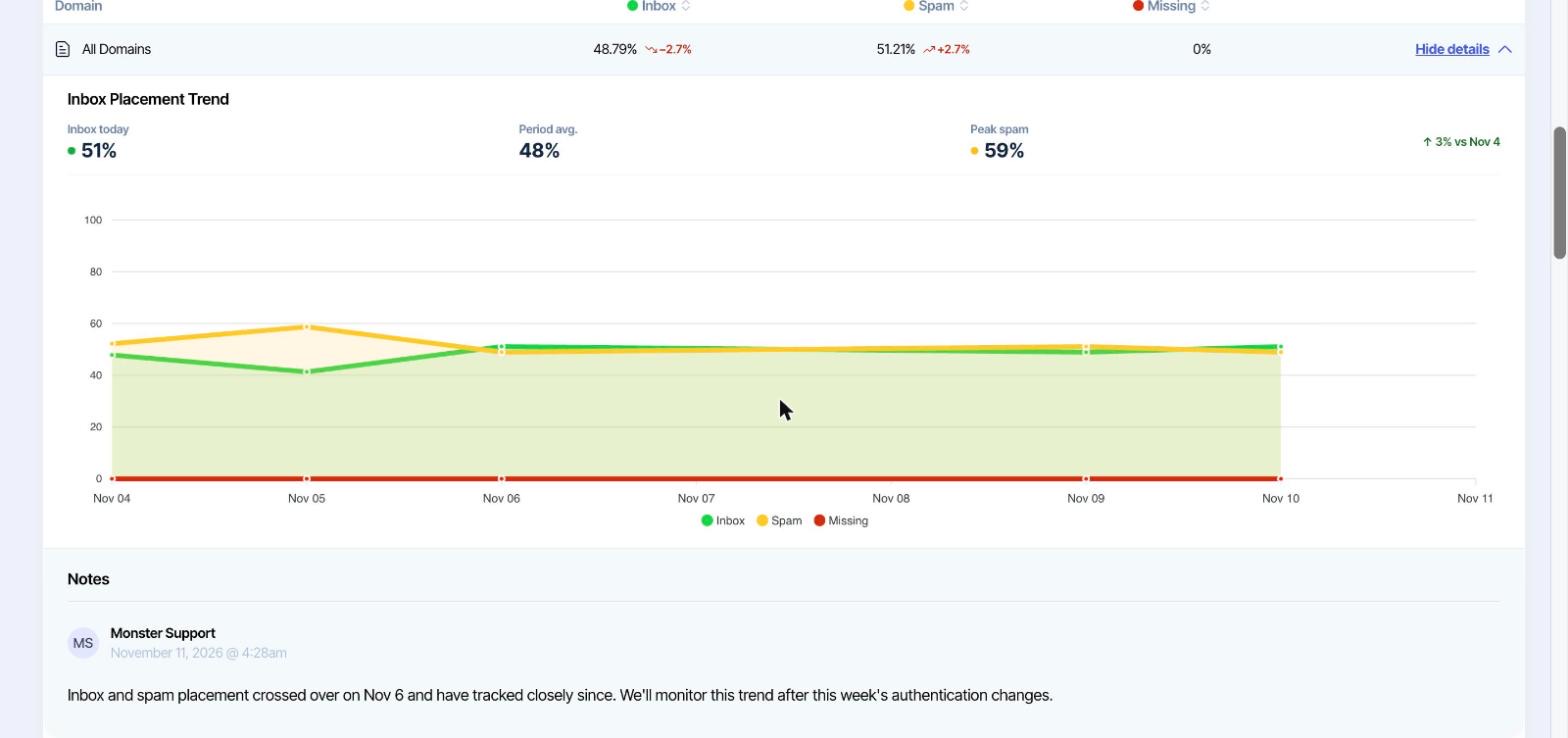
Add an executive summary at the top and notes on any module to explain what the metrics mean. When you share the same dashboard again, Inbox Monster carries over your previous notes for faster reporting.
This sharing functionality offers several benefits:
- Save valuable time: Weekly and monthly deliverability reviews go from hours of screenshotting to minutes.
- Add important context: Summaries and notes let you explain why a number moved, not just that it moved.
- Inform stakeholders without seats: Your boss or client gets a polished report link without needing to log into an account.
Common Use Cases for Email Teams
Whether you’re on a small marketing team handling it all or managing a portfolio of brands or clients, Custom Dashboards offer many uses:
- Weekly deliverability stand-up: Review your inbox placement, blocklist and spamtrap dashboard first thing every Monday morning.
- Monthly executive read-out: Share a link with leadership that reports on placement trends, reputation changes and complaint rate, with your title and executive summary on top to synthesize the details.
- Agency client reporting: Build one dashboard per client with commentary, then send via email with a personal note.
- Domain or IP migration monitoring: View a focused dashboard tracking reputation, blocklists and placement while you warm up new infrastructure.
- DMARC enforcement project: Track DMARC threats alongside inbox placement as you move toward p=reject.
All Your Deliverability Data in One Place
Custom Dashboards give you one comprehensive view of your entire email program, pulling together all the features within Inbox Monster’s Deliverability Suite.
With the Deliverability Suite, you can gain access to:
- Inbox placement testing across 90 mailsystems worldwide
- Spamtrap and blocklist monitoring
- Reputation management
- Authentication and DMARC
- Subscriber insights and more
Companies that use the Deliverability Suite, on average, see up to a 30% increase in inbox placement within 30 days.
To build your own dashboards and see what the Deliverability Suite can do, reach out to our team and schedule a demo today.
{{inbox-placement-insights="/blog-ctas"}}
FAQs About Inbox Monster’s Custom Dashboards
Who can see my custom dashboards?
All dashboards and reports stay within the account they were created in and can only be viewed when shared directly with stakeholders.
Do report recipients need an Inbox Monster login?
No, shared report links open a clean, read-only view that does not require an Inbox Monster account. Executives, clients, partners and other stakeholders can stay informed without using additional seats or managing extra logins.
Can I change the branding on shared reports?
Yes. The client name, logo and primary brand color can be changed by navigating from Settings to Setup and Integrations, then to Client Settings. These branding elements will then be applied on shared reports and dashboards.