300+ leading brands run on Inbox Monster






Why email teams choose Inbox Monster for testing and rendering
See your email everywhere it lands, from the inbox list to dark mode to how AI reads it, before a single subscriber does.

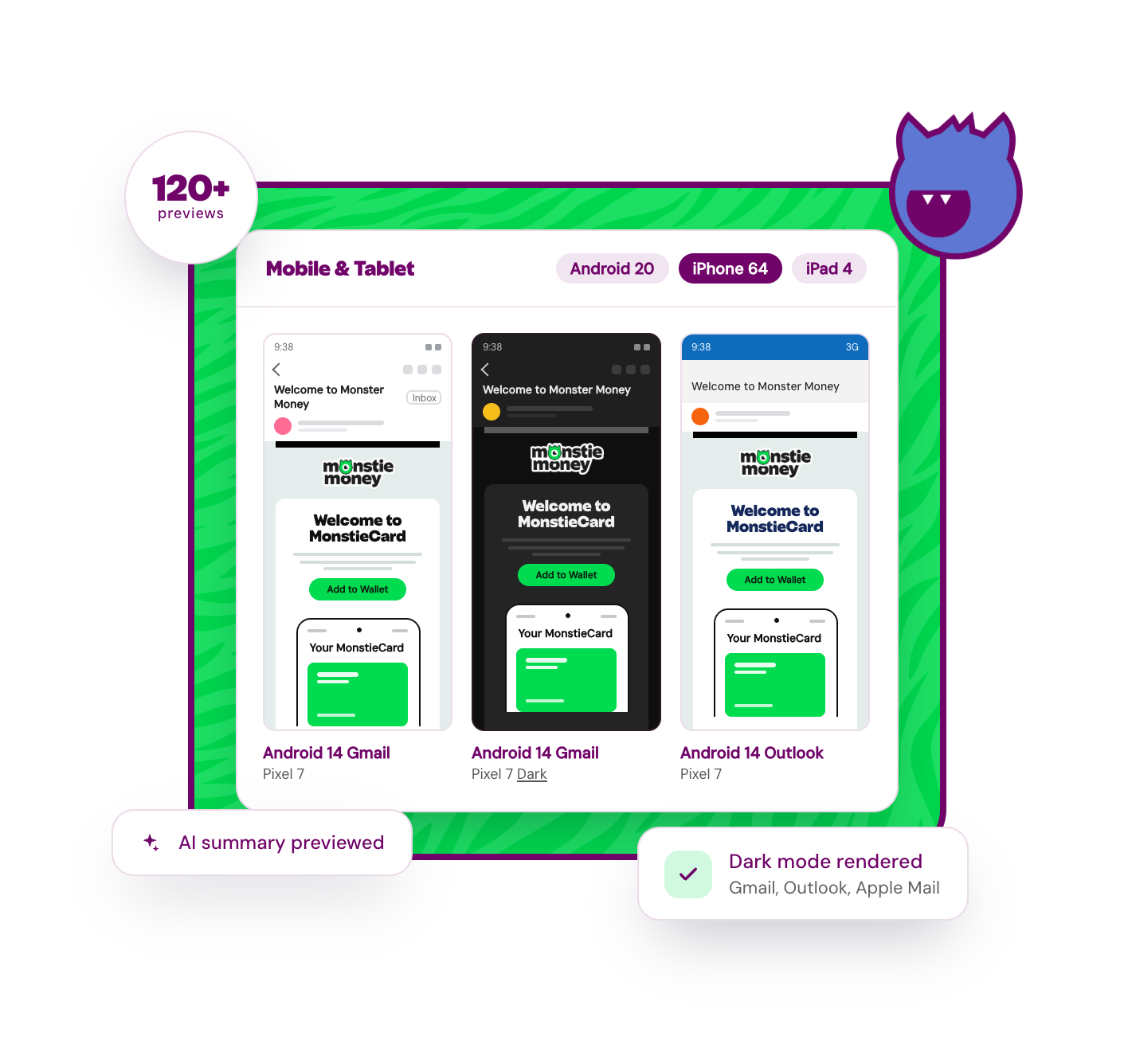
Preview across 120+ clients and devices
See your email across 120+ modern clients and devices, from Outlook and Gmail to iPhone, Android and Samsung, in both light and dark mode.

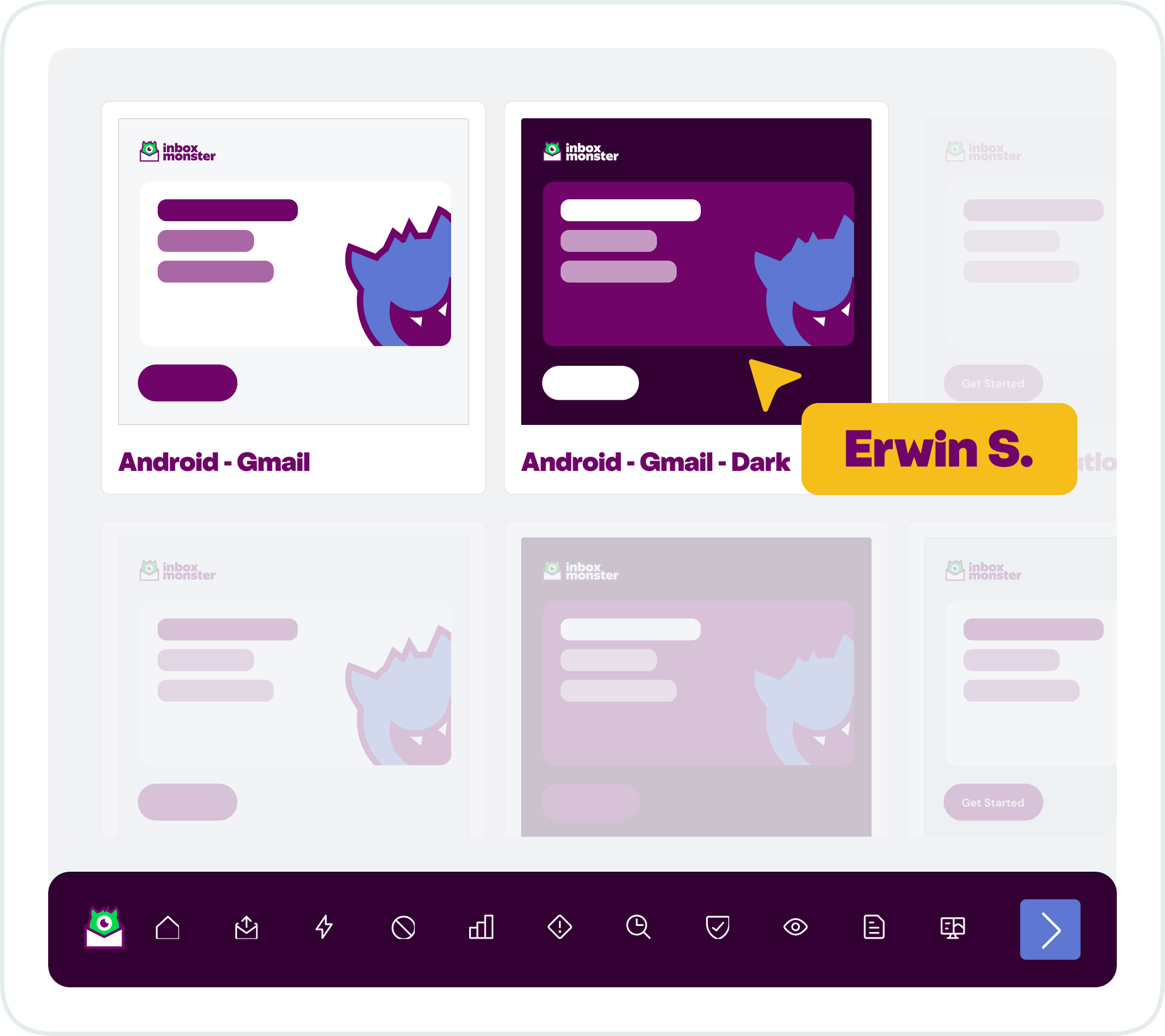
Comment on a specific preview
Pin a comment to one device or client and it rolls up into your previews tab, so a one-line issue on a single version never gets missed.

Edit and re-test without switching platforms
Fix HTML and make easy edits directly in the platform. Maintain version control, and re-run the checks. No round-trip to your ESP.

QA for the whole team with unlimited seats
Previews, edits and approvals in one workspace your whole team can use, with no per-user fee.
How it works in your workflow
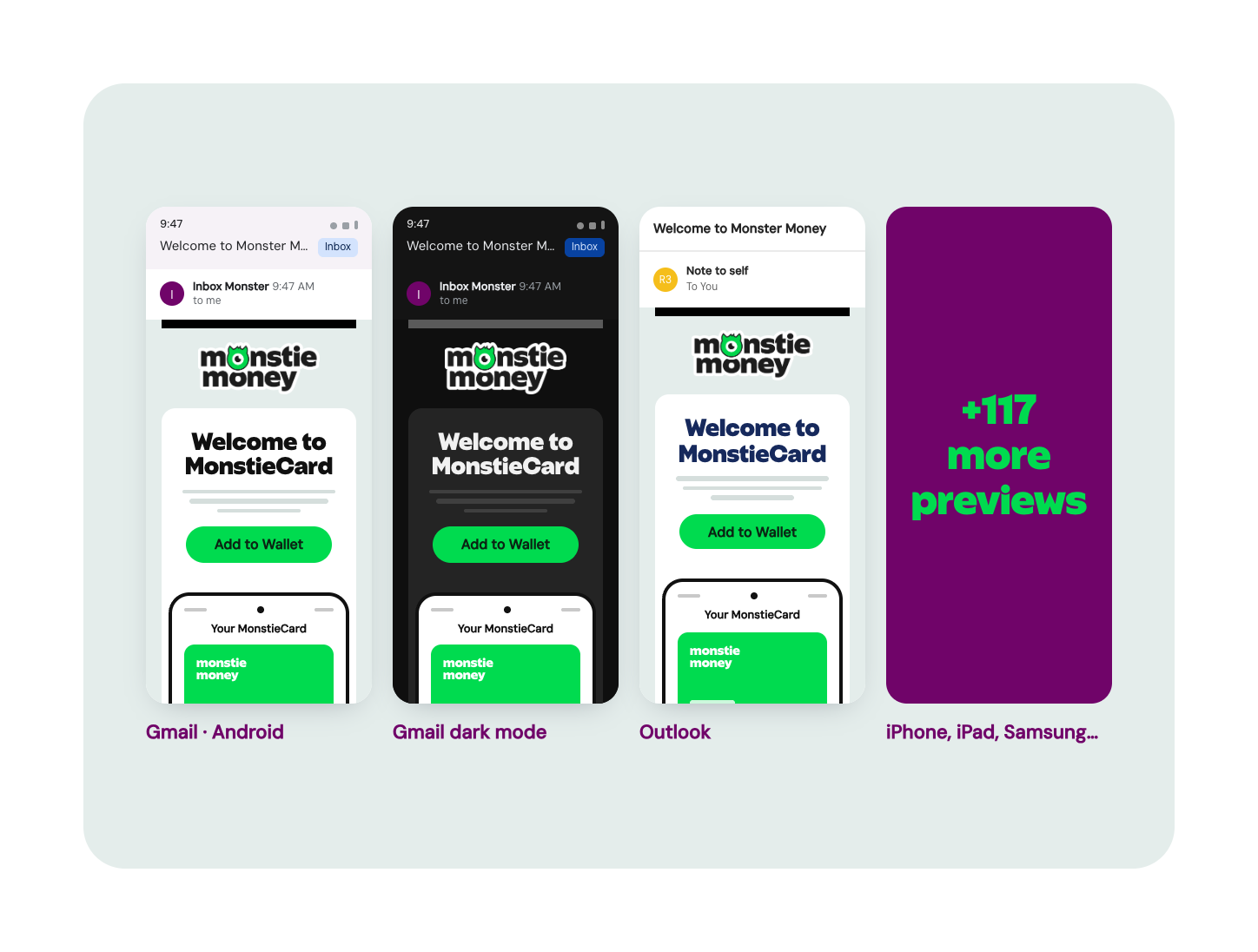
One test, every inbox that matters
Inbox Monster renders your email across 120+ modern clients and devices, including light and dark mode, so you see your true rendering everywhere your subscribers open.
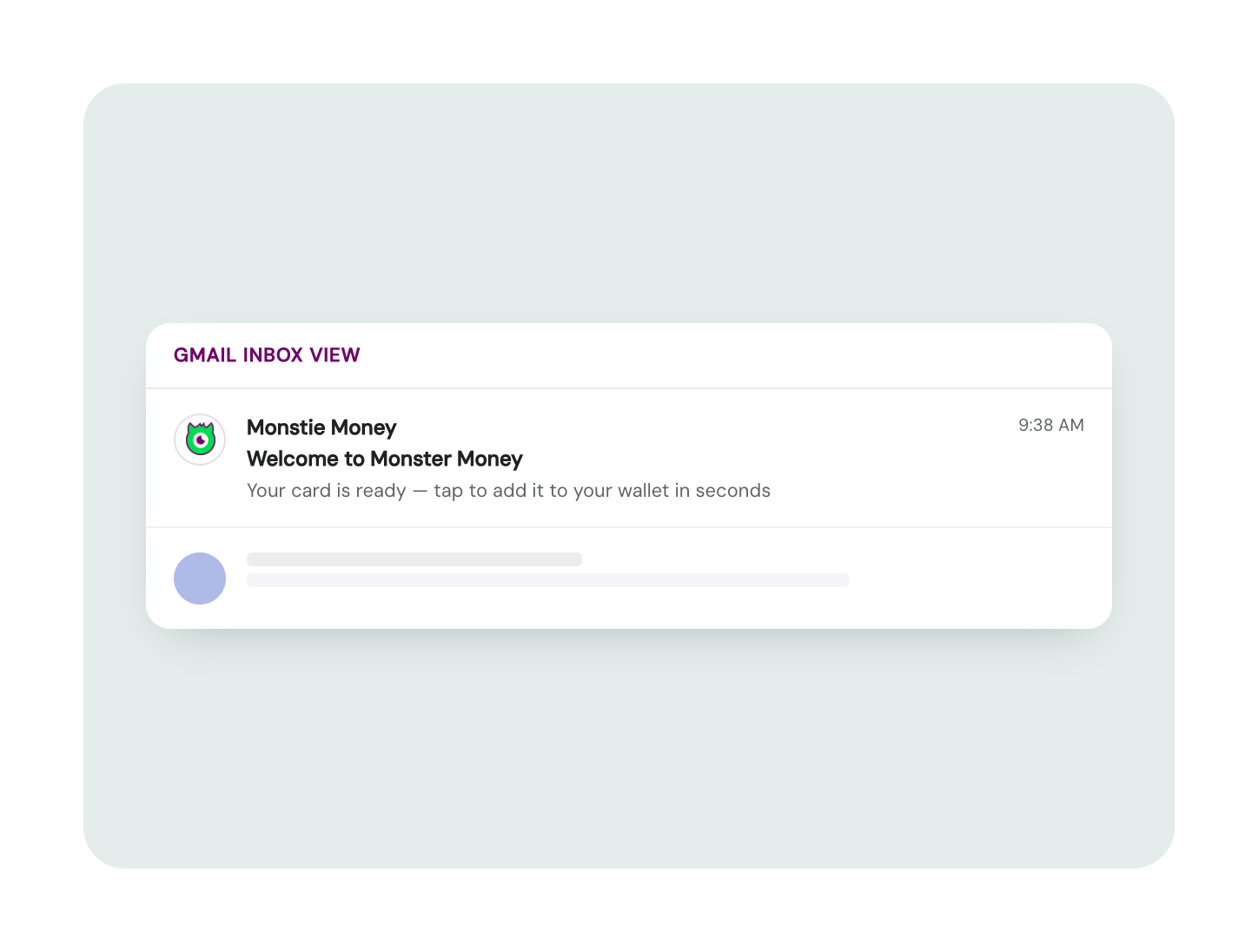
The inbox view decides whether they open at all
Before anyone reads a word, they see the inbox line: your from name, subject line and preview text. Inbox Monster previews that inbox view the way it renders at Gmail, Outlook, Yahoo Mail and Apple Mail, so a truncated subject line or a preview-text fallback pulling the wrong copy never slips out to millions of subscribers.
See the summary before your subscriber does
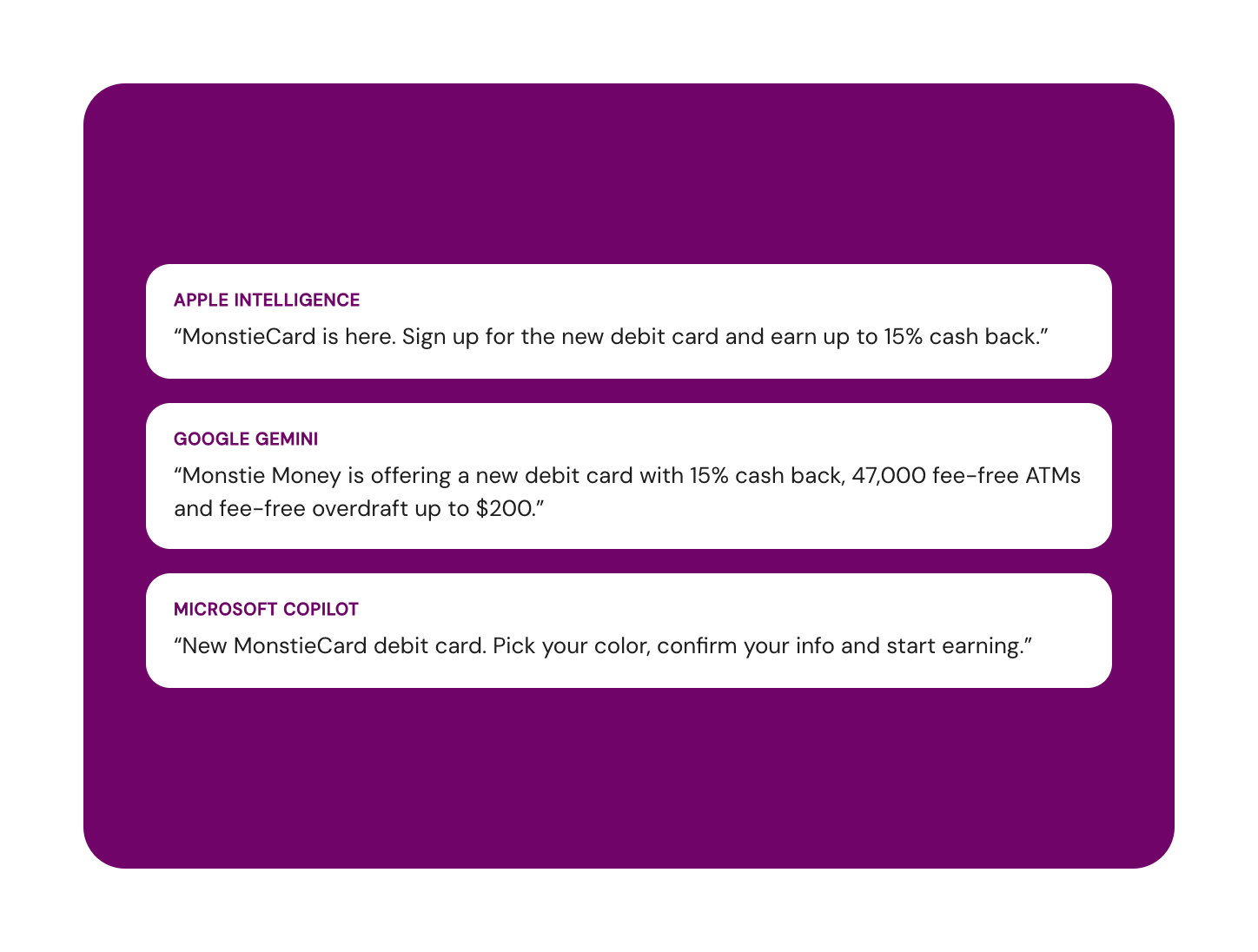
AI assistants now summarize the inbox, and that summary is the first impression. Inbox Monster previews how Apple Intelligence, Google Gemini and Microsoft Copilot interpret your email, so you can fix a misleading AI summary while you can still change the copy, not after it goes out.
Bring your dynamic content to life
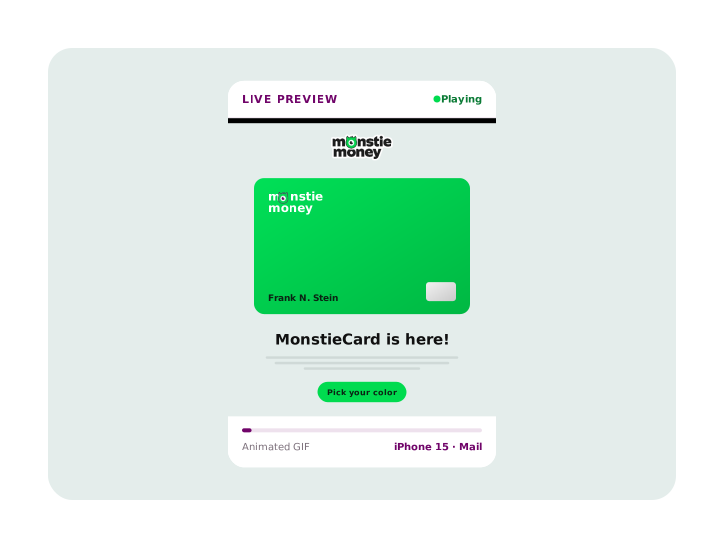
Live previews play your GIFs, animations and interactive content through instead of freezing on a static frame. Get a short video clip of the inbox experience on key devices, so you can optimize your fallbacks.
75 languages, one creative project
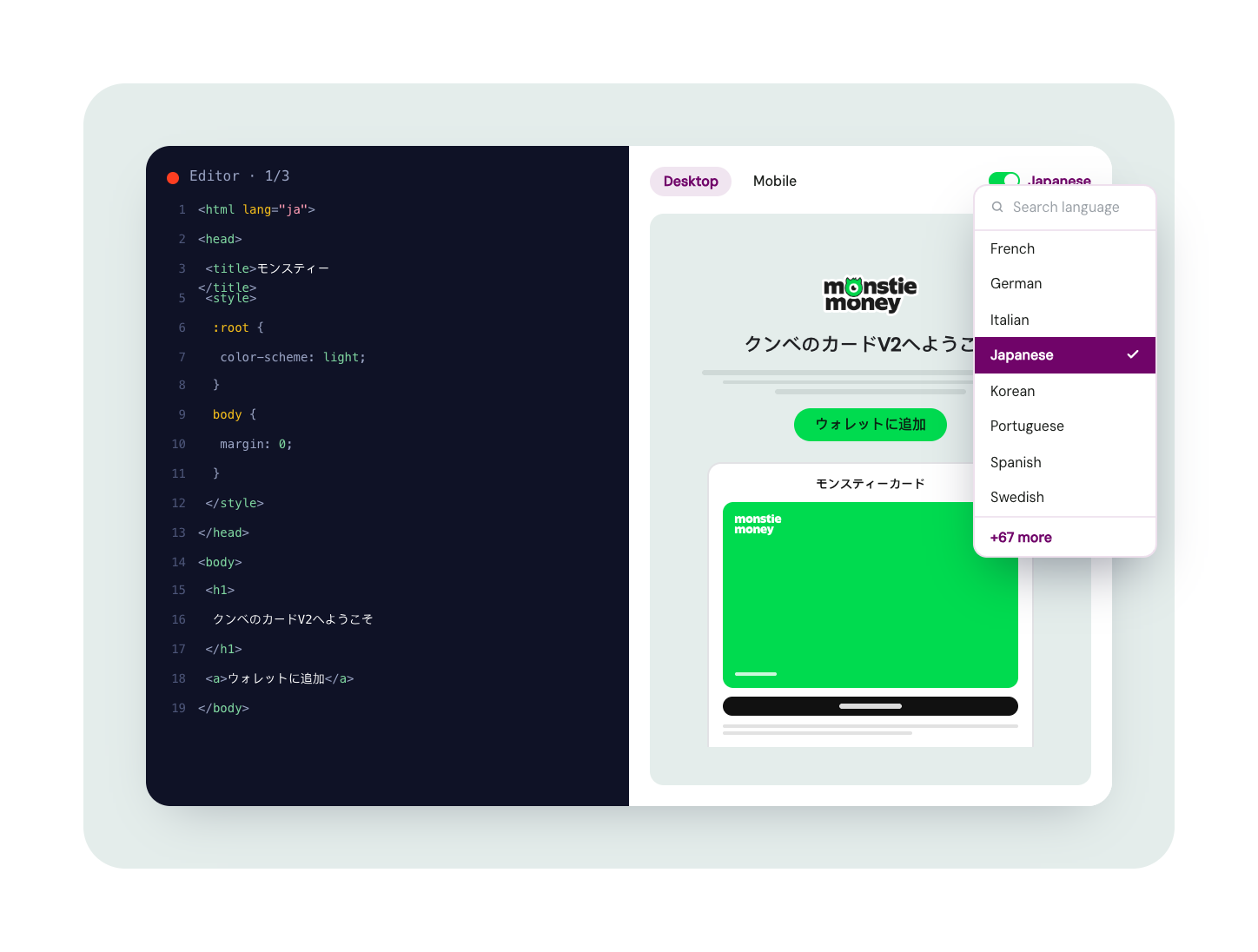
Save countless hours and eliminate long production times with Inbox Monster's Template Translation. Translate live text with one click and generate and store as many language versions as you'd like. All diagnostics run immediately, so content renders properly on all relevant devices.
By the numbers
90+
Mail systems monitored worldwide, so you see how you land across every meaningful inbox provider.
6B+
Spamtrap hits monitored monthly, one of the largest signal networks in the industry.
30%
Up to a 30% increase in inbox placement within 30 days of using the Deliverability Suite, for senders experiencing issues.

Go deeper on email previews
Free resources from our email experts.
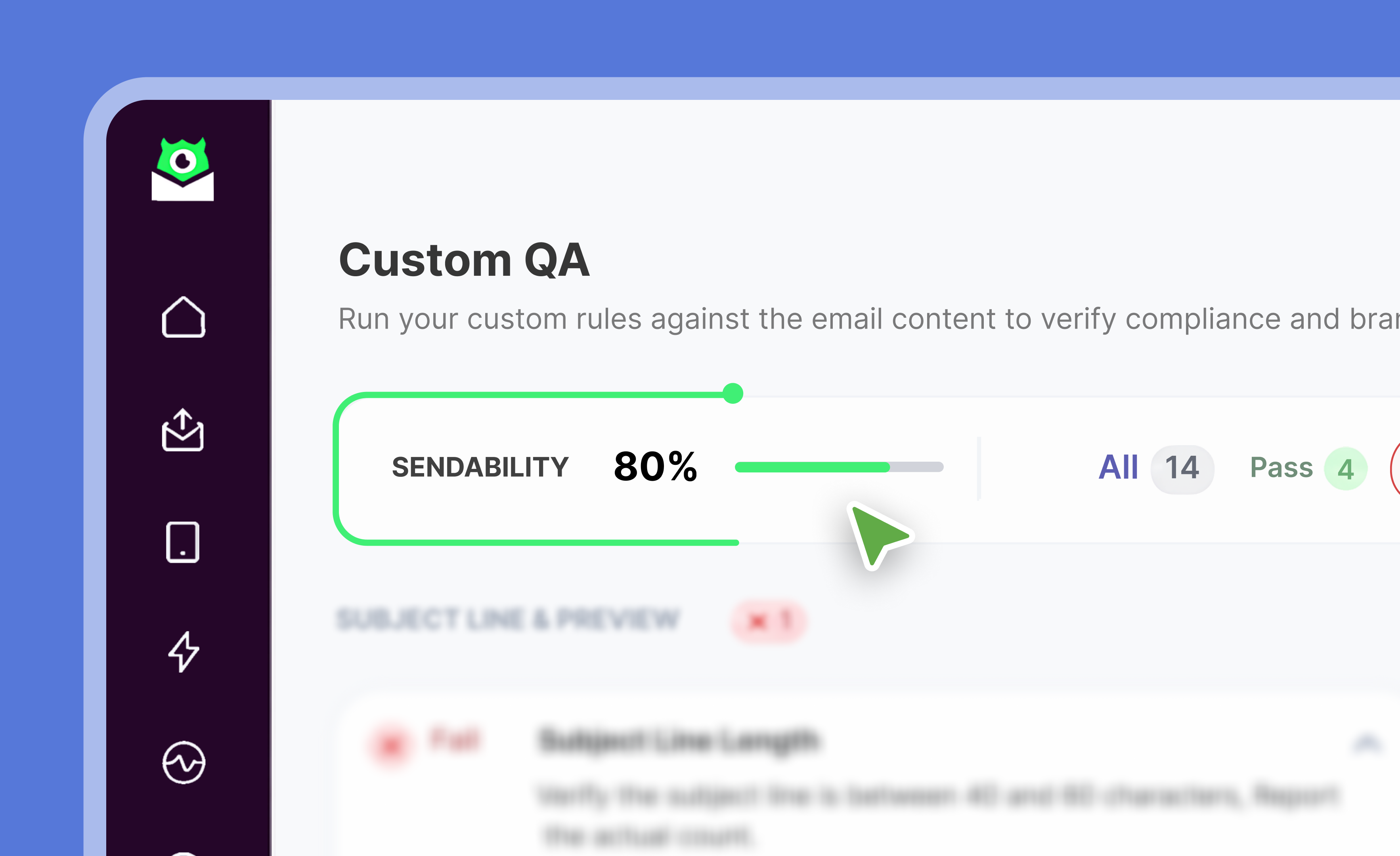
Inbox Monster Custom QA: Email QA That Plays By Your Rules
Inbox Monster's Custom QA empowers teams to tailor their email testing to their brand's unique needs.

AI and the Inbox: How to Optimize Emails for Summaries and Extractions
Apple, Gmail and Yahoo are rewriting your emails with AI. Learn how inbox summaries and extractions work—and how to optimize for them.
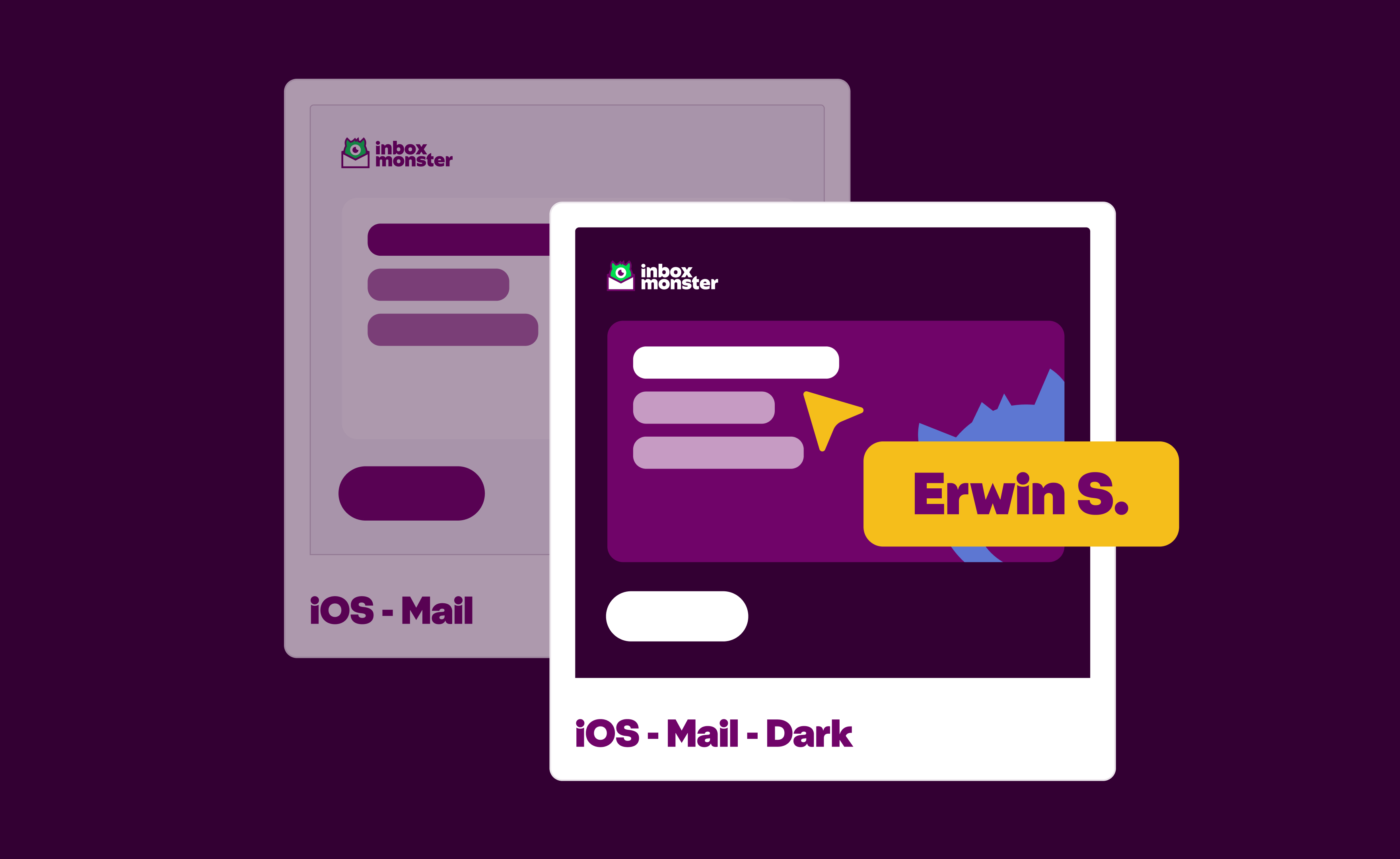
The Monster Guide to Dark Mode QA (for Non-Designers)
Spot Dark Mode rendering issues fast. A non-designer's cheat sheet to QA, flag fixes and keep your emails looking sharp.
Explore more email goodness

Email Deliverability
See where your email actually lands, from inbox placement to sender reputation and blocklist monitoring.
Expert Services
Proactive deliverability support so you land in the inbox, not the spam folder.
Research Suite
Curate creative trends and organize emails in one collaborative workspace.
Find your email rawwwr
We can walk you through the Creative Suite and run one of your real email campaigns through previews so you can see it in action.

Frequently asked questions
Straight answers from our email experts.

How many email clients and devices can I preview?
Can I preview how my email looks in the inbox before it's opened?
Does Inbox Monster show how AI summarizes my email?
Can I preview animated GIFs and interactive content?
How do I get my email into Inbox Monster?
Is there a free email preview tool?
Can I edit my email inside Inbox Monster?
Does Inbox Monster work within Salesforce Marketing Cloud?