300+ leading brands run on Inbox Monster






Why email teams choose Inbox Monster for inbox placement
See where your email really lands, weighted by the audience that actually matters.

Weighted placement, not generic seed lists
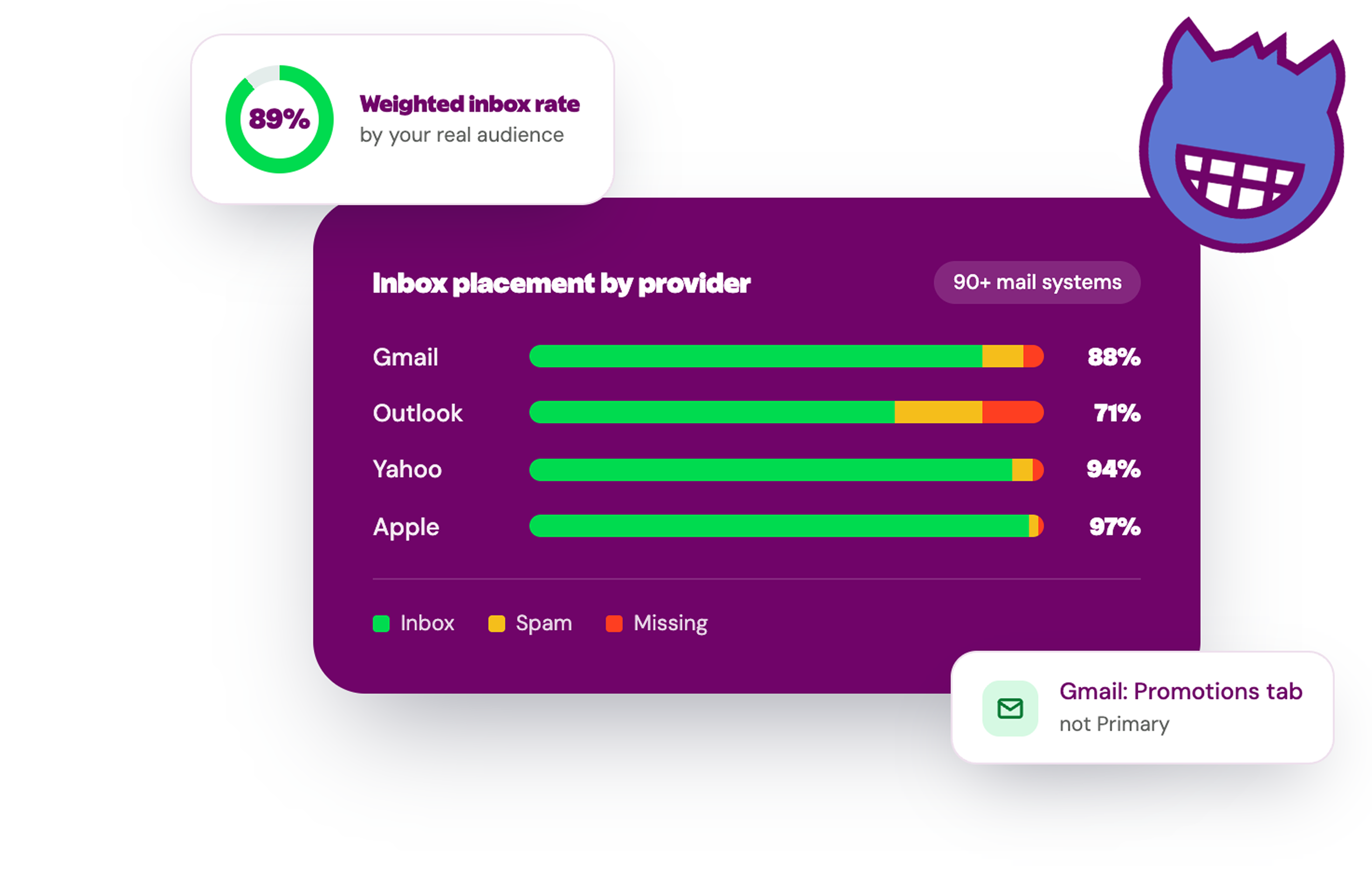
Inbox Monster weights your placement results by your real subscriber base, so your inbox placement rate reflects what your audience actually sees, not an average across burner inboxes.

90+ global mail systems
Test placement across all major mailbox providers worldwide, with regional coverage across North America, Europe, Asia and South America.

Know why, not just that
ISP-level diagnostics, a spam score for every send and tab placement (Primary vs. Promotions at Gmail), so you see where a send landed instead of guessing.

Inbox placement in full context
Inbox placement, sender reputation management and spamtrap and blocklist monitoring in one view.
How it works in your workflow
See your true inbox rate, ISP by ISP
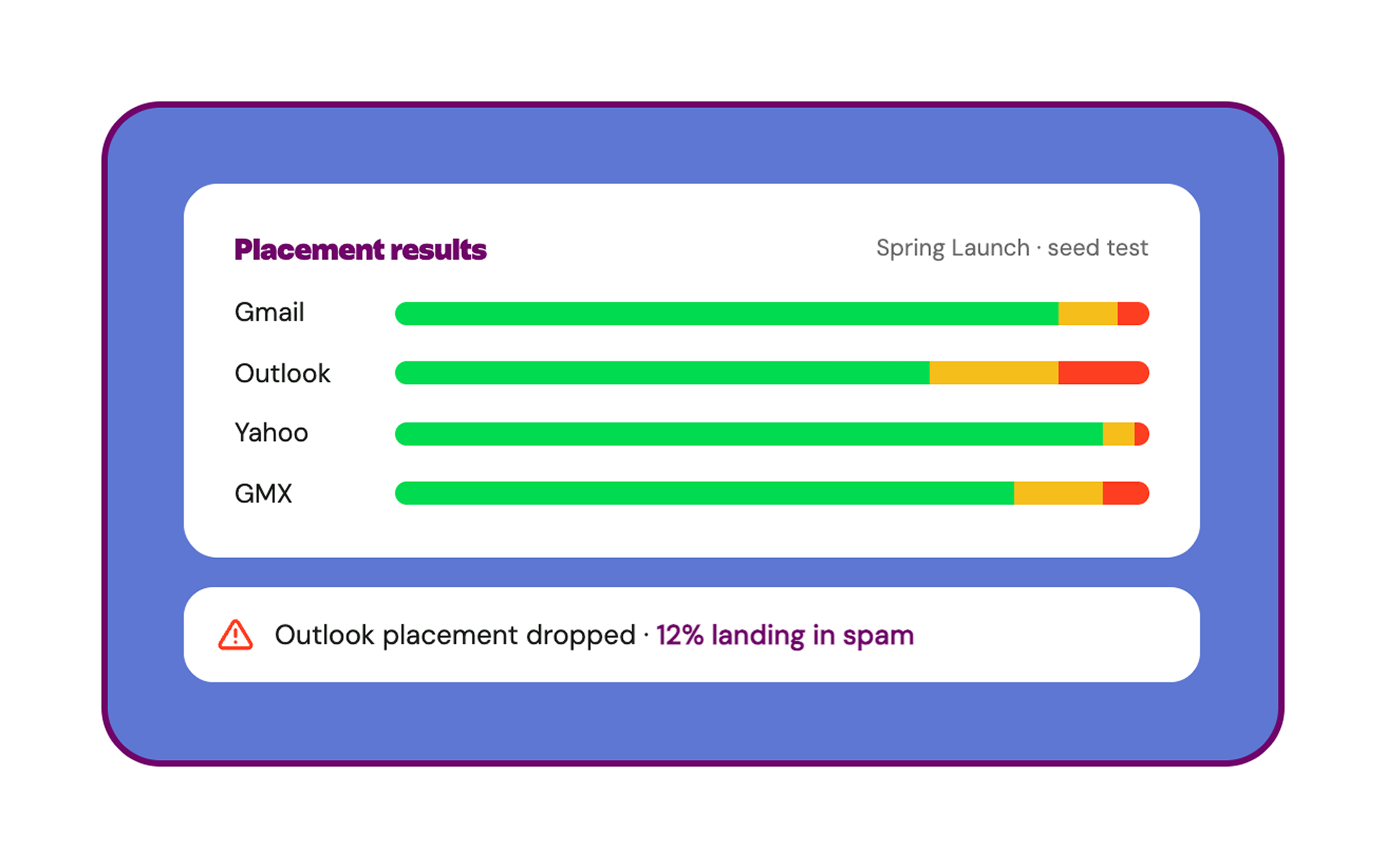
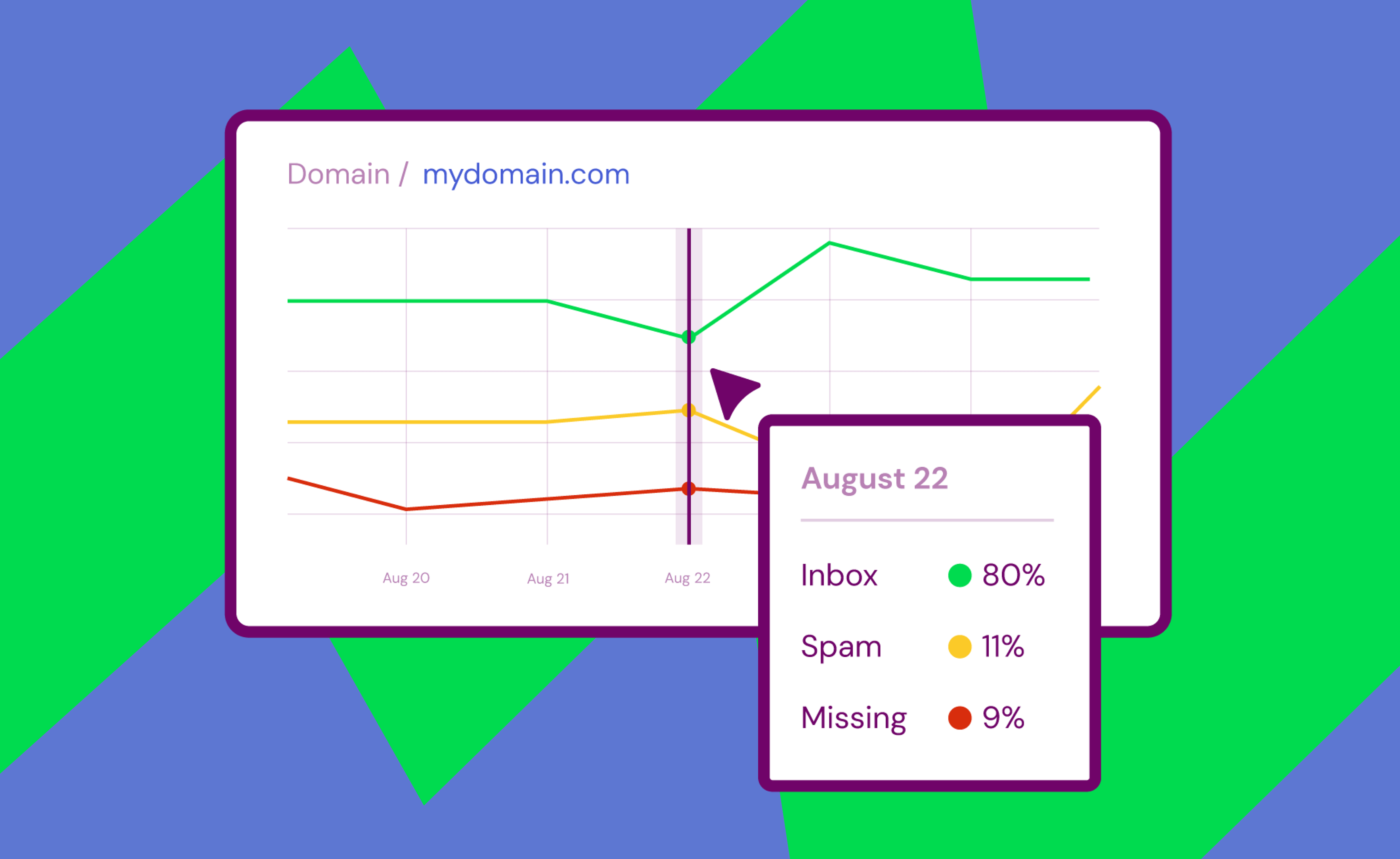
Run a send through the Inbox Monster seed network and see where it lands at Gmail, Yahoo, Outlook and more: inbox, spam folder or missing. One test covers every meaningful provider, so you catch a placement problem before your open rates do.
The mailbox that half your list uses should count for more
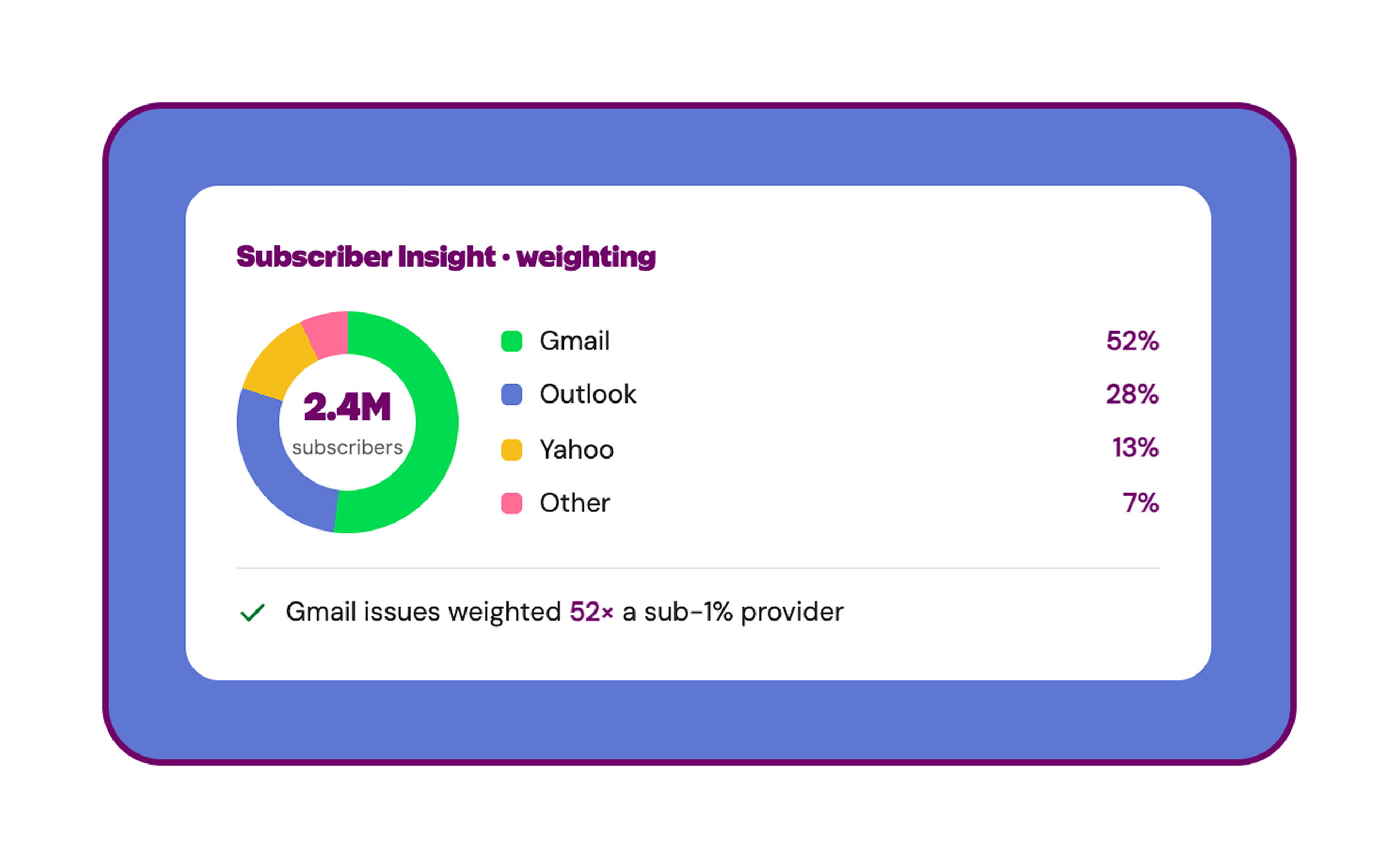
Subscriber Insights map your email list to the mail systems behind it and weights placement by provider. An issue at the provider serving half your subscribers outranks one at a provider serving less than 1%, so you fix what actually moves your email campaigns.
Identify what's really affecting inbox placement
Inbox Monster pairs your placement results with Google Postmaster Tools, Microsoft SNDS and Spamhaus data, so you act on the root cause of deliverability issues instead of the symptoms.

By the numbers
90+
Mail systems monitored worldwide, so you see how you land across every meaningful inbox provider.
6B+
Spamtrap hits monitored monthly, one of the largest signal networks in the industry.
30%
Up to a 30% increase in inbox placement within 30 days of using the Deliverability Suite, for senders experiencing issues.

Go deeper on inbox placement
Free resources from our email deliverability experts.
What Is Inbox Placement? A Marketer's Guide to Testing and Improving It
Inbox placement tells you if your emails land in the inbox or spam. Learn how to test it, improve it and protect your email performance.

Embracing Gmail's Promotions Tab: A Guide to Boosting Engagement & Inbox Placement
Learn why Gmail’s Promotions tab helps inbox placement, how 2025 changes affect deliverability and strategies to boost engagement with Inbox Monster.

The Monster Guide to Re-Engagement: How to Win Back Inactive Subscribers and Protect Your Deliverability
Inactive subscribers hurt deliverability. Learn how to run email re-engagement campaigns that win them back or let them go with grace.
Explore more email goodness

Deliverability Suite
Everything you need to reach the inbox: placement testing, reputation management, spamtrap and blocklist monitoring in one view.
Creative Rendering
Pre-send previews across 110+ clients and devices, with diagnostics that flag problems before send.
Research Suite
Curate creative trends and organize emails in one collaborative workspace.
Find your email rawwwr
We can walk you through the Deliverability Suite and do a quick health check on your program.

Frequently asked questions
Straight answers from our email deliverability experts.

What's the difference between delivery and deliverability?
How does Inbox Monster measure inbox placement?
What is weighted inbox placement?
Can I see Gmail tab placement, Primary vs. Promotions?
Yes. Inbox Monster shows where your email lands at Gmail and other mailbox providers, so you can access more granular information about your campaigns, and whether they were delivered to the primary inbox or the promotions tab.
How is inbox placement different from blocklist monitoring?
What's included in the Deliverability Suite?
Do I have to use an integration to test placement?
Does email authentication affect inbox placement?