300+ leading brands run on Inbox Monster






Why email teams choose Inbox Monster for sender reputation
One dashboard for how the mailbox providers rate you, built to work with the ESP your stack already uses.

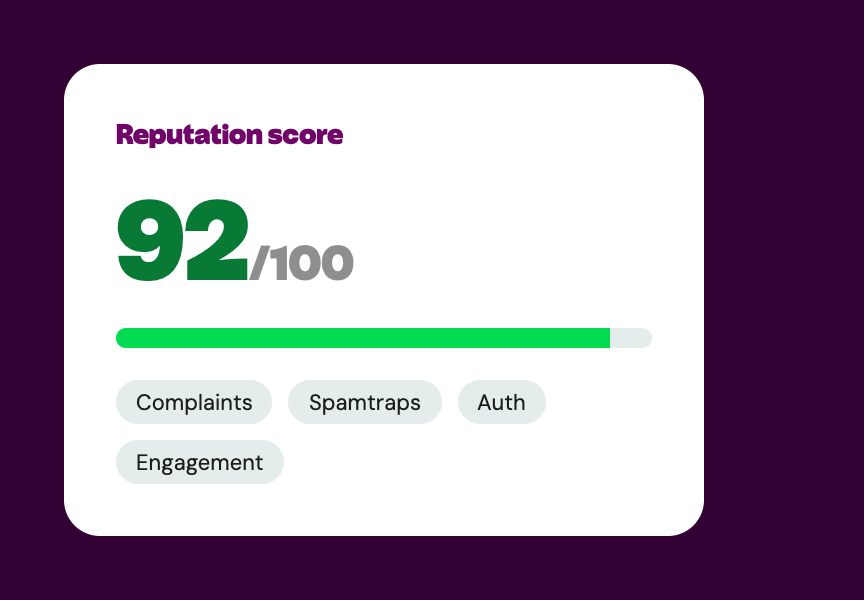
Reputation from the providers themselves
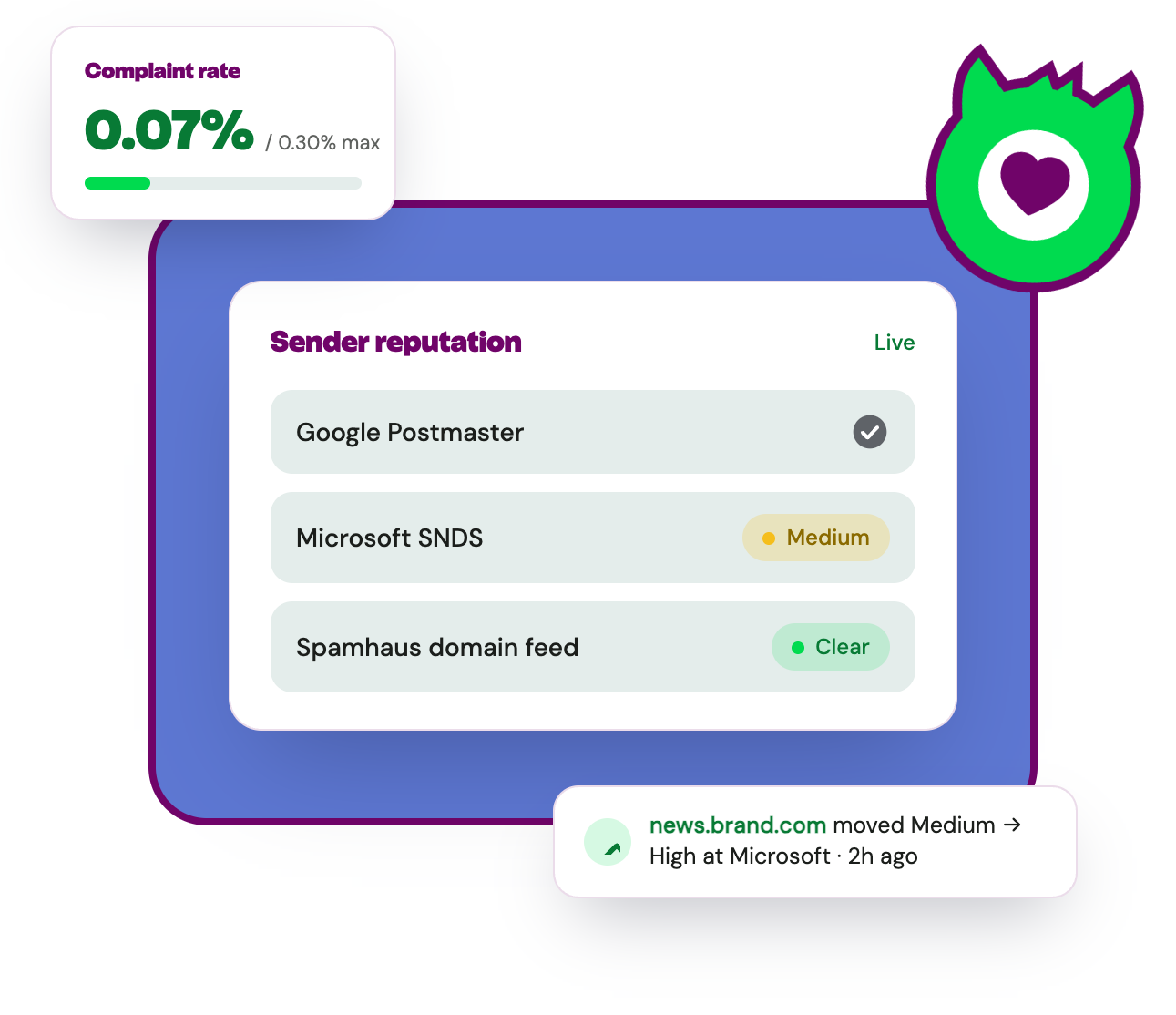
Google Postmaster Tools, Microsoft SNDS, and Spamhaus data feed into one dashboard, so you see how the mailbox providers actually rate you.

Complaint rates against real thresholds
Complaint data from Google and Microsoft, overlaid on the thresholds those providers publish, so you know the moment you cross the line.

Spamtrap monitoring
Continuous spamtrap detection across your email domains and IPs, because repeated trap hits quietly erode the reputation ISPs score you on.

Inbox placement, not just delivered
A global seedlist shows where your campaigns actually land at Gmail, Yahoo and Outlook—the deliverability layer your ESP's “delivered” number can't show you.
How it works in your workflow
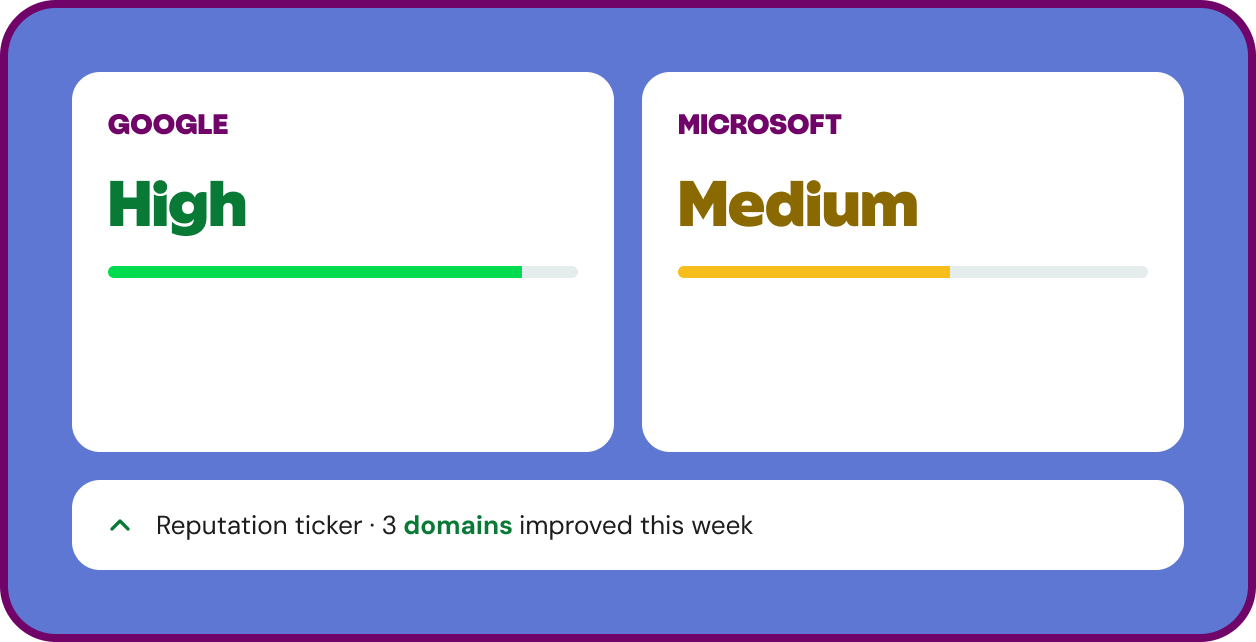
How Gmail and Outlook rate you, side by side
Inbox Monster pulls Google Postmaster Tools, Microsoft SNDS and Spamhaus data into a single view, so you read one dashboard instead of three. A reputation-change ticker flags when a domain or IP moves from high to low, or from low to high, at any provider—so you can catch any issue before it costs you placement.
See exactly where you stand with Gmail and Outlook
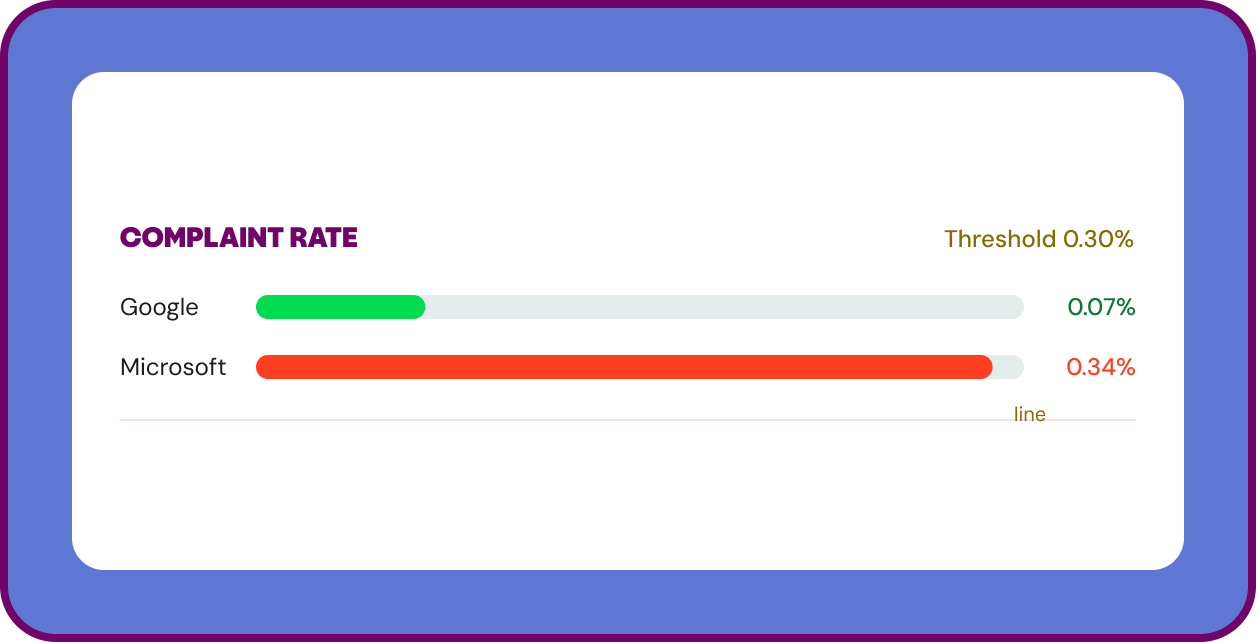
Inbox Monster overlays your complaint rates from Google and Microsoft on top of the thresholds those providers set. If your complaints are running above the line, you see it immediately—which is often the first thing to check when placement starts to slip.
Prioritize the providers that hold most of your list
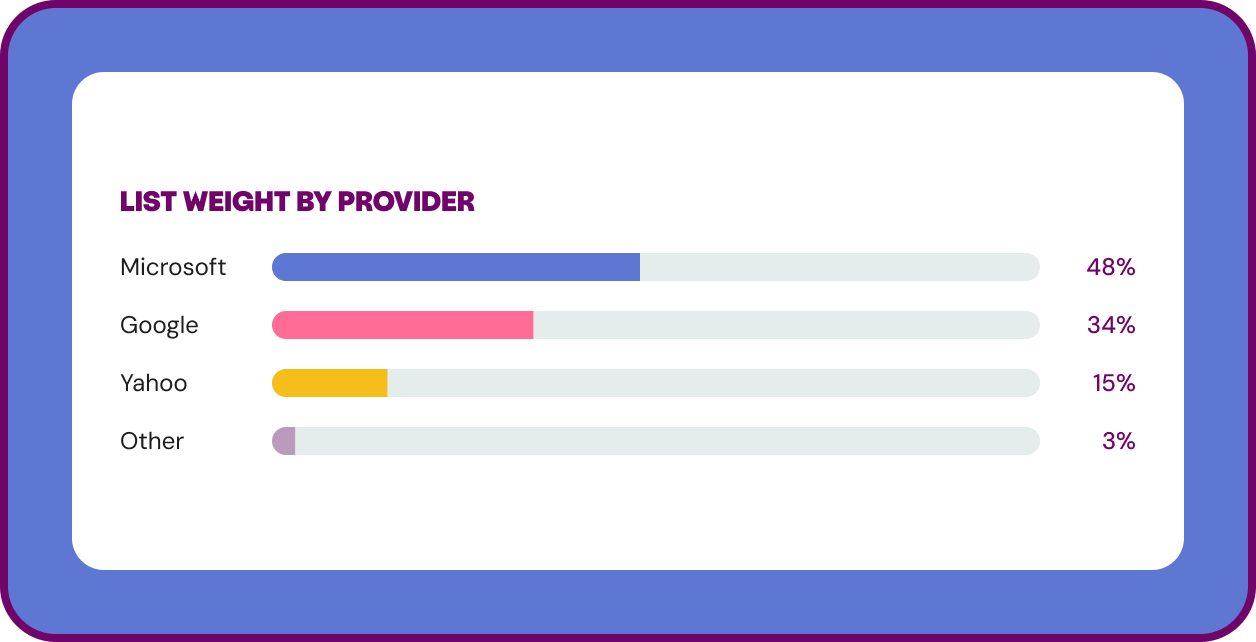
Inbox Monster maps your subscriber domains to the mail systems behind them, then weights your list by provider. If half your subscribers sit at Outlook, an issue there outranks one at a provider serving less than 1% of your list. The same map removes noise from domains that don't affect your program.
By the numbers
90
Mail systems monitored worldwide, showing how you land across every meaningful inbox provider.
6B+
Spamtrap hits monitored monthly. Inbox Monster has one of the largest signal networks in the industry.
0.1%
Keep your spam complaint rate at or below threshold — about 1 complaint per 1,000 emails. Exceed it, and your reputation and inbox placement take the hit.

Go deeper on email reputation
Free resources from our email deliverability experts.

The Uncertain Future of Gmail Reputation Data: Are You Ready for It?
What Postmaster Tools changes mean for how you track Gmail reputation.

The Monster Guide to IP Warming
How to build reputation on new sending infrastructure, step by step.

5 Steps to a Successful ESP Migration
Protect your sender reputation when you change sending platforms.
Explore more email goodness

Expert Services
Proactive email deliverability support helps you land in the inbox, not the spam folder.
Creative Rendering
Pre-send previews across 110+ clients and devices, with diagnostics that flag problems before send.
Deliverability Suite
Everything you need to reach the inbox: placement testing, reputation management, spamtrap and blocklist monitoring in one view.
Find your email rawwwr
We can walk you through reputation monitoring and run a quick health check on how the mailbox providers see your program.

Frequently asked questions
Straight answers from our email deliverability experts.

What is email sender reputation?
How does Inbox Monster measure my reputation?
What's the difference between delivery and deliverability?
What complaint rate is too high?
Should I use separate subdomains for different types of email?
Do I have to use an Inbox Monster integration to monitor reputation?
How do spamtraps affect my reputation?
Does Inbox Monster check authentication?
Does email volume affect my domain reputation and my IP reputation differently?