If you get ten email marketers in a room, they’ll give you ten different hot takes. But there’s one universal subject they can all agree on: their physical aversion to the words “ESP migration.”
Migrating email service providers is often time-consuming, resource-intensive and just plain messy. But the right partner can remove the stress and ensure a smooth, successful transition.
If an ESP migration is at the top of your to-do list, here are five key steps to navigating the process—with minimal bumps in the road.
Want to take this advice to go? Download our ESP migration one-pager with marketing agency Shaw/Scott to share with your team.
{{shaw-scott="/blog-ctas"}}
5 Steps to Navigating a Successful ESP Migration
1. Gather your team
The first step before you move forward with any ESP migration is to identify the people who will be involved. You may be at a large enterprise or with a tiny but mighty team. But each stakeholder should know their role and have designated responsibilities during the transition.
Many large organizations will typically include several stakeholders:
- The business champion who owns the overall vision for how the new platform will be used and sets the goals and KPIs for the entire team.
- The marketing champion who will be in the platform on a regular basis, ensuring that use cases are aligned with business goals.
- The technical champion who oversees the integration and familiarizes themselves with the new platform’s APIs and data structure.
- The project manager who defines the migration’s scope and makes sure that tasks are being completed by the desired timeline.
The people you involve in an ESP migration are essential to making decisions that are best for everyone in your organization.
2. Audit your messages
Once you’ve identified your team, it’s time to determine your data foundation that will be migrated. A message audit is necessary to evaluate the overall scope of the migration.
As you list out all of the messages you’re currently sending to users, categorize them by type (transactional or promotional), channel (email, SMS, etc.), lifecycle stage and audience.
When you complete the audit, you should have detailed information on what you have, where it is located, and which areas need improvement.
3. Clean up your data
You wouldn’t move into a new house without first carefully organizing and packing up all your stuff. Cleaning up your data isn’t glamorous, but it is necessary.
Similarly to how you audited your messages, define your various data types:
- User data: Information you want to store in the new platform about each individual user, such as transaction history and demographics.
- Event data: Events are the actions your users take that you want to track, such as the webpages they’ve visited or surveys they’ve completed.
- General data: Information that is common across all or most of your users, including your product catalog.
Your new email service provider can walk you through organizing your data schema and identifying any new fields to capture.
4. Own your technical integration
No two technical integrations are alike, and the time required to integrate will depend on many factors.
Our partner ecosystem of integration experts can evaluate your tech stack, leverage existing code and speed up the implementation process.
Marketing agencies like Shaw/Scott specialize in ESP migrations, so you gain personalized guidance on lifecycle marketing, email strategy and technical training and enablement.
With a global team of industry pros, rave reviews from leading brands, and more industry awards than they have shelf space, Shaw/Scott is a leader in customer-first digital marketing experiences. Learn more about Shaw/Scott’s partnership with Inbox Monster.
5. Protect your sender reputation
ESP migrations gone wrong can result in poor inbox placement. Inbox Monster establishes proper sending practices and proactively monitors your email deliverability and overall program health for maximum performance.
Here are some pro-tips on ESP migration from our customer success team:


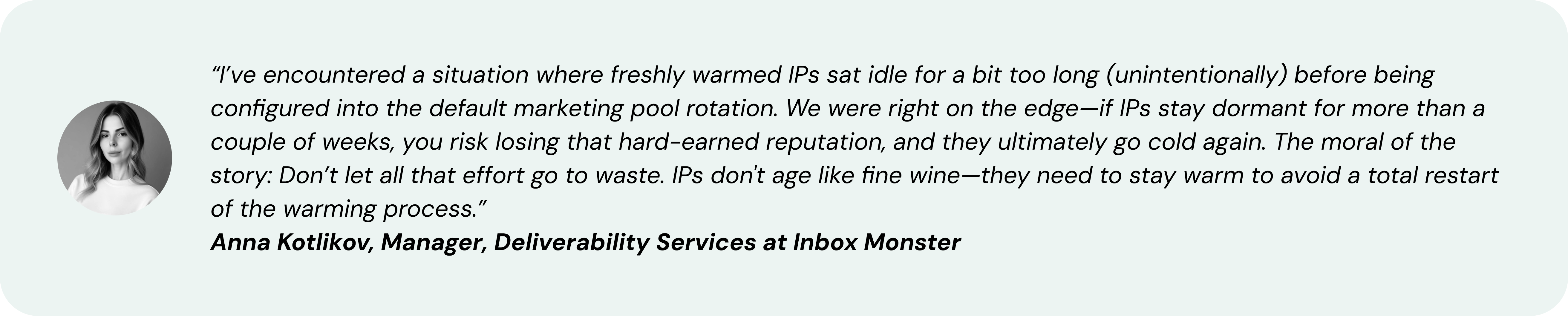
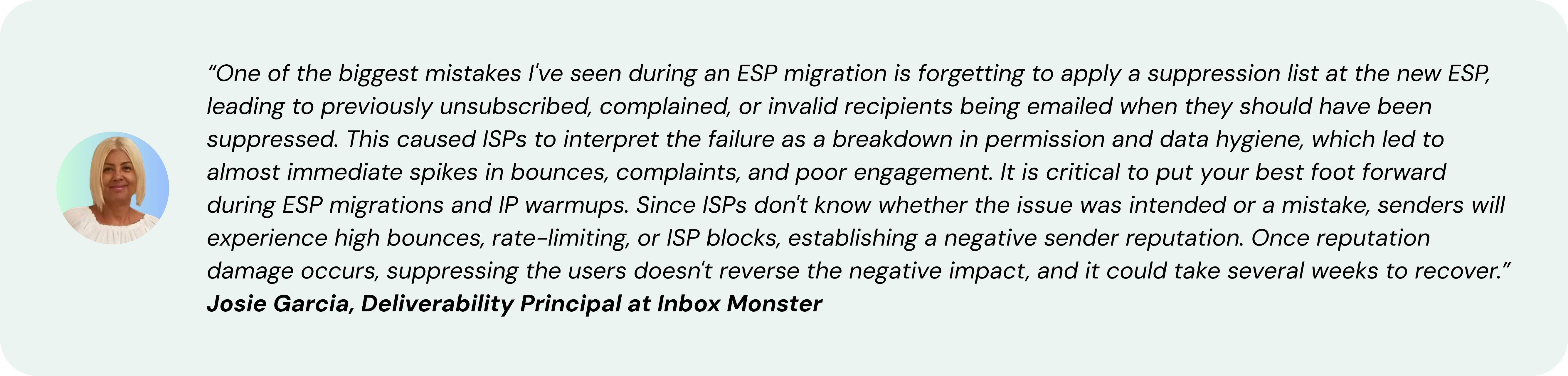
Consider Inbox Monster your one-stop shop for deliverability resources. Check out our various Monster Guides on IP Warming, Blocklists and Re-Engagement. For more support, visit the Inbox Monster Help Center.
Migrating ESPs With Inbox Monster
If there’s one thing to remember about ESP migrations, it’s that you don’t have to go at them alone. In fact, 8 out of 10 senders bring Inbox Monster with them as they migrate email service providers.
Inbox Monster can help you migrate to or from any ESP, whether you’re upgrading from a legacy provider or overhauling your martech stack. In addition to our enterprise-grade deliverability and testing tools, you benefit from decades of collective email marketing experience from the industry’s most trusted experts.
With Inbox Monster, you get direct access to deliverability signals, always-on alerts and proactive, dedicated support every step of the way. Inbox Monster is the go-to provider for all your deliverability needs:
- Inbox placement
- DMARC and authentication
- Accessibility and compliance
- Reputation management
- Spamtrap and blocklist monitoring
- Subscriber insights
Want to learn more about how Inbox Monster can support your ESP migration? Schedule a demo to speak with our team today.
FAQs About ESP Migration
Which ESPs does Inbox Monster integrate with?
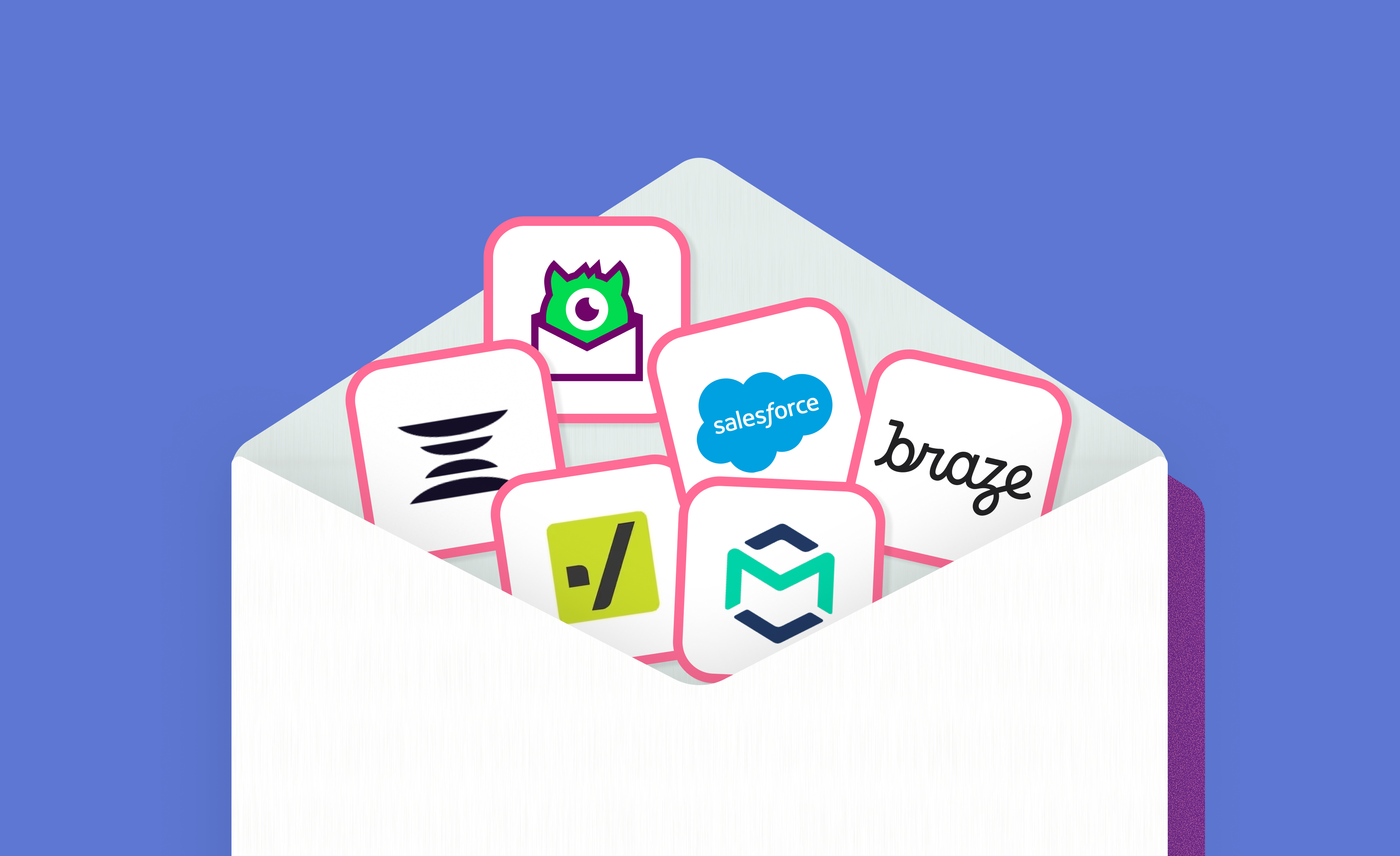
Inbox Monster currently integrates with the following email service providers: Iterable, Braze, Bird, Twilio SendGrid, and Salesforce Marketing Cloud. Inbox Monster also offers a Chrome Extension for select ESPs. Sign up for our marketing newsletter to receive the latest news on integrations and product updates.
How does Inbox Monster work with marketing agencies like Shaw/Scott?
Inbox Monster partners with agencies like Shaw/Scott on a variety of services, including email strategy and lifecycle marketing. Shaw/Scott specializes in martech implementations, so their team can walk you through an ESP migration, provide technical solutions and offer training and enablement.
How does Inbox Monster differ from an ESP’s in-house deliverability team?
One of the main benefits to partnering with Inbox Monster include direct access to comprehensive deliverability signals that are not available from ESPs. You can measure deliverability data from a neutral point of view and receive alerts right to your inbox for any changes to your program health.
With the Inbox Monster platform, you can access powerful creative rendering, research tools and benchmarking that ESPs don’t offer. This also comes with proactive support from a team that’s specifically focused on deliverability monitoring and strategy.
How long does an ESP migration take?
The timeline of an ESP migration will vary greatly depending on the level of upfront planning and due diligence conducted during the new ESP evaluation and selection process. However, deploying new sender domains and IP addresses typically requires a 30-60 day warm-up.
We recommend sending slowly and in low volumes until your sender reputation is more established. Your recommended volumes and sending rates can be customized to your email program, with support from the Inbox Monster team.
What are the biggest mistakes marketers make when migrating ESPs?
Some of the biggest mistakes marketers can make during an ESP migration are failing to plan ahead and focusing on email program health only after the migration. Looping in the right deliverability partner can make all the difference in successfully transitioning from one ESP to another.