It’s a new year—the perfect time for brands to revamp their email creative testing. Many marketers are leaving price hikes and hidden fine print behind in 2025, and instead migrating to more modern testing tools.
Hundreds got festive with us last month as we unboxed the latest innovations inside our Creative Suite. If you missed the webinar, not to fear. In this post, we’re sharing the replay and recapping what surprised our audience the most.
Whether you’re a longtime fan of Inbox Monster or new to our community, here are the five things you can do in Creative Suite that you might not know about. Make it your New Year’s resolution to try them all.
5 Things You Can Do With Inbox Monster’s Creative Suite
1. Test dynamic elements from Movable Ink modules
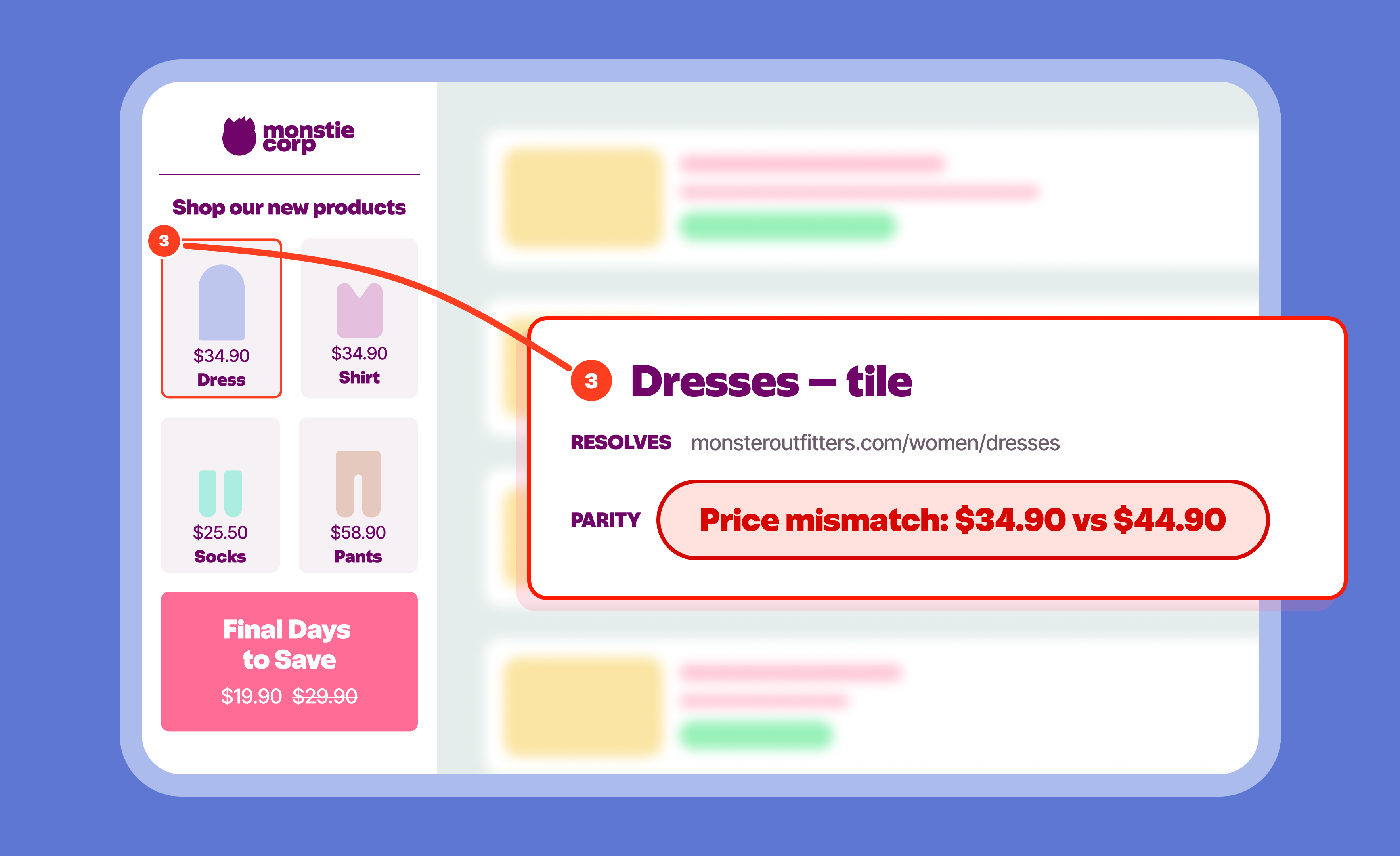
Movable Ink is one of the industry’s most popular and powerful tools for personalized email creative, and our integration is unlike any other in the market. Inbox Monster allows marketers to easily test Movable Ink-powered modules on live devices and adjust content to ensure that every edge case works beautifully.
After enabling the integration in one click, Inbox Monster users can simply paste HTML that includes Movable Ink modules or send a test to their unique creative email address. The dynamic elements will appear automatically, giving users the ability to change input values to test names, offers, locations, currency types, dynamic imagery and more.
2. Translate into 75 different languages
Localization is an essential part of enhanced personalization, but it often requires outsourcing work and longer production times to accommodate different versions of each send. Inbox Monster’s Template Translation streamlines that process, allowing marketers to create accurate inline translations in 75 languages, all within one creative project.
With one click, all live text will be translated, and marketers can generate and store as many language versions as they’d like. After each template is translated, users can pop over to the Previews tab to see how each language shows up in modern inboxes. This ensures content is rendering properly on all relevant devices.
3. Preview AI summaries
Even if you’re not using AI technology to build your emails, inboxes are to interpret them. In a world where customers can “read” emails without even opening them, marketers must be one step ahead.
Inbox Monster provides AI summary previews for popular AI tools, such as Gemini and Apple Intelligence. Now you can see what your subscribers might see instead of your preheader text. Writing for the inbox means writing for the algorithm, and Inbox Monster stays first-to-market with new previews so your email program is future-proofed.
4. Run a content analysis
So many things can go wrong before you hit send: broken links, image issues, and inevitably that one typo you didn’t catch after five rounds of revision. Not only does Inbox Monster’s Creative Suite identify these with ease, it also runs an in-depth content analysis.
This analysis informs your team of any potential issues, such as Gmail clipping emails larger than 102 KB or words that may be flagged as spam by ISPs. Inbox Monster reports on each emails’ SpamAssassin score and keeps a watchful eye on what will tank your deliverability—before it happens.
5. Take your accessibility checks up a notch
Up to 28% of your audience relies on accessible communications, and certain regulations like the European Accessibility Act mandates regional compliance. But how can you ensure your emails are accessible to all subscribers?
Inbox Monster’s accessibility checker evaluates your emails against WCAG 2.1 AA standards. Errors are flagged as Moderate, Serious or Critical. This ensures proper semantic HTML, alt text, color contrast, mobile responsiveness and more. The tool even reads your emails to you to test the screen reader experience for visually impaired users.
Accessibility is a must-have for modern marketers. And now with Inbox Monster, you can easily create more inclusive, effective emails for everyone.
Take Our Creative Suite for a Test Drive
If you’re on a mission to upgrade your email testing tool in the new year, we’re here to help. Creative rendering shouldn’t come with limitations or a high price tag. With Inbox Monster’s Creative Suite, you don’t have to cut corners.
Unlimited user seats. Ultimate team collaboration. Previews for 118+ devices, clients and browsers. Get the customization and visibility you need to streamline your testing workflow from start to finish.
Reach out for a demo to see the Creative Suite in action and try it out for yourself.
FAQs About Inbox Monster’s Creative Suite
Which ESPs does Inbox Monster integrate with?
Inbox Monster currently integrates with the following email service providers: Iterable, Braze, Bird, Twilio SendGrid, and Salesforce Marketing Cloud. Inbox Monster also offers a Chrome Extension for select ESPs. Sign up for our marketing newsletter to receive the latest news on integrations and product updates.
Can Inbox Monster test my BIMI record?
BIMI stands for Brand Indicators for Message Identification, and is the logo that email recipients can see positioned to the left of the sender’s name in their inbox. Inbox Monster supports BIMI as part of its DMARC and Deliverability Suite, so schedule a demo with our team to learn more.
Does Inbox Monster have user roles and permissions?
Because Inbox Monster is built for frictionless team collaboration, all features and functionality in the Creative Suite are included for all users by default. However, proofing and editing are separated into different tabs, making it easy for users to preview or comment on emails without altering their content.
How much does Creative Suite cost?
As of January 2026, the Inbox Monster Creative Suite starts at $5,000 annually. This includes white glove setup, unlimited users, creative proofing and editing, live previews, accessibility analysis, AI summaries and more. Exact pricing depends on the number of previews used. Visit our Pricing page to get started.