I have lived through many “the sky is falling” moments in email history—the Promotions tab, image caching, Apple Mail Privacy Protection—so I’ve learned that most news in the industry sounds scarier than it is.
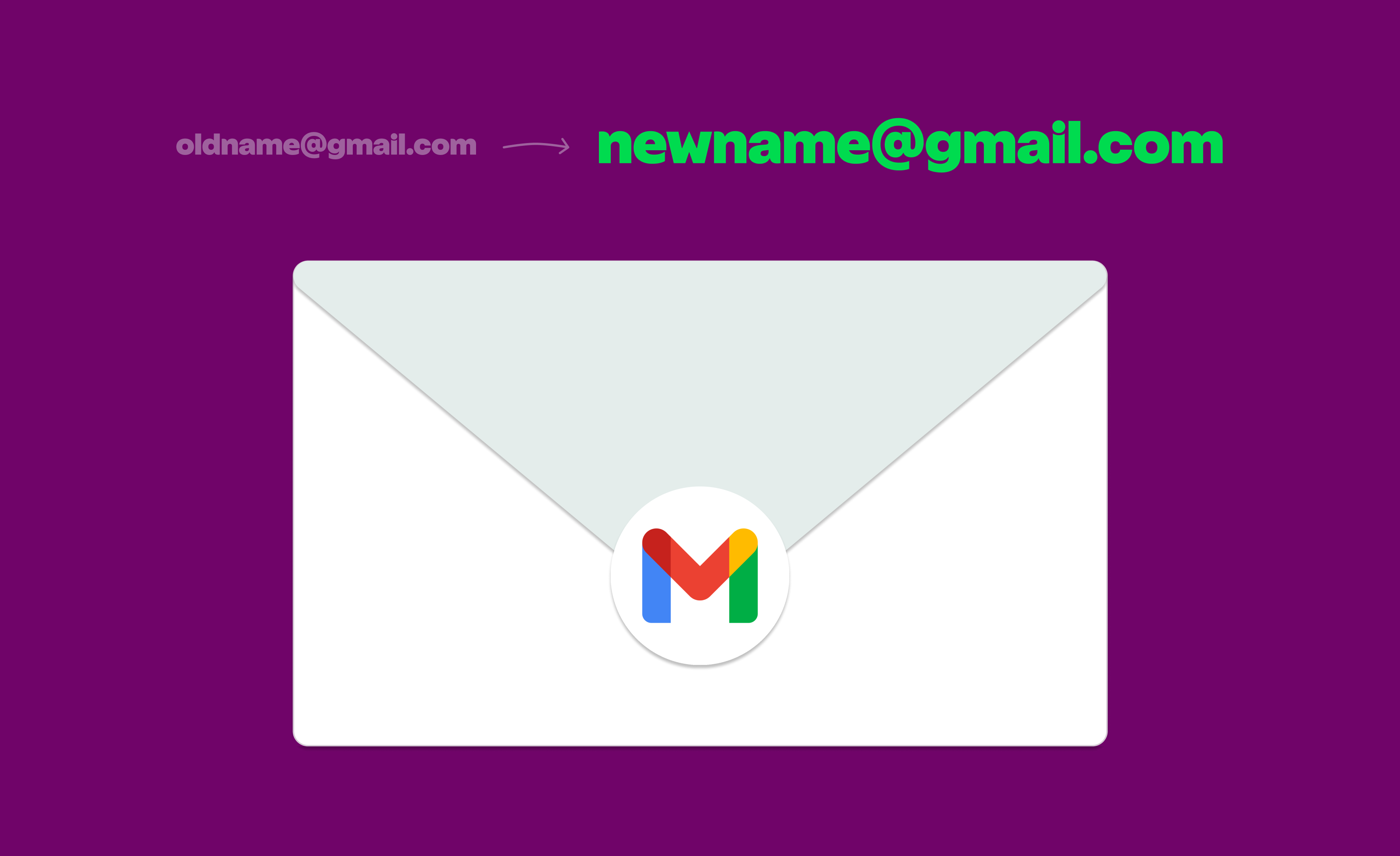
That’s definitely the case with Gmail’s latest address changes. Recently, the mailbox provider announced that Google Account usernames (the part of the email address before @gmail.com) can now be updated every 12 months.
Naturally, this raised concerns among email geeks everywhere—but when you look at how this functionality actually works, it’s far less disruptive than it initially sounds.
So let’s discuss what’s really going on, tackle email marketers’ biggest worries and share our top tips for adapting your email program moving forward.
Separating Fact From Fiction
We’re noticing a lot of misinformation regarding this Gmail update, so let’s set the record straight.
Here’s what Google has reported:
- If your Google Account email ends in gmail.com, you may be able to change it to another address that ends in @gmail.com.
- Your previous Google Account email will become an alternate email address.
- You can still receive emails to both your old and new addresses.
- You can change back to your previous email address at any time, but you can’t create a new Google Account email for the next 12 months.
- You can create up to three new email addresses for your Google Account for a total of four.
This means Gmail can essentially serve as a single mailbox with multiple addresses. It’s important to note that nothing about an individual’s Google Account has changed. A user can still log in as Bruce Wayne even if they have another email address under Batman.
Why would someone want different aliases if they’re not fighting (or committing) crimes? May I present a relic of my email past: cocoakhaleesi [at] gmail [dot] com.
After the debacle that was Daenerys’ downfall in Game of Thrones, let’s just say that name doesn’t have the same ring to it. Now with this Gmail update, I can erase that embarrassing past (unlike Benioff and Weiss, who have to live with the shame of Season 8 forever).
Addressing Top Concerns From Email Teams
Clients have lovingly called me the “queen of the smackdown” because I’m always ready to combat their handwringing with hard facts.
It’s easy to get your feathers ruffled every time Gmail rolls out a new update, but staying cool, calm and collected is a much smarter approach.
Here are the top worries that keep my clients up at night, along with the actual reality.
- Losing subscribers who change their email address. First off, you’re not losing anybody since both old and new addresses are delivered to the same inbox. That is, unless the recipient chooses to filter or block messages. If you find yourself in that situation, that user isn’t lost. They need to be let go.
- Duplicate sends (and broken opt-outs). People already use multiple email addresses, and issues with duplicate messages or inconsistent opt-outs may arise if they’re subscribed via more than one. Be mindful of any existing data hygiene issues you may have, stay on top of compliance requirements and continue monitoring your complaint rates as a precaution.
- People potentially abusing the system. Email signups for a promotion or contest always run the risk of multiple submissions. Thankfully, Gmail limits addresses to a total of four per Google Account, so it won’t meaningfully contribute to large-scale abuse. Teams should already be enacting guardrails against fraudulent behavior to ensure the integrity of their acquisition methods.
Gmail’s address update may surface certain cracks that were already deep in the foundation of your email program, but it won’t destroy your deliverability. Sending valuable content and maintaining high engagement will always matter way more to overall health.
What to Care About Instead
Hopefully, this post has alleviated your biggest stresses about Gmail’s address change announcement. But even if there’s no major cause for concern, you may still be wondering how you can be a better sender in light of this news.
Here are the questions I recommend brands should ask themselves:
- Am I removing friction for users? No one on your mailing list should struggle to update their records, add information to their user profile or unsubscribe entirely. A new email address won’t cause any trouble if subscribers can easily make the switch.
- Am I giving the people what they want? The best way to keep users engaged is to ask them what kind of communications they want to receive and how often. Our Monster Guide to Preference Centers is full of tips for protecting your deliverability with the power of zero-party data.
- Am I seeing the bigger picture? Zoom out from the minutiae of ISP updates and consider how you can gain a better understanding of your email program's health. A deliverability platform like Inbox Monster can fill in the gaps of your email service provider, offering deeper subscriber insights, blocklist monitoring, reputation management and much more.
The right technology makes a big difference when it comes to improving email deliverability and performance, but the right partner is even more important. You need experts who can guide you through every “the sky is falling” moment—and give you some real talk when they happen.
I’d love to add more amazing clients to my roster, so if you’re on the hunt for a new deliverability solution, reach out and take Inbox Monster for a test drive.
{{expert="/blog-ctas"}}