300+ leading brands run on Inbox Monster






Four reasons this works
An accessibility check that lives inside your QA workflow, evaluated against the same standards regulators reference.

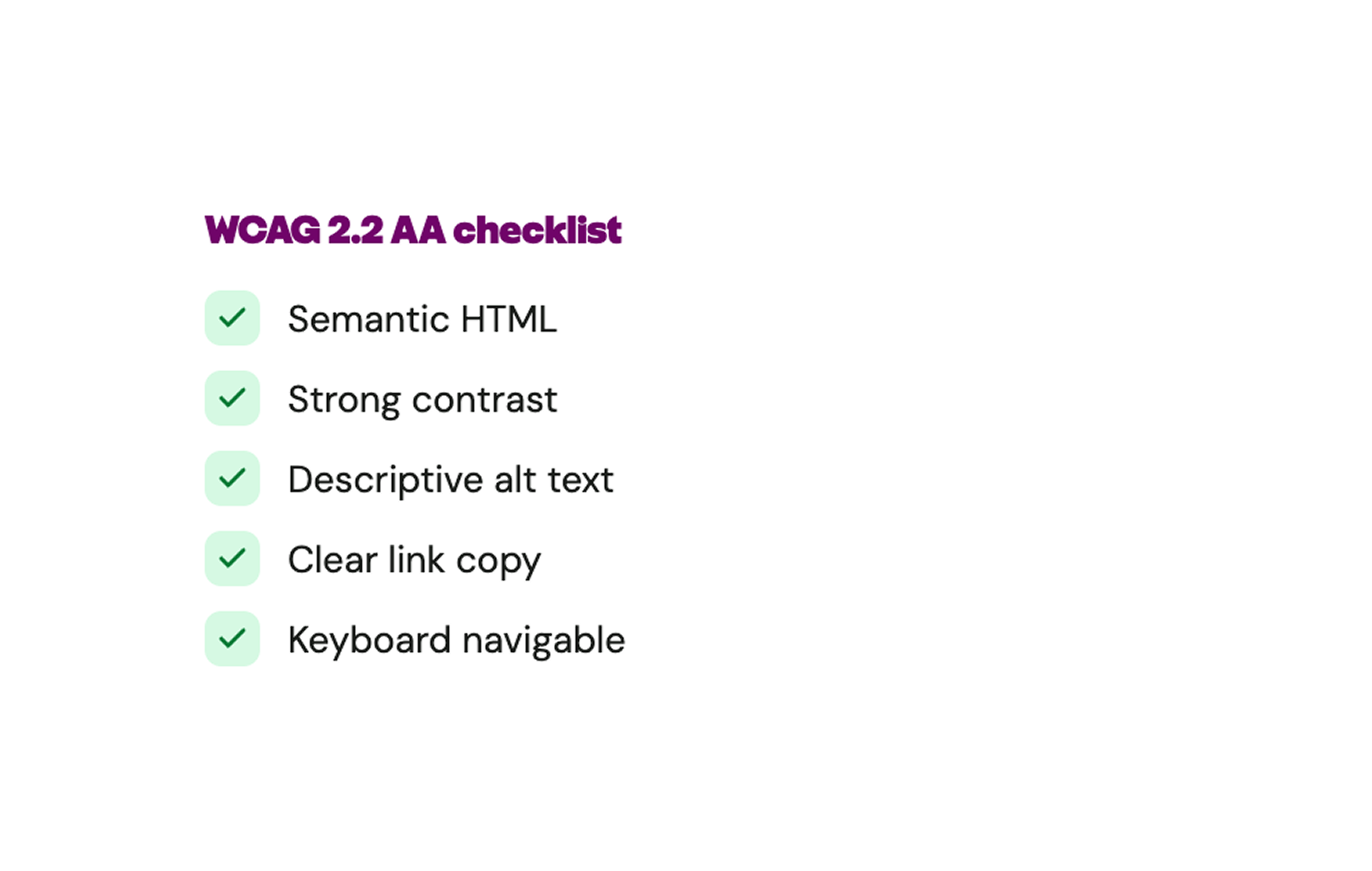
WCAG 2.2 AA, the ADA benchmark
Inbox Monster evaluates your HTML against WCAG 2.2 AA in one scan—the same technical standard ADA and the EAA reference.

Severity that matches reality
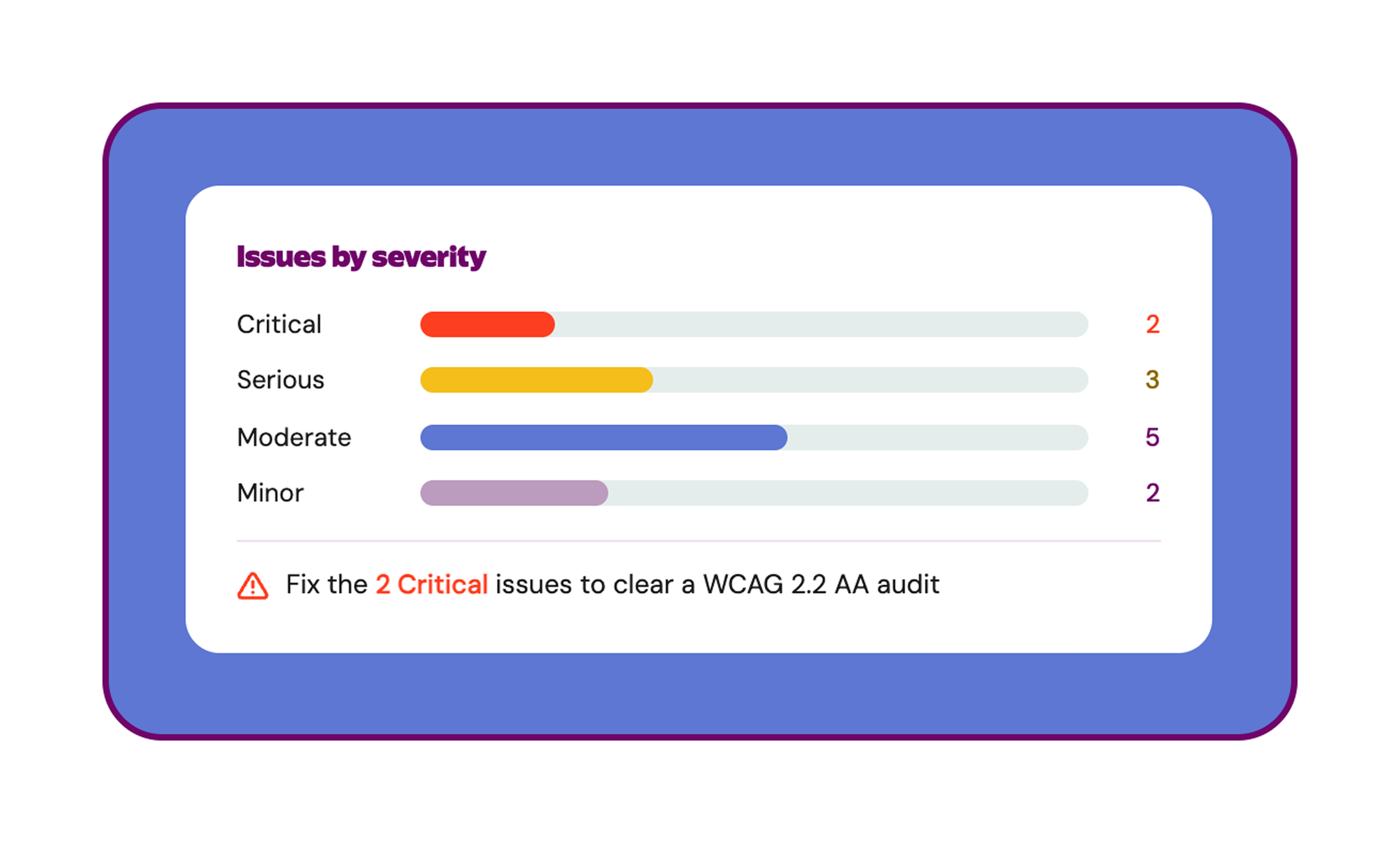
Issues are flagged as Critical, Serious, Moderate, or Minor, so your team fixes what blocks compliance first.

In-line fix guidance
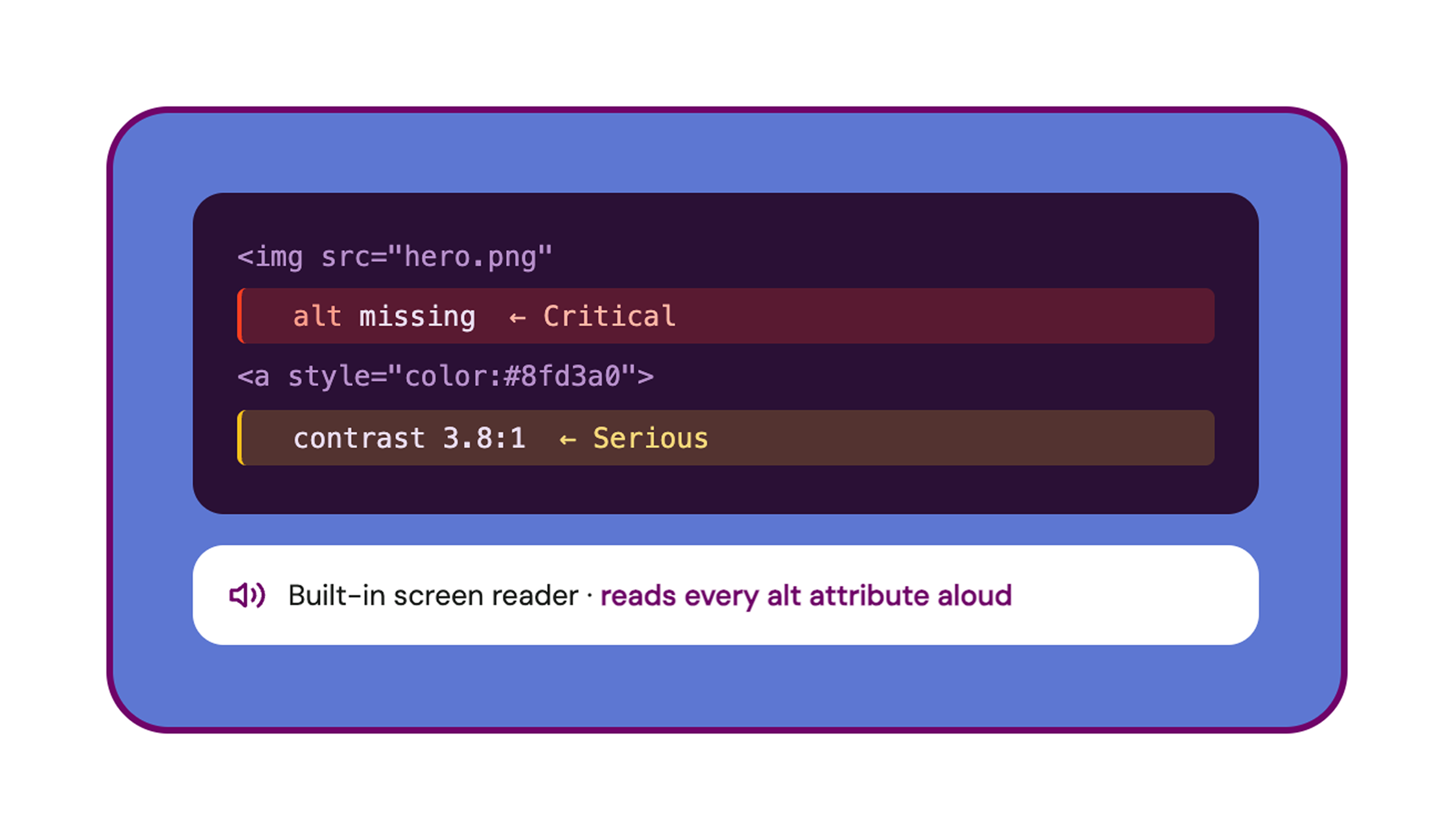
Missing alt text, low color contrast, no focus style on a button—no searching around online for the answer. Each issue surfaces contextual help right next to the exact element in your HTML that needs fixing.

Built into Creative Suite
Our accessibility checker comes with a suite of creative rendering solutions: proofing, live previews, AI summaries, translations and more. No new tool, no separate seat.
How it works in your workflow
Drop in your HTML, get answers fast
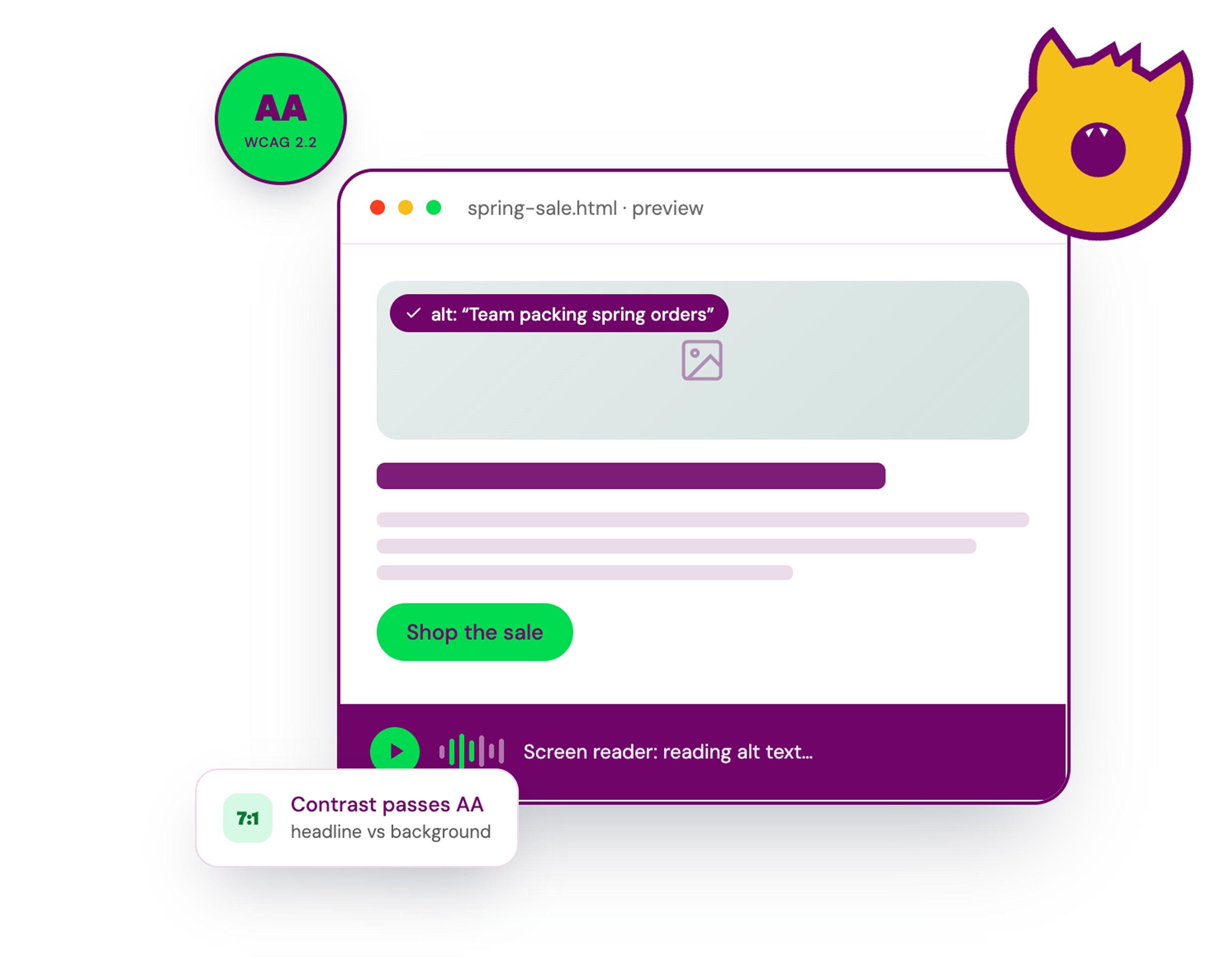
Upload or import your email code from your ESP, open the Accessibility tab and the checker analyzes your HTML instantly. Issues surface with the exact element and the rule they break, so the fix is one click away—not a guessing game. A built-in screen reader narrates your message the way an assistive-tech user would hear it, so you confirm the real experience end to end.
Triage what blocks compliance first
Not every accessibility issue carries the same weight. Inbox Monster tiers findings as Critical, Serious, Moderate or Minor, so your team fixes what would actually fail a WCAG 2.2 AA audit before chasing edge-case polish.
Better-built emails get better inbox treatment
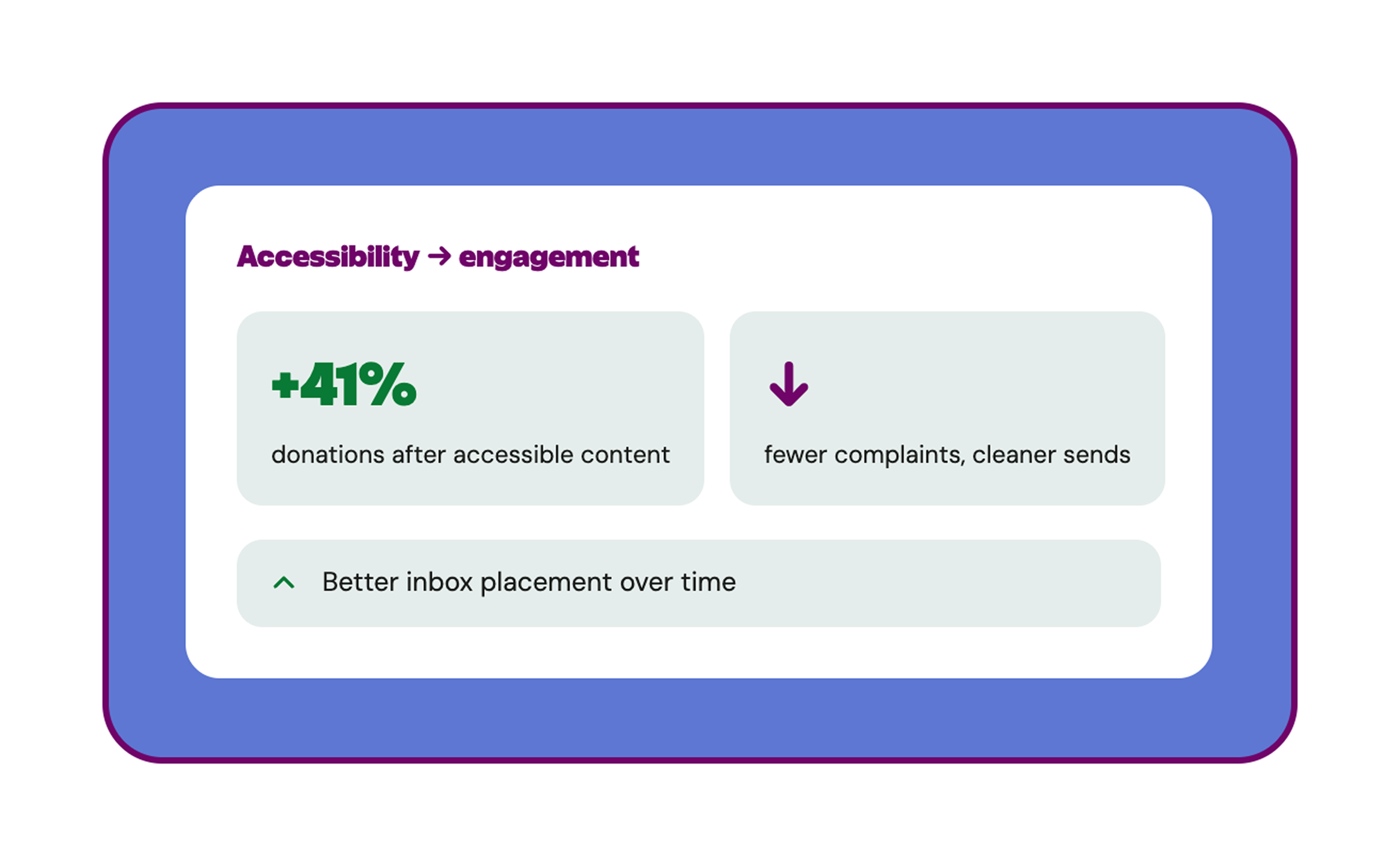
Clear copy, strong contrast, readability, accessible link text and clean semantic structure all drive higher engagement. Mailbox providers read engagement as a positive signal—cleaner emails, fewer complaints, better inbox placement.
By the numbers
16%
Of the global population lives with a disability, per the World Health Organization—hundreds of millions of email subscribers.
1K
Euros per day. The European Accessibility Act allows fines up to €1,000 per day for non-compliant email, plus audits and takedown orders.
41%
Lift in donations after one large U.S. non-profit prioritized text and typography accessibility, per CroMetrics.

Go deeper on accessibility
Free resources from our email experts.
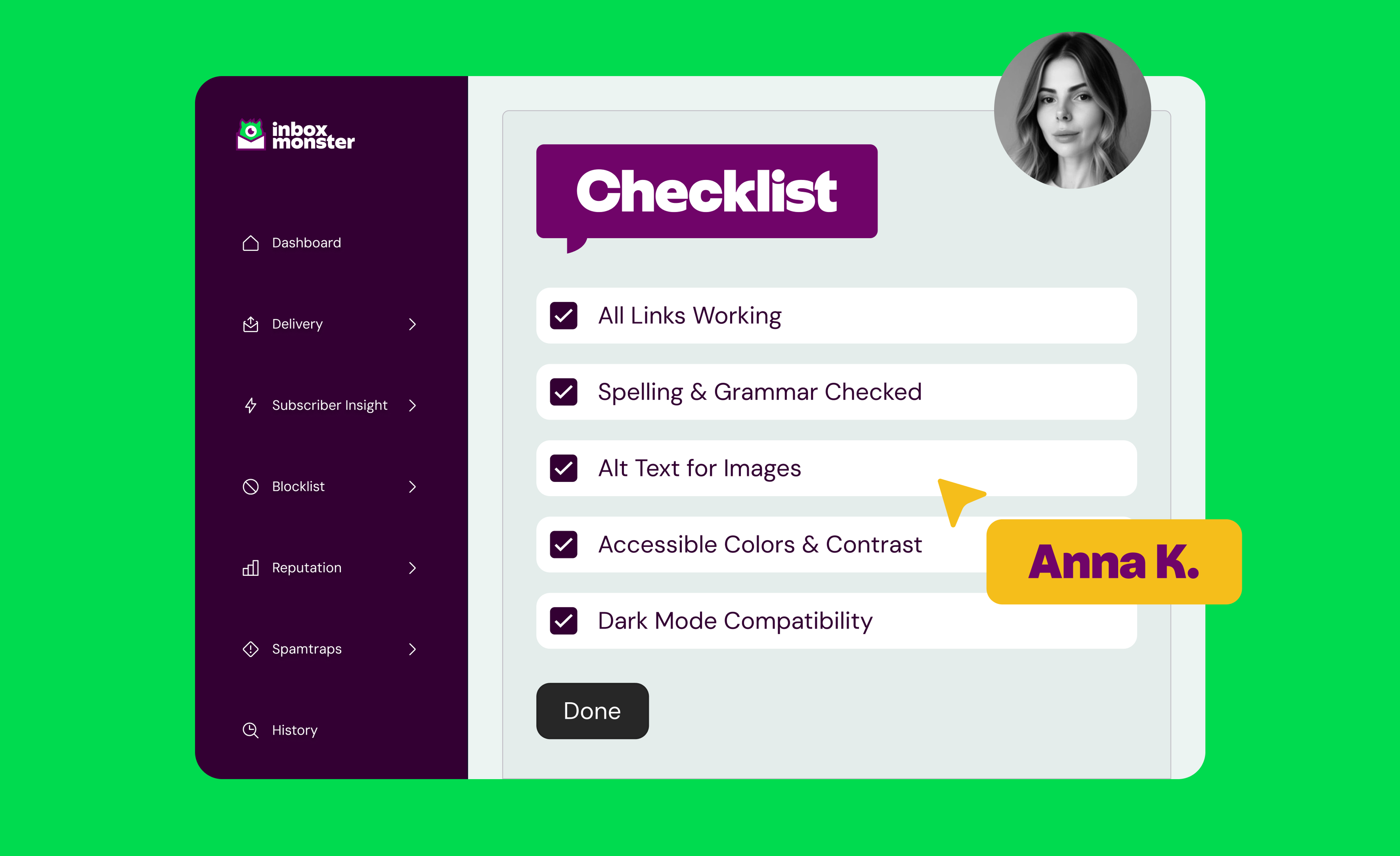
Is Your Email Program EAA-Compliant? What the European Accessibility Act Means for Marketers
Learn how to make your emails EAA-compliant under the European Accessibility Act. Includes WCAG tips, email accessibility standards and legal risks to avoid.
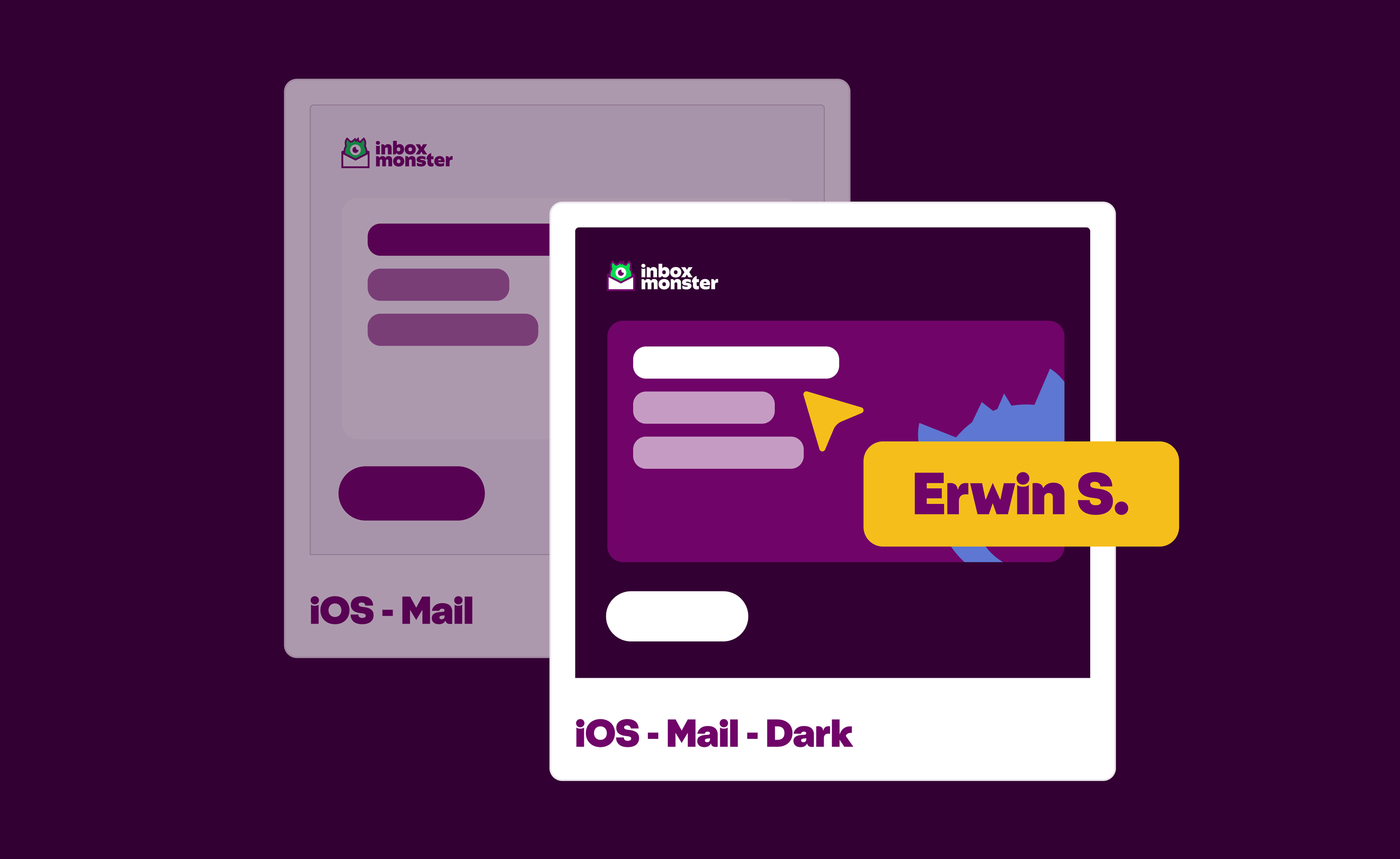
The Monster Guide to Dark Mode QA (for Non-Designers)
Spot Dark Mode rendering issues fast. A non-designer’s cheat sheet to QA, flag fixes and keep your emails looking sharp.
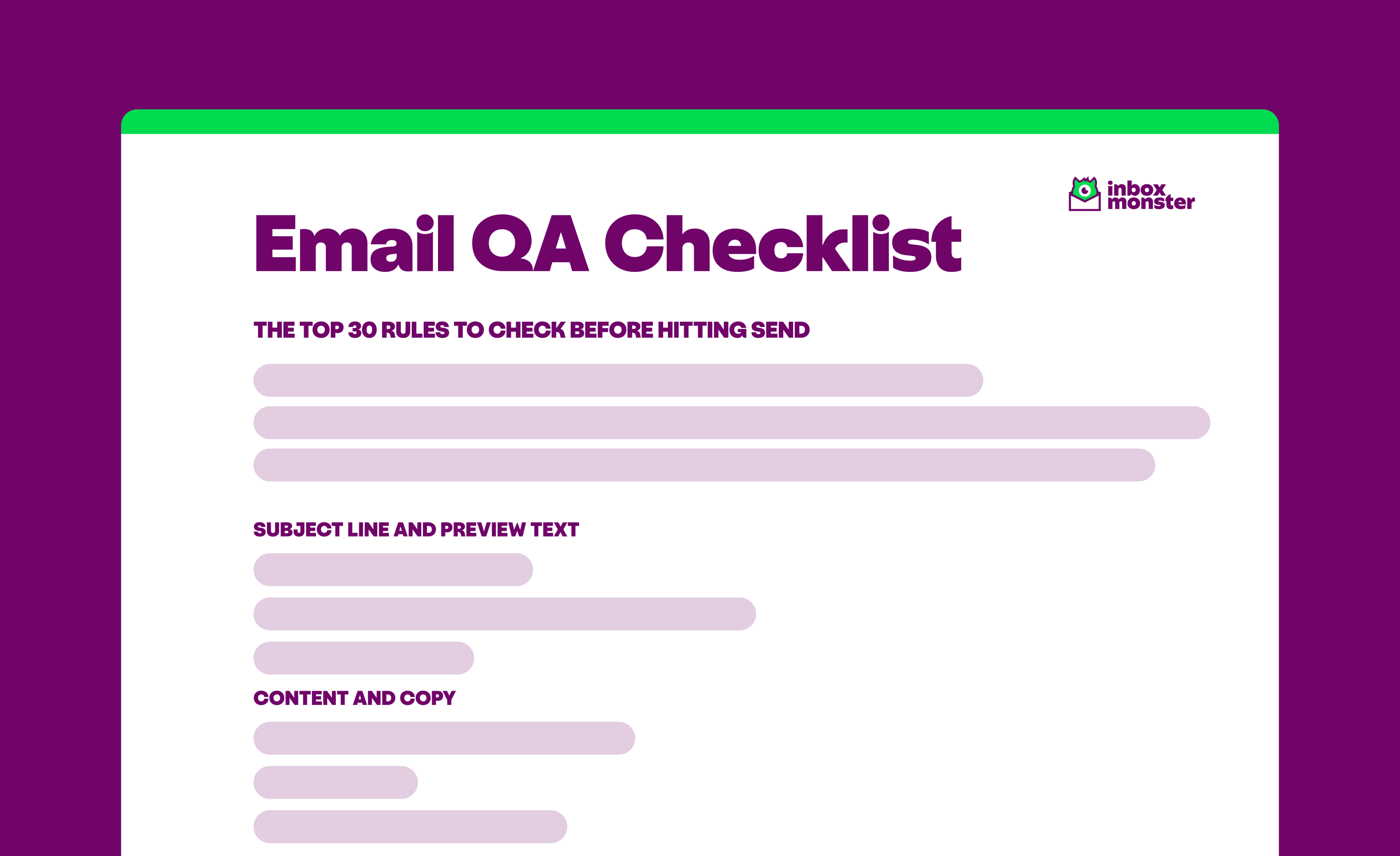
How to Improve Your Sendability: An Email QA Checklist
Download a copy of our email QA checklist with the top 30 rules to check before hitting send.
Explore more email goodness
Deliverability
See what's really going on in the inbox, from placement to ongoing monitoring, so you make the most of your email channel.
Creative Rendering
Pre-send previews across 110+ clients and devices, with diagnostics that flag problems before send.
Research Suite
Curate creative trends and organize emails in one collaborative workspace.
Find your email rawwwr
We can walk you through our email accessibility functionality and run a quick scan of one of your current sends, so you can see where you stand.

Frequently asked questions
Straight answers from our email experts.

Does the EAA apply to transactional emails, or just marketing?
What's the first thing I should fix?
Will my ESP make my emails compliant?
How does accessibility affect deliverability?
Can I still use animated GIFs and stay accessible?
Does Inbox Monster test how my email holds up across email clients and on mobile devices?
Does Inbox Monster check alt text with a screen reader?
Does meeting WCAG mean my email is ADA compliant?
Do I have to comply with the EAA if I'm not based in the EU?
Can I set up custom accessibility checks?