300+ leading brands run on Inbox Monster






Why email teams choose Inbox Monster for proofing
One place to review, comment, approve and version every email.

Pin feedback right on the email
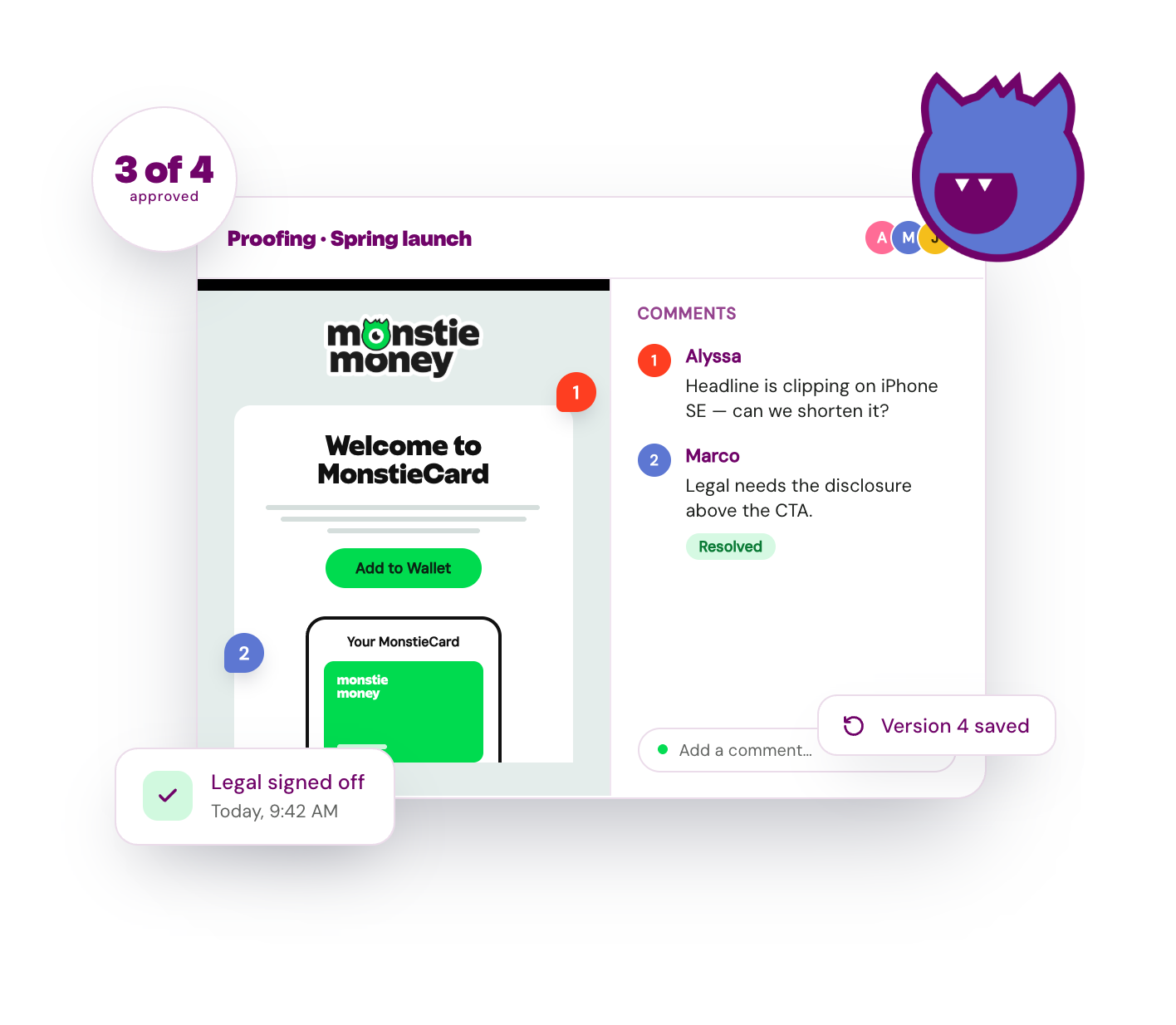
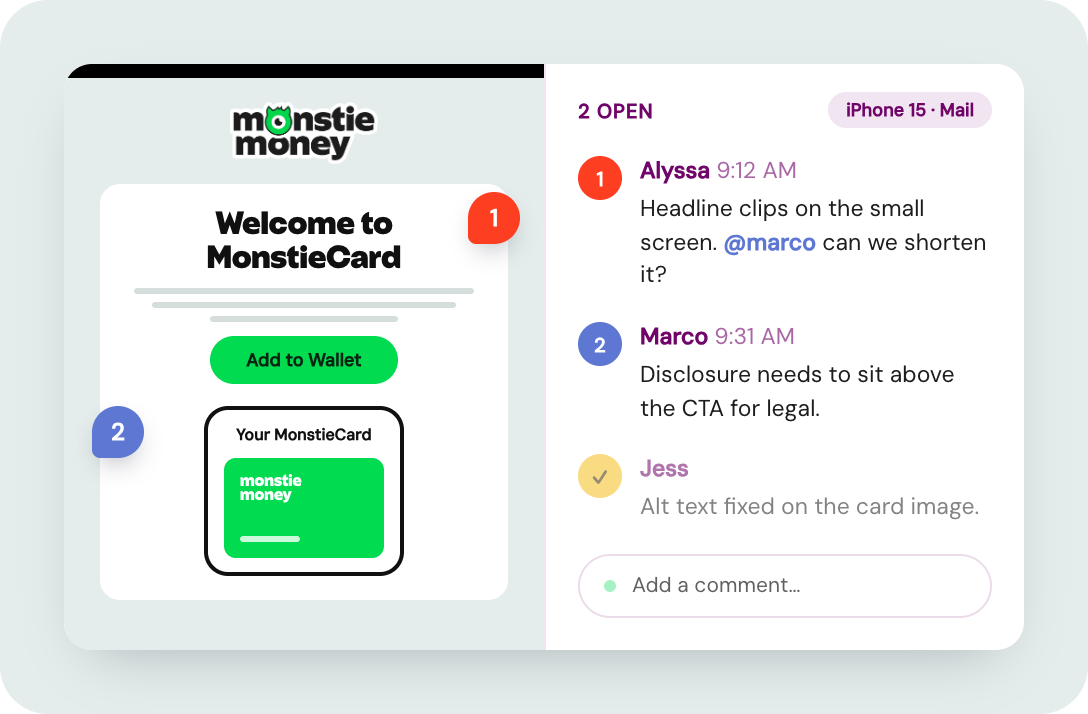
Pin a comment to a specific part of the email or device, then tag a teammate. Feedback is always anchored, so issues never get lost.

One approvals dashboard, tracked end to end
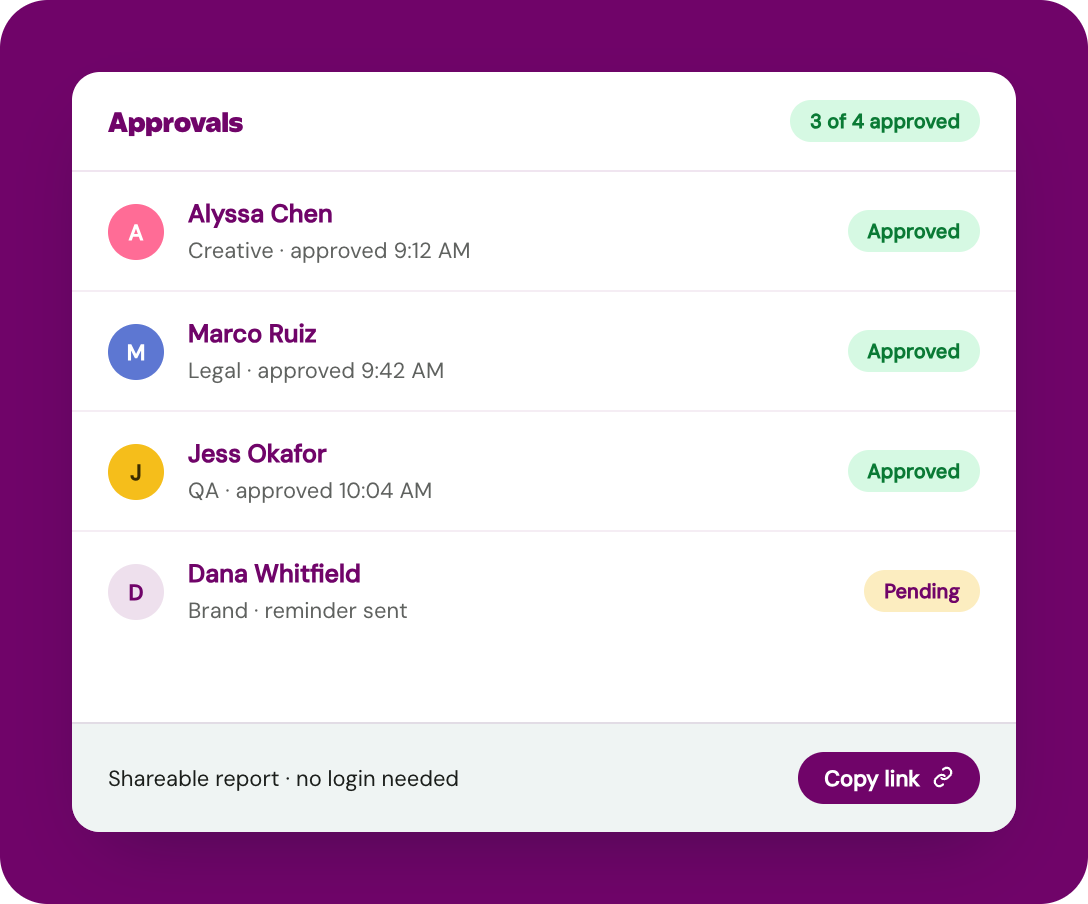
Team members can request and grant approvals, with a one-page view of all pending requests and progress.

Version history built in
Save each round as a new version and roll back to any earlier one, so you always know what changed and which version got approved.

Unlimited seats for the whole team
Designers, QA, legal and stakeholders all work in one shared view, with no per-user fee.
How it works in your workflow
Your whole team on one email, for faster sends
Open an email in the Proofing tab, and everyone can review the same rendering project. Pin a comment to any part of the email or to a specific device or client, tag a teammate and resolve it in one view. Enhanced notifications keep reviewers moving, so you know when every proof is ready for primetime.
Send confidently without bottlenecks
Route an email for approval and let each reviewer sign off in one dashboard. Share a report with a stakeholder or client who does not need a login, so the people who approve the work can see it without slowing you down.
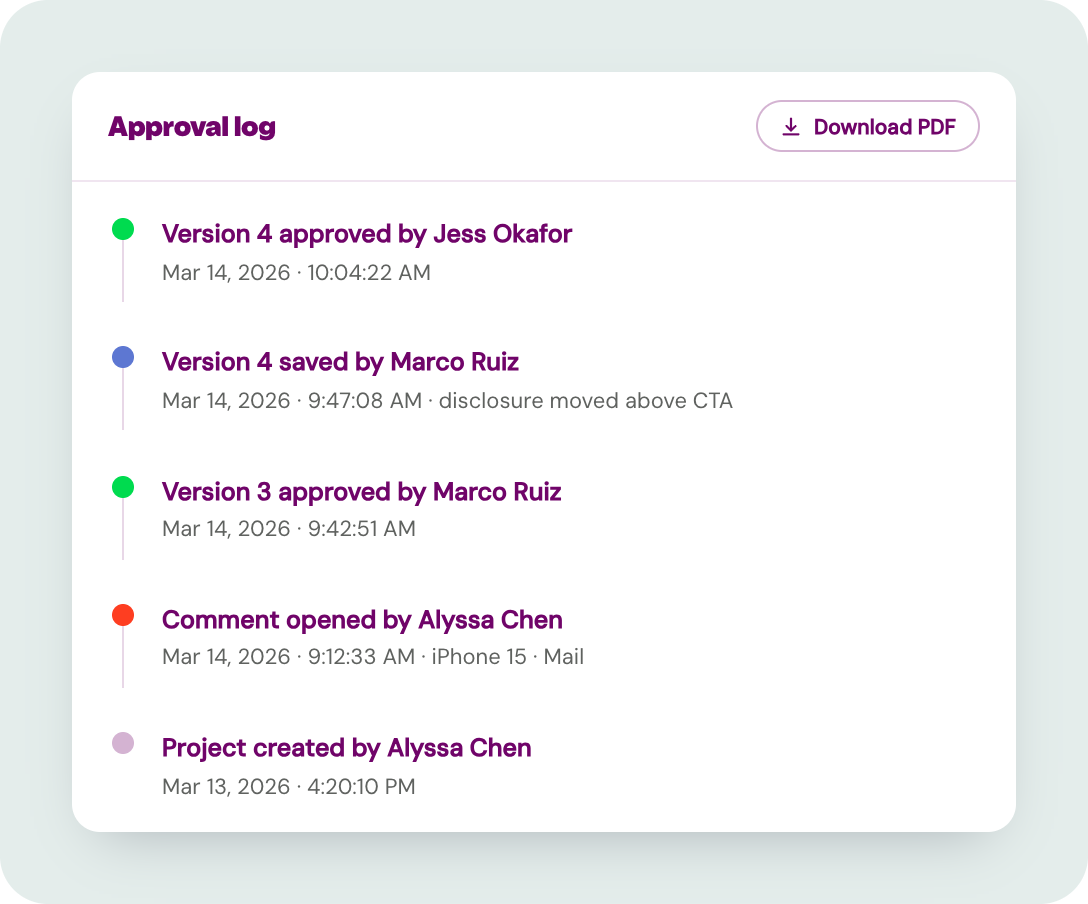
Sign-off logs capture a project’s full history
The approval log maintains the sign-off history of each project, with notes on versions, actions taken by team members and completed approvals. You can see an exact timestamp on each sign-off and download as PDF for record-keeping.
By the numbers
53%
Time saved on QA by teams using Inbox Monster's Creative Suite.
80+
Pre-built rules within Inbox Monster's Custom QA, including guidelines for branding, design, legal, compliance and more.

Go deeper on proofing and QA
Free resources from our email experts.

What Is Sendability?
Deliverability gets your email to the inbox. Sendability is whether it works once it lands. Here's the difference and why both matter.
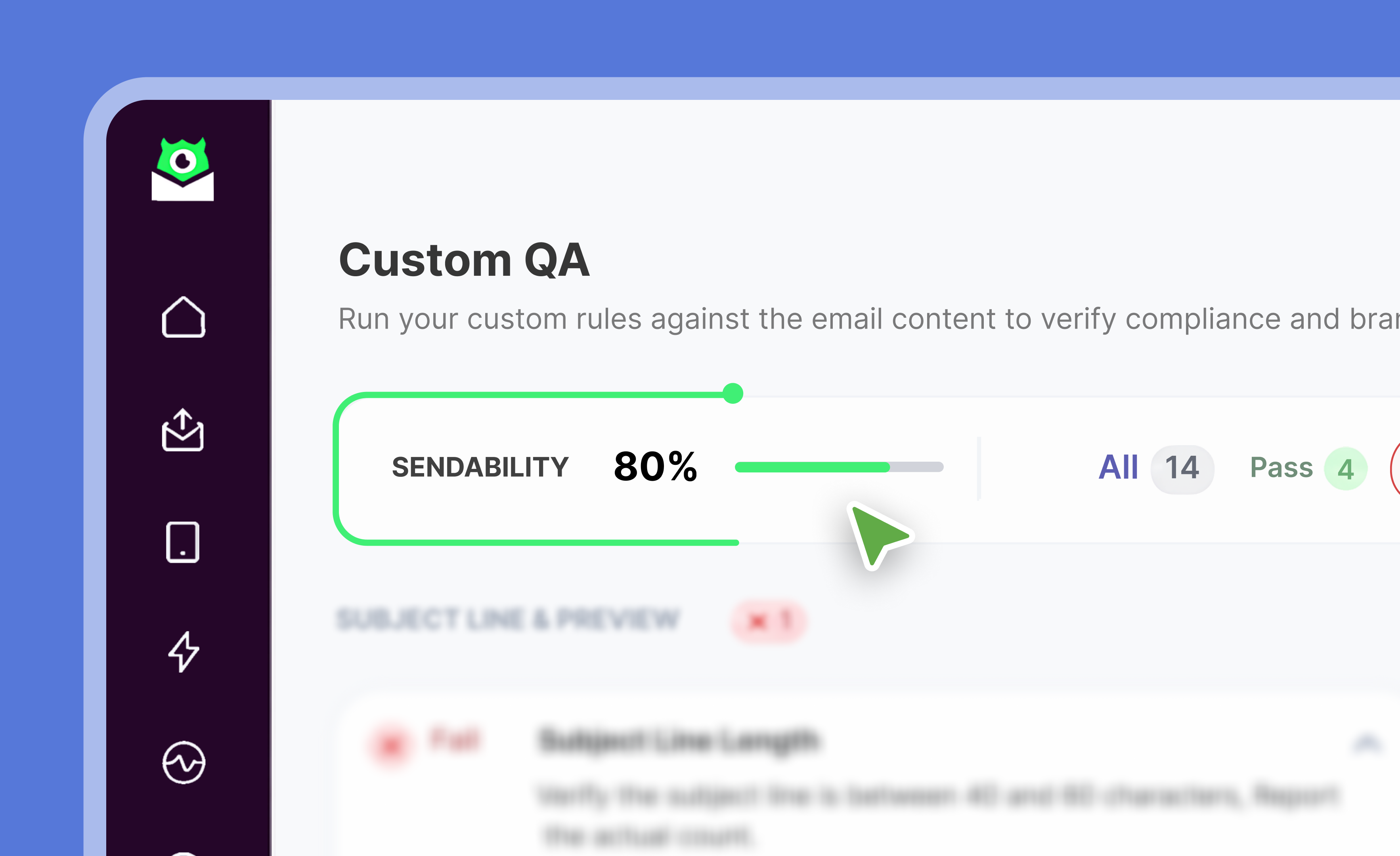
Inbox Monster Custom QA
Inbox Monster's Custom QA empowers teams to tailor their email testing to their brand's unique needs.
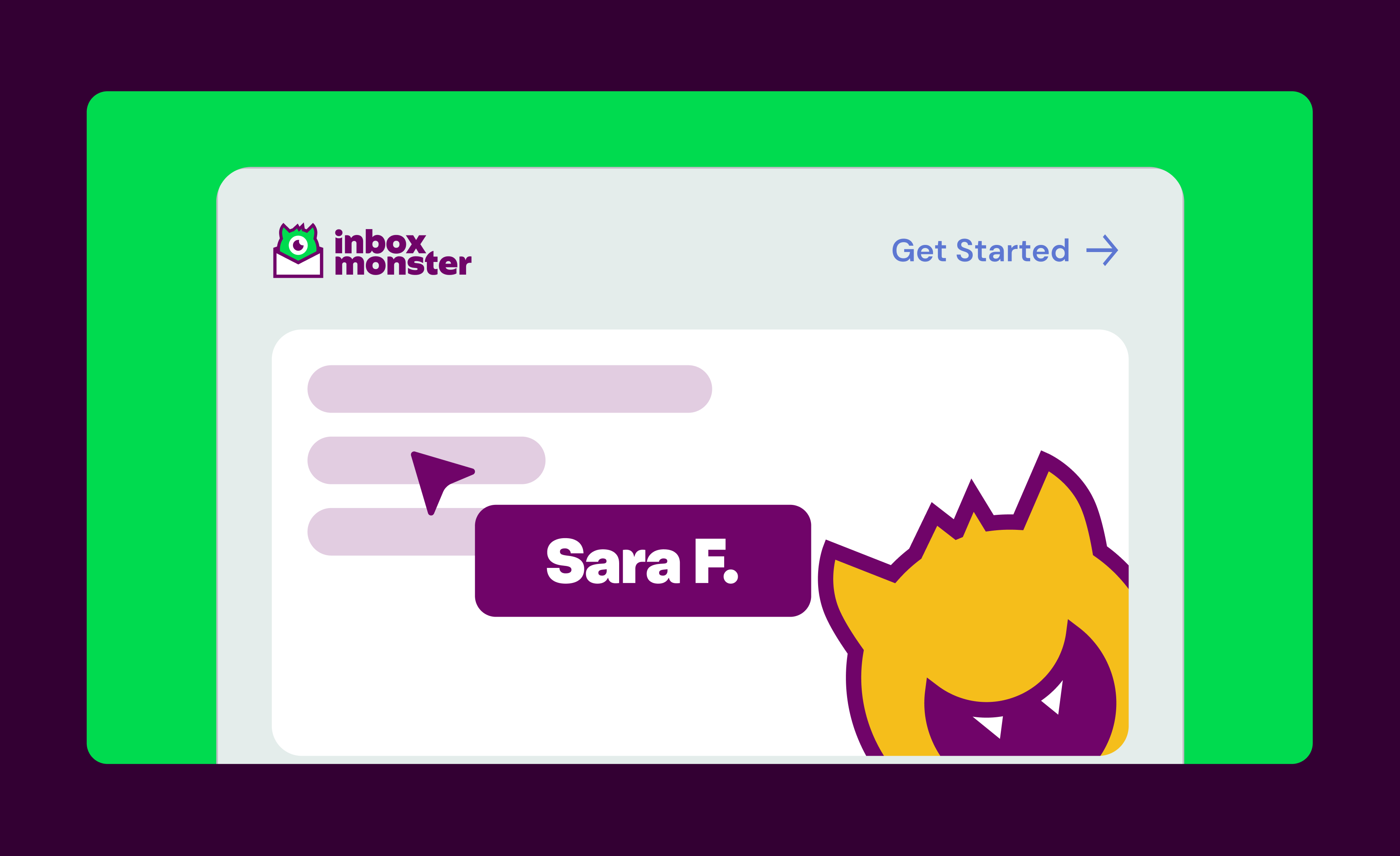
5 Unique Creative Testing Features
Five features in the Creative Suite that speed up review, QA and sign-off on every email.
Explore more email goodness
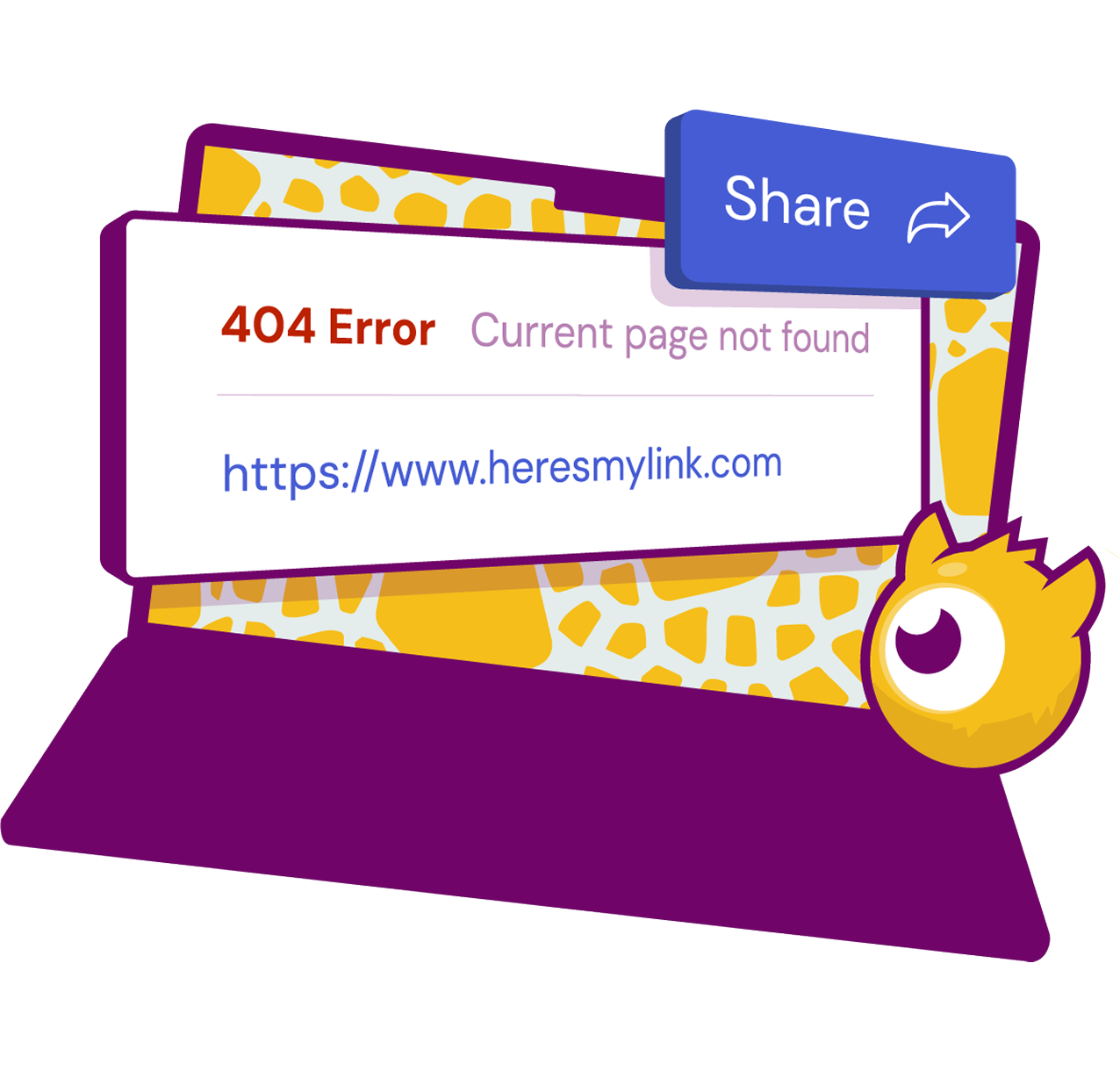
Email Previews
Preview every email across 120+ clients and devices in light and dark mode before you send.
Email Accessibility
Test every email against WCAG 2.2 AA and catch accessibility issues before send.
Email Deliverability
See where your email actually lands, from inbox placement to sender reputation.
Research Suite
Curate creative trends and organize emails in one collaborative workspace.
Find your email rawwwr
We can walk you through the Creative Suite and run one of your real campaigns through proofing so you can see it in action.

Frequently asked questions
Straight answers from our email experts.

Can my whole team collaborate on an email together?
How do approvals work?
Can I track versions of an email?
Can I share a proof with someone who does not have a login?
Can I set up custom checks for my brand or compliance rules?
How is this different from just using previews?