Leading brands trust us


What you can do with every open
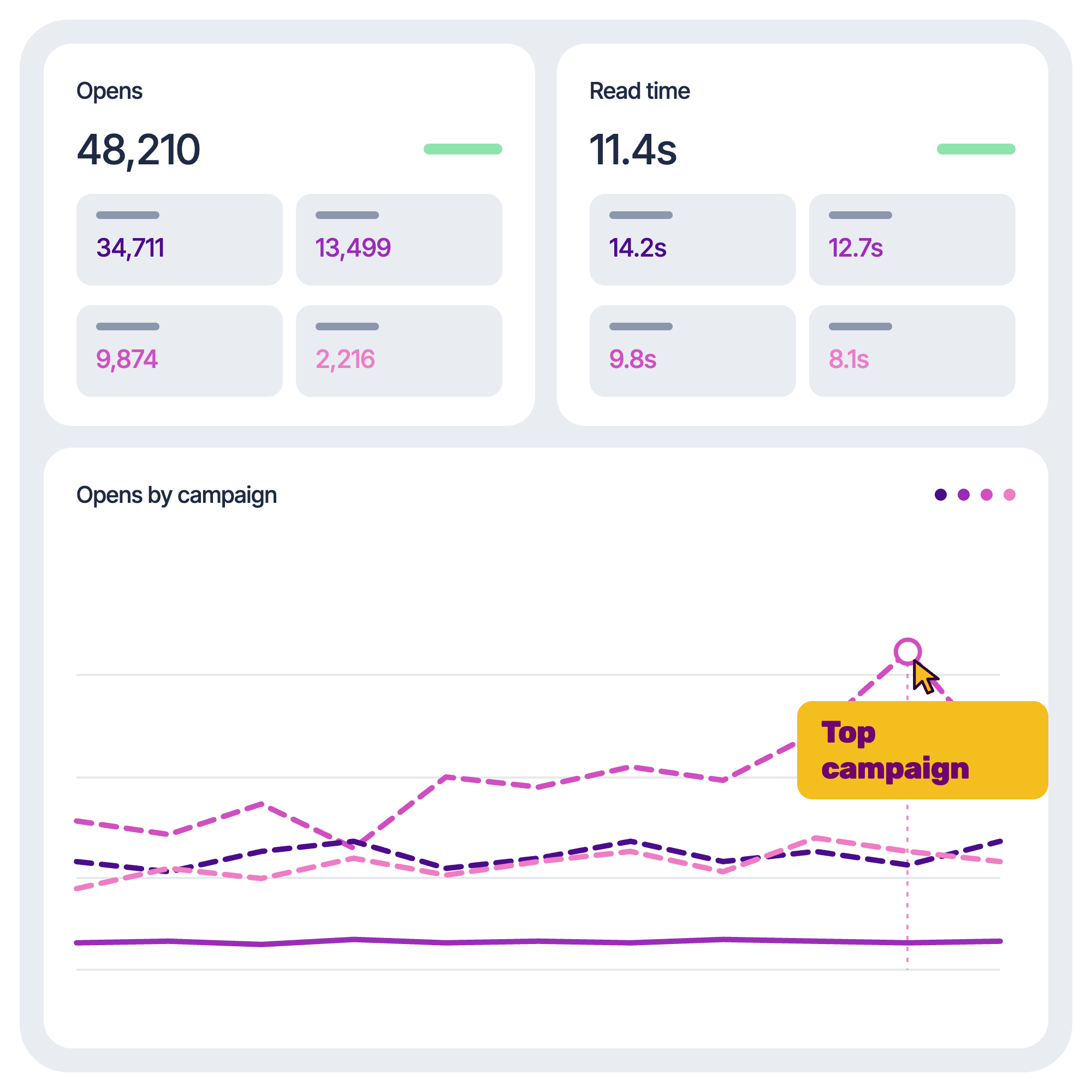
Open rates alone only tell part of the story. The Engagement Pixel adds the context behind them, giving you more accurate reporting.

See the opens made by actual people
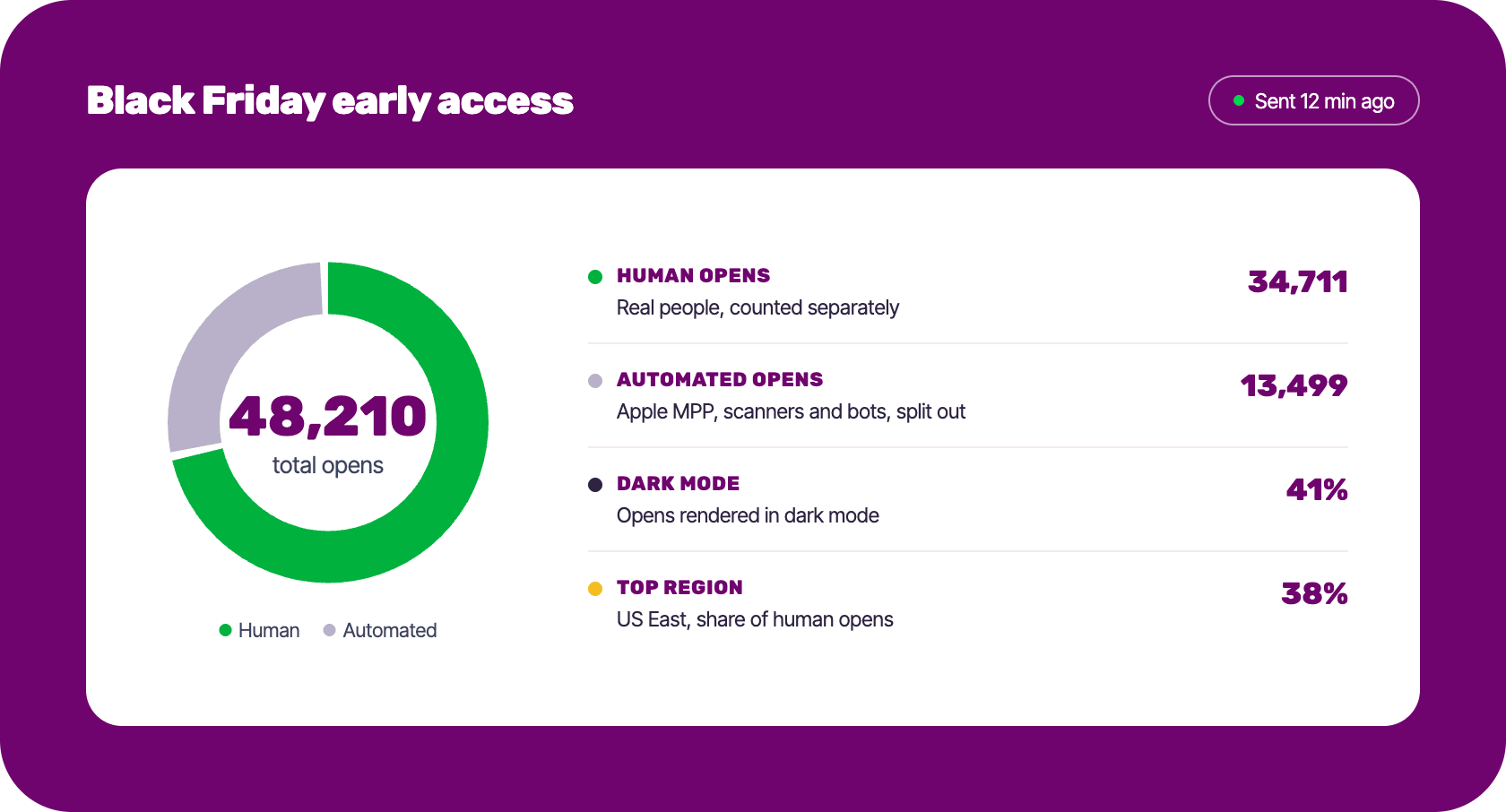
Human opens are reported apart from automated ones, so pre-fetches don’t pad your comparisons.

Understand which content hits
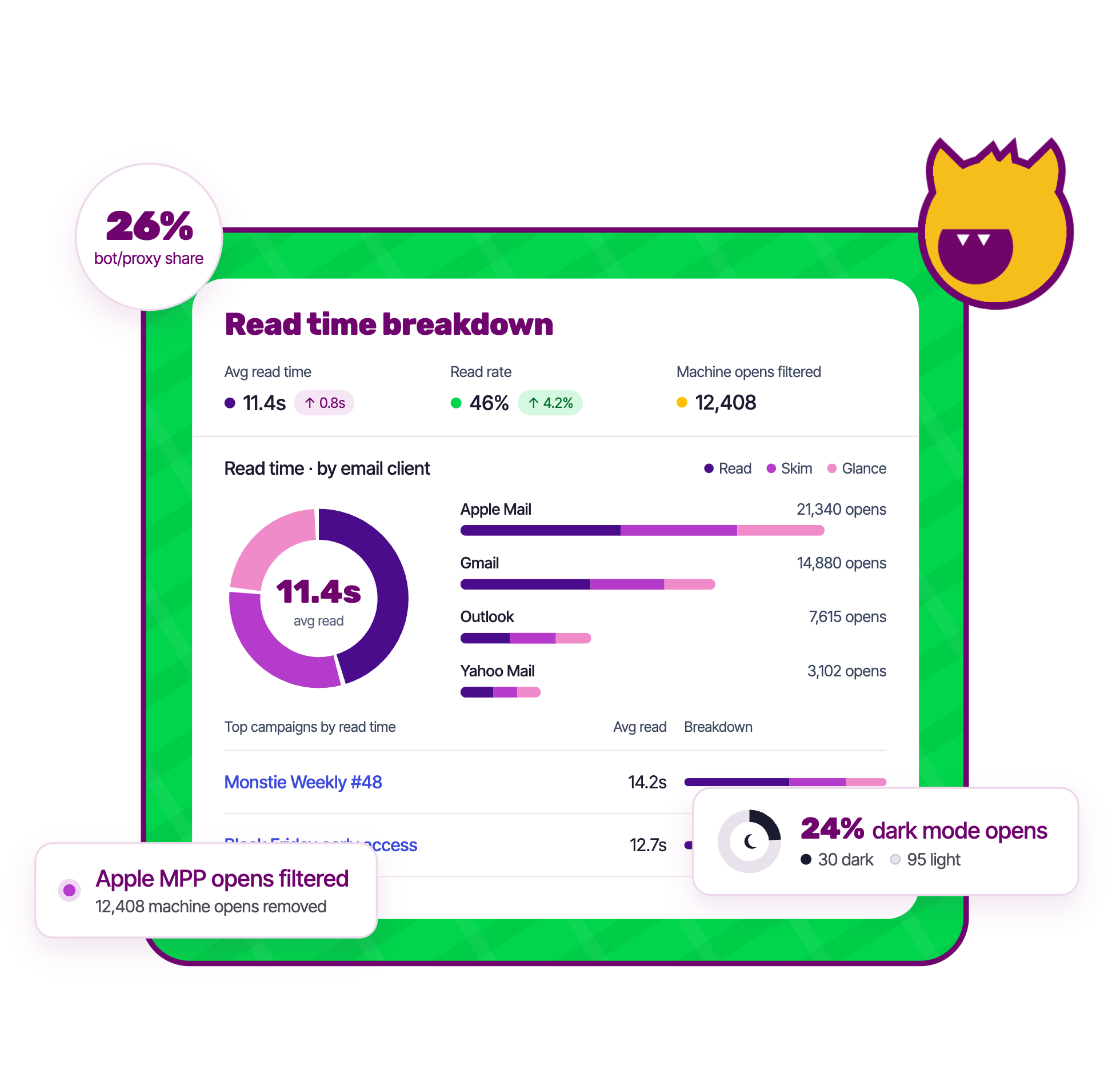
Read time shows how long subscribers stayed--or if they skimmed. Know what actually resonates.

Test the email clients your subscribers use
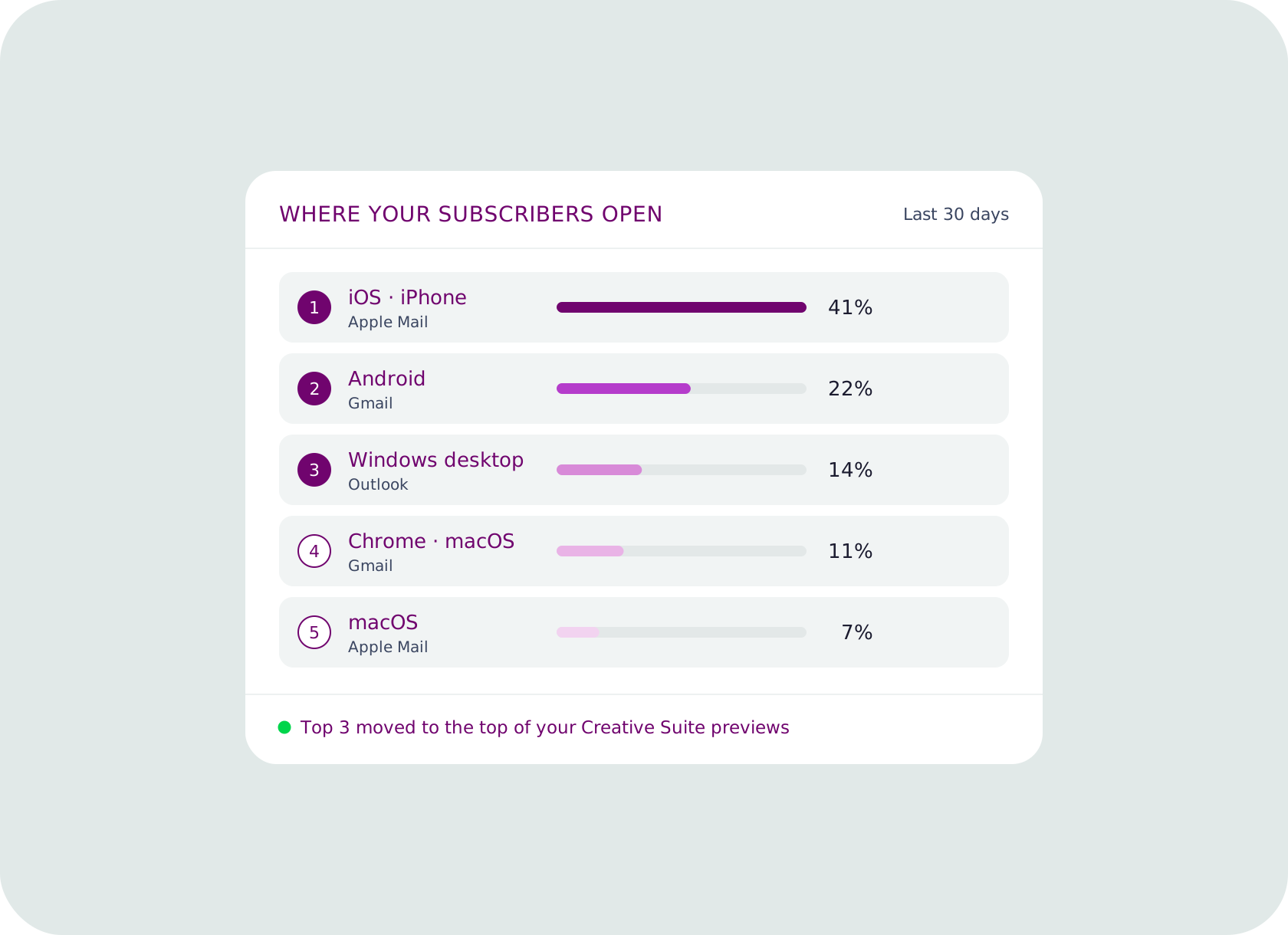
See the devices and operating systems behind your opens. Then prioritize them in previewing.

Know who opens in dark mode
See what percentage of recipients have their email environment set to light mode or dark mode.
How it works
Setup without integrations
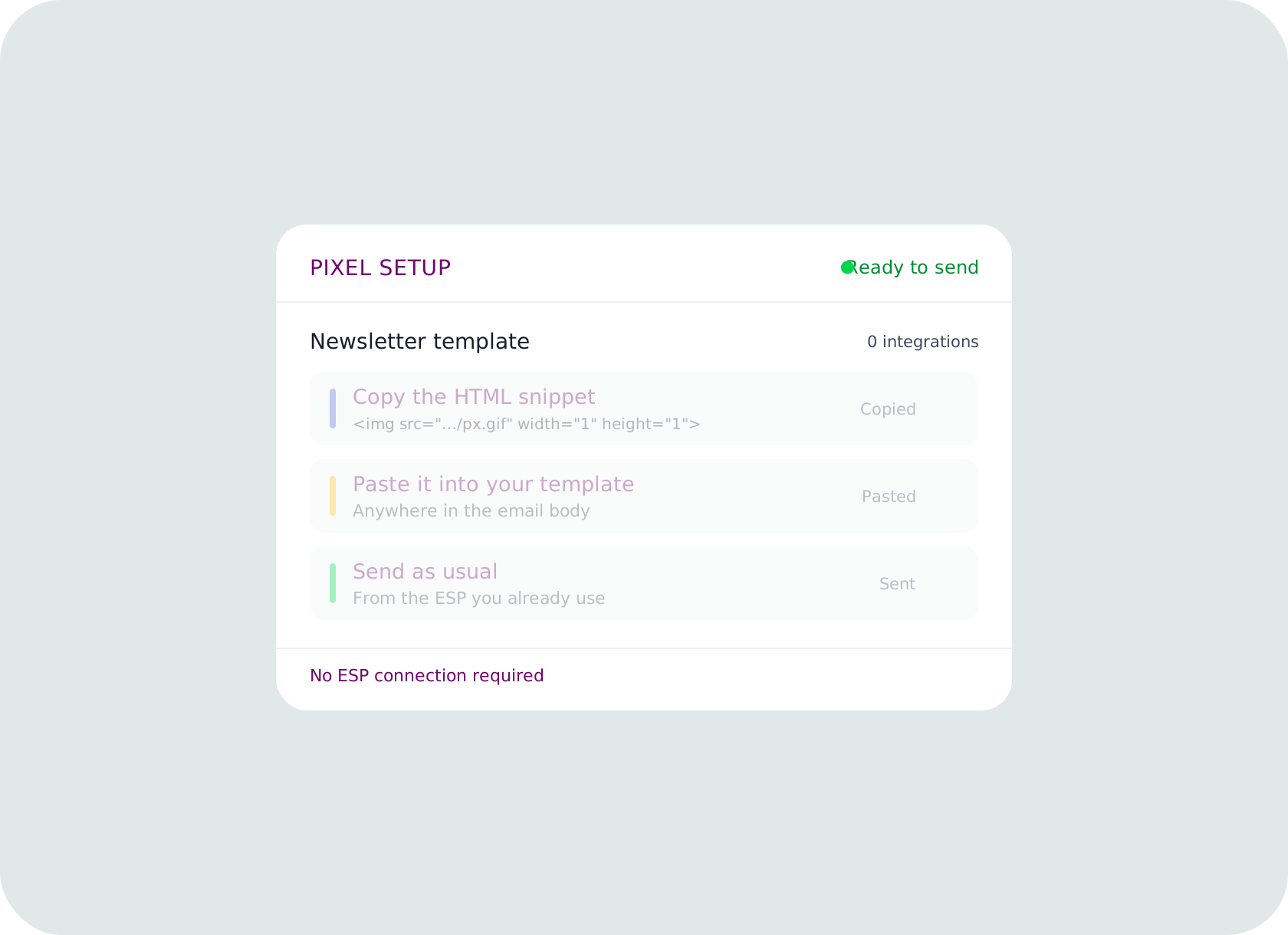
The Engagement Pixel is a 1x1, invisible image you add to your email creative. Copy the HTML snippet, paste it into your template, and send as usual. Because it works independently of your ESP, there's nothing to connect and no platform to wait on.
Track opens and more in near-real time
Get insights from each send within minutes, with human and automated opens already split. Receive metrics on engagement, geography, audience distribution and device data—including dark mode. Compare across campaigns and time periods, with exportable analytics dashboards for sharing and reporting.
Test where your subscribers open
See the devices, browsers and operating systems behind your opens to identify which you should prioritize testing. Move those to the top of your Creative Suite previews, so the clients your subscribers use most get checked on every send.
What you'll see in Inbox Monster
Six signals from each campaign, collected by a single pixel.
Detail depends on what each email app shares. Readers using Apple Mail Privacy Protection or Gmail image caching show as an open only.
Open event
Whether and when your email was opened
Country
Where in the world it was opened
Device
The kind of device the reader used
Software
The email app or browser they read it in
Operating system
The system that app was running on
Dark mode opens
Understand how many of your people prefer a dark environment
Read time
How long the reader stayed with the email
Re-open frequency
See how many of your customers came back to your message
Forwarding signals
Get an estimated reach beyond your audience
Free resources

The Monster Guide to Email Tracking Pixels: Truth, Myths and How to Use Them Without Losing Trust
Learn the truth about email tracking pixels, their limitations and how to use them ethically to build trust—not lose it.
EU Pixel Tracking: What Email Teams Need to Know About the New France and Italy Regulations
This explainer dives into France’s CNIL and Italy’s Garante regulations on email pixel tracking, detailing how each defines consent collection and how you can remain compliant.
Email previews for the inbox win
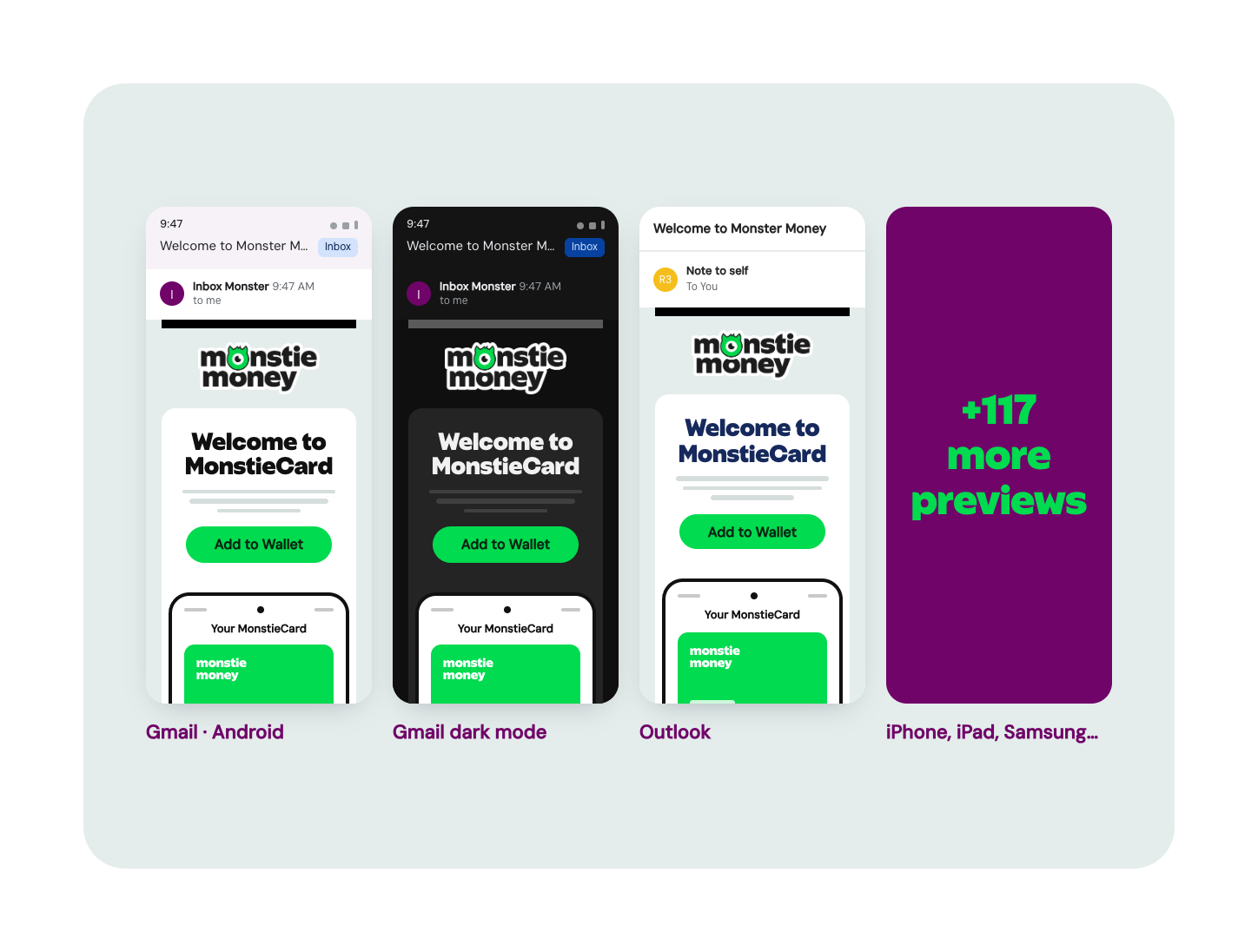
Preview your email across 120+ clients and devices, catching rendering issues before you send.
Explore more email goodness
Creative Rendering
Preview, proof and QA your email on every major device before you send.
Expert Services
Proactive deliverability support, from authentication setup to inbox remediation.
Deliverability Suite
See what's really going on in the inbox, from inbox placement to ongoing monitoring so you can make the most of your email channel.
Find out what's really going on in the inbox
We'll show you the Engagement Pixel in action and what it can add to your email reporting.

Frequently asked questions
Straight answers from our email experts.

What is the Engagement Pixel?
It's a 1x1, invisible pixel you add to your email creative. When a subscriber opens the email, Inbox Monster records the open along with the country, device, software, operating system and read time.
How do I set it up?
Copy the HTML snippet from the Set Up & Integrations section and paste it into your email creative. Setup is manual, so you control exactly which campaigns carry the pixel.
Does it work with my ESP?
Yes. The Engagement Pixel works independently of any ESP, so there's no integration to configure.
How quickly does the data show up?
Data appears within Inbox Monster 10 to 15 minutes after a subscriber opens the email.
What does the pixel do with Apple Mail Privacy Protection (MPP) and Gmail image caching?
Inbox Monster’s Engagement Pixel offers Apple Mail Privacy Protection (MPP) visibility and real-read filtering. For specific privacy protections and regulatory rulings, we track only that an open occurred. Read the numbers as directional, and compare campaign against campaign.
Can it tell me how long someone read my email?
Where the subscriber's email app shares it, yes, the pixel records read time. An open still isn't a guarantee of attention, and Apple Mail and Gmail readers who are protected will show only the open. That's why we suggest pairing opens with clicks and other engagement metrics.
Is the Engagement Pixel part of my plan?
The Engagement Pixel can be added to an Enterprise plan of Inbox Monster’s Creative Suite, and pricing is based on the number of analytics events. Talk to an email expert for custom pricing and to see what's included in your plan.